Alfy free plan and 30-day trial explained
Alfy is free for Slack and Microsoft Teams teams under 10 people. Bigger teams get a 30-day free trial. Learn what happens when it ends and how to subscribe.
 Slack
Slack Microsoft TeamsUpdated Oct 8, 20261 min read
Alfy is free for teams under 10 people, with no trial. When 10 people or more take part, a 30-day free trial starts, and you then need a subscription to keep matching people. For prices, see BuddiesHR pricing, free plan and trial.
Who counts as a user#
Alfy counts the unique people in the channels of all your programs. People who opted out don't count, and neither do bots.
- Under 10 people: Alfy is free, with no trial.
- 10 people or more: a 30-day free trial starts. If you go back under 10, the trial is cleared.
Days left in the trial#
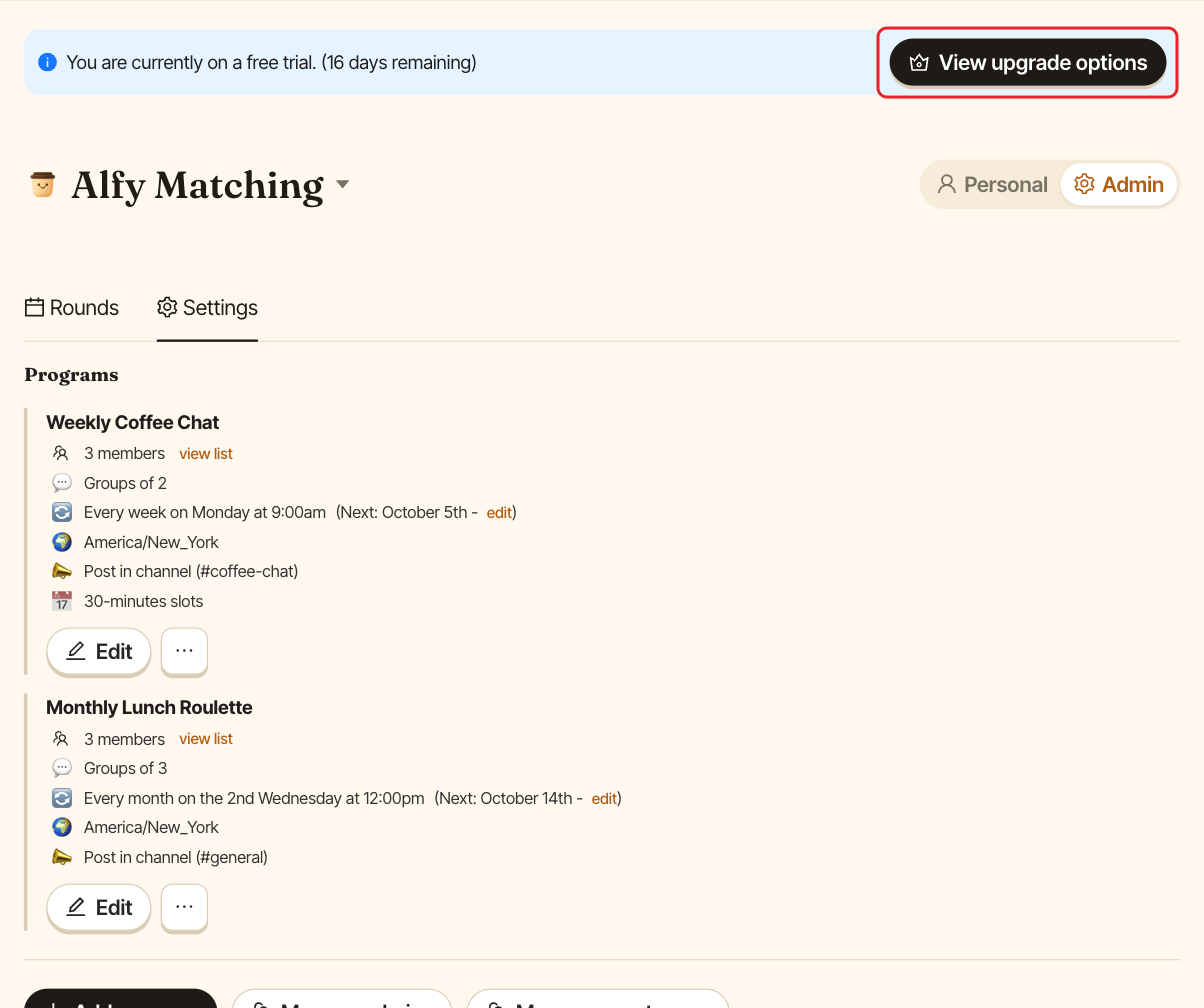
In Slack, admins see the days left at the top of Alfy's Home tab. In the web dashboard, a banner shows the days left to admins.
When the trial ends#
Rounds stop: the program's schedule keeps moving, but nobody is matched until you subscribe. Your programs and settings are kept.
The web dashboard shows admins "Your free trial has expired. Upgrade to continue using Alfy Matching." People who aren't admins see "Your free trial has expired. Contact an admin to upgrade the app."
Subscribe#
- Web dashboard: click
View upgrade optionsin the trial banner. - Slack: on the Home tab, click
💳 Subscribein the trial banner.
You pay securely with Stripe. To manage your subscription afterwards, see manage billing and invoices.