Manage Alfy's conversation starters
Turn Alfy's conversation starters on or off, or customize the ice-breaker questions and categories your team sees in Slack and Microsoft Teams.
 Slack
Slack Microsoft TeamsUpdated Oct 5, 20261 min read
Alfy suggests an ice-breaker question to each coffee chat group. In the Conversation starters section of the Alfy web dashboard, admins can turn this off, or replace the built-in list of 115 questions with their own questions and categories.
Find the conversation starters settings#
Open the web dashboard, switch to Admin and open the Settings tab. Scroll to the Conversation starters section.
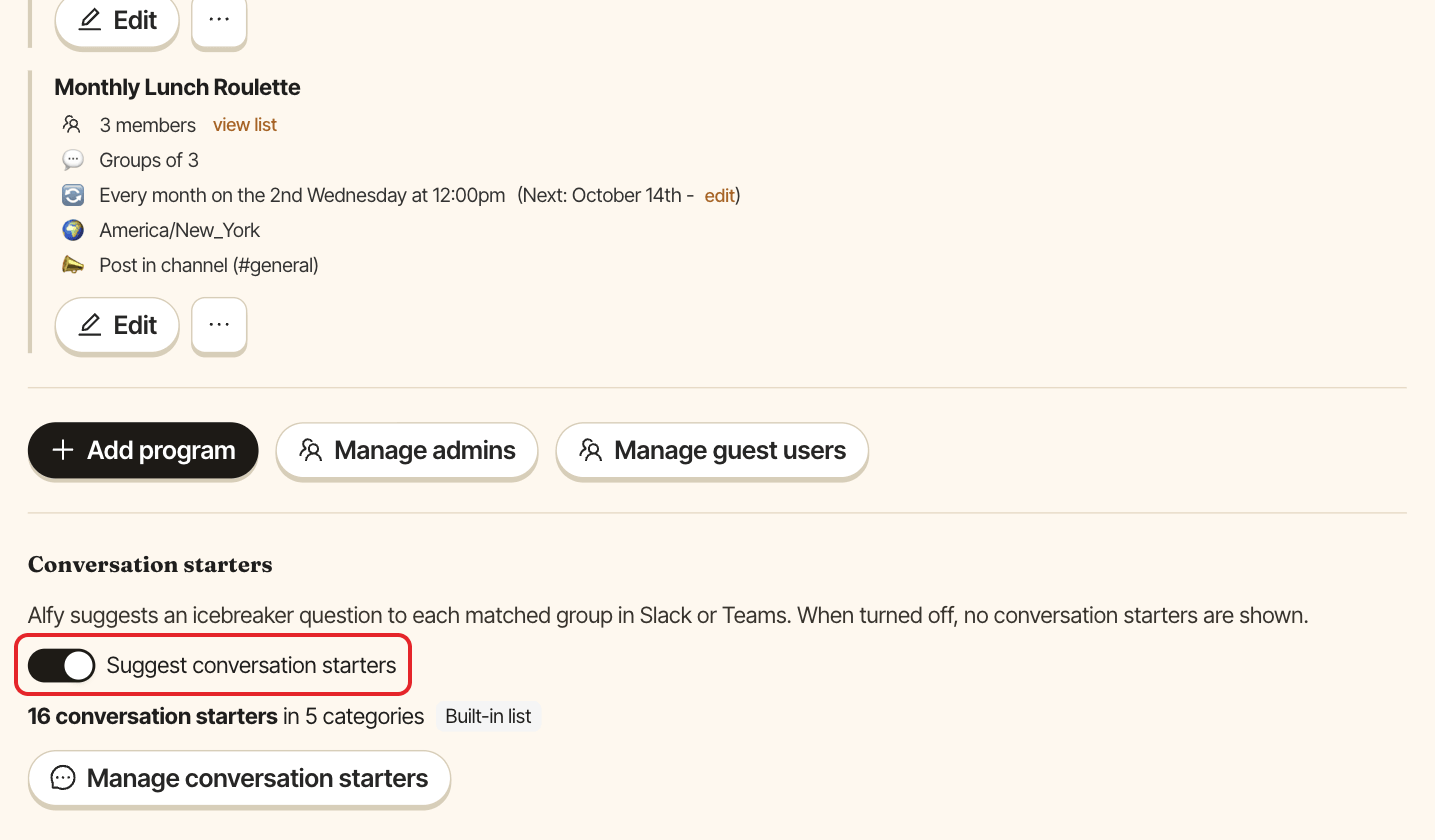
Turn conversation starters on or off#
Use the Suggest conversation starters switch. It's on by default. When it's off, Alfy shows no conversation starters in Slack or Teams.
Customize the questions#
- Click
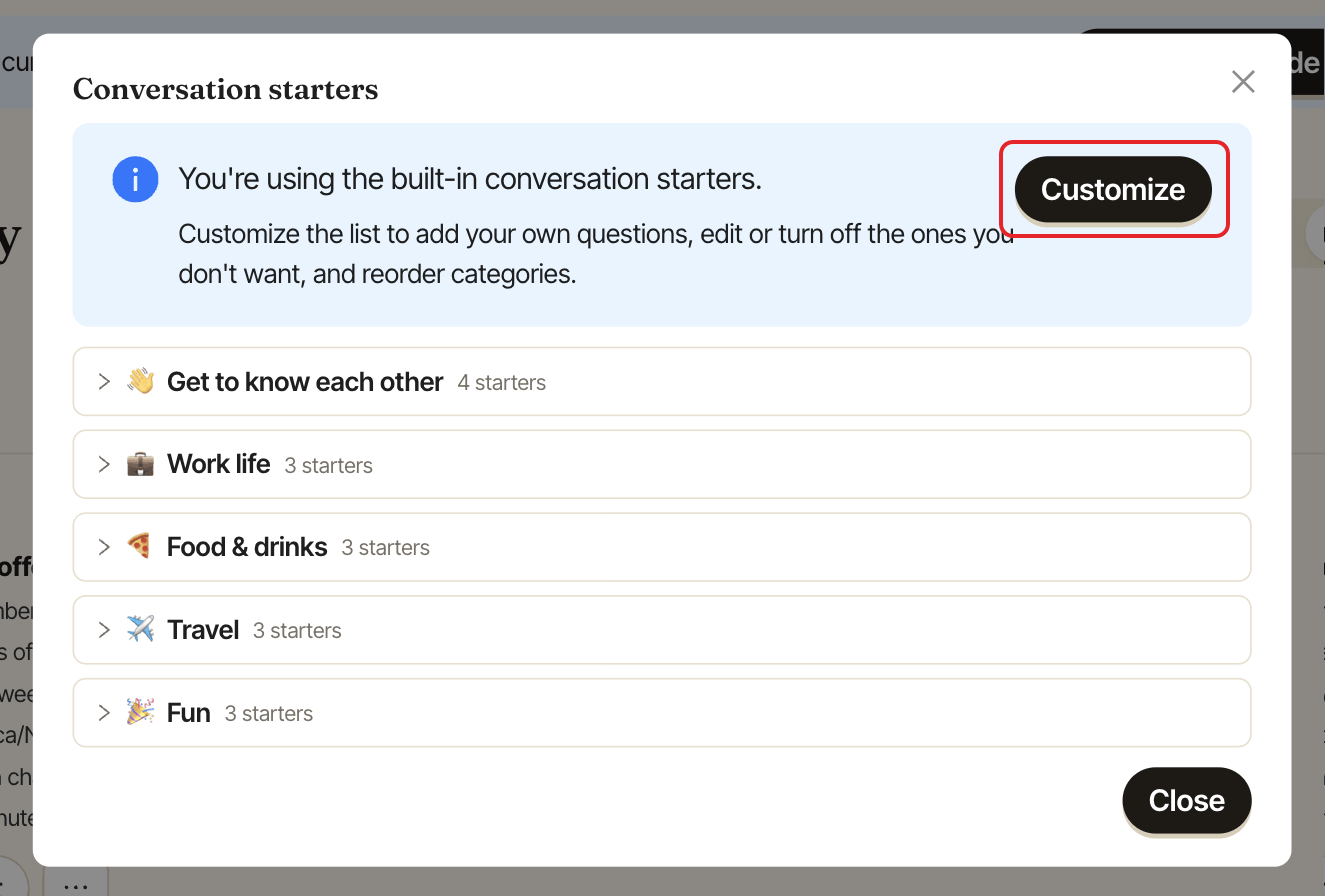
Manage conversation starters. - In the
Conversation starterswindow, clickCustomize. - Make your changes:
Add category: give it aNameand an optionalEmoji (optional).Add conversation starter: type theQuestionand pick itsCategory.- Edit or delete a category or a question.
- Turn a whole category, or a single question with its
Activeswitch, on or off. - Drag categories to reorder them.
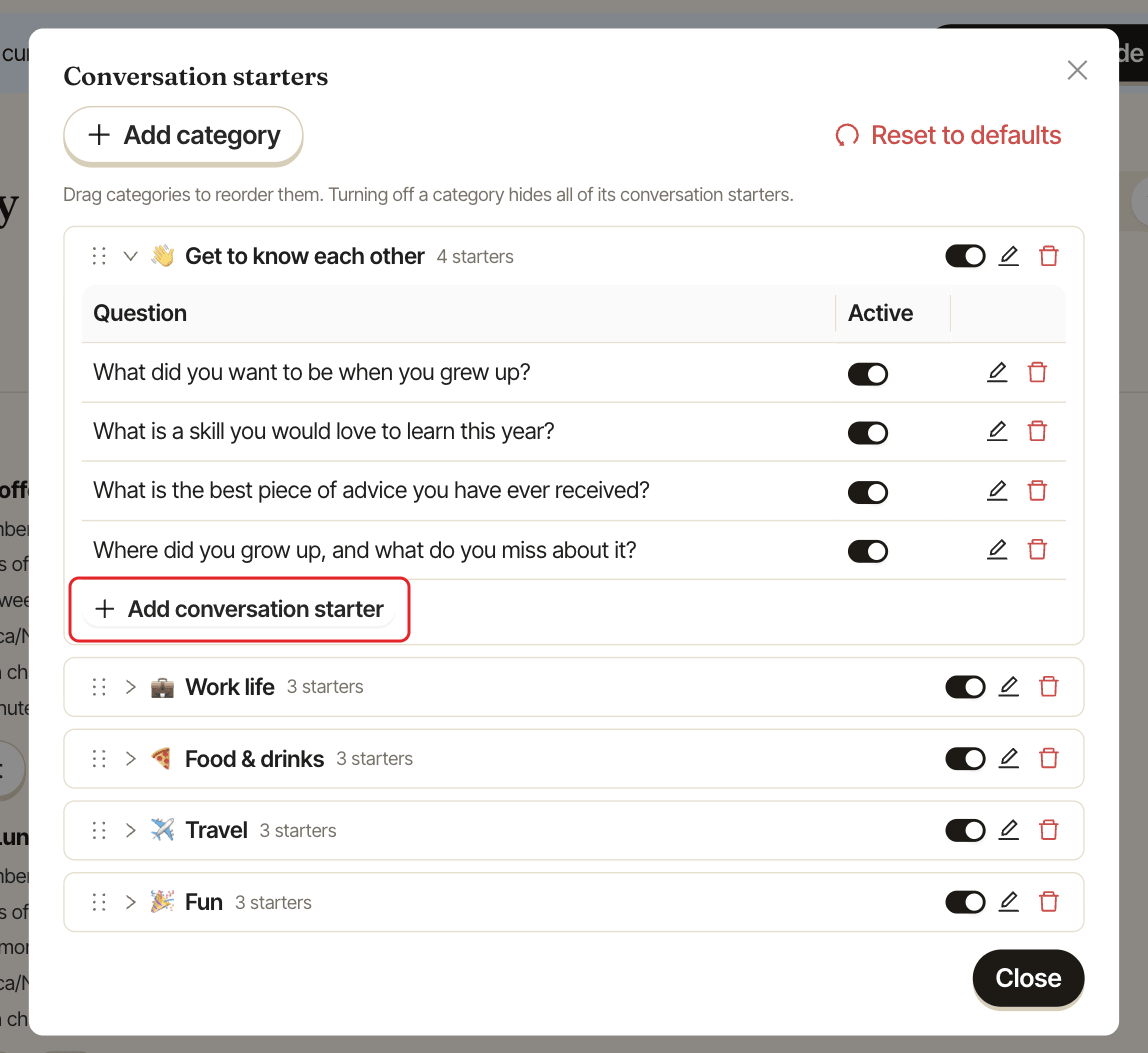
The section then shows the tag Customized instead of Built-in list.
Limits#
| Item | Limit |
|---|---|
| Question | 300 characters |
| Category name | 50 characters |
| Categories | 25 |
| Questions | 500 |
Go back to the built-in list#
In the Conversation starters window, click Reset to defaults and confirm with Reset. This deletes your categories and questions and brings back the built-in list. It can't be undone.
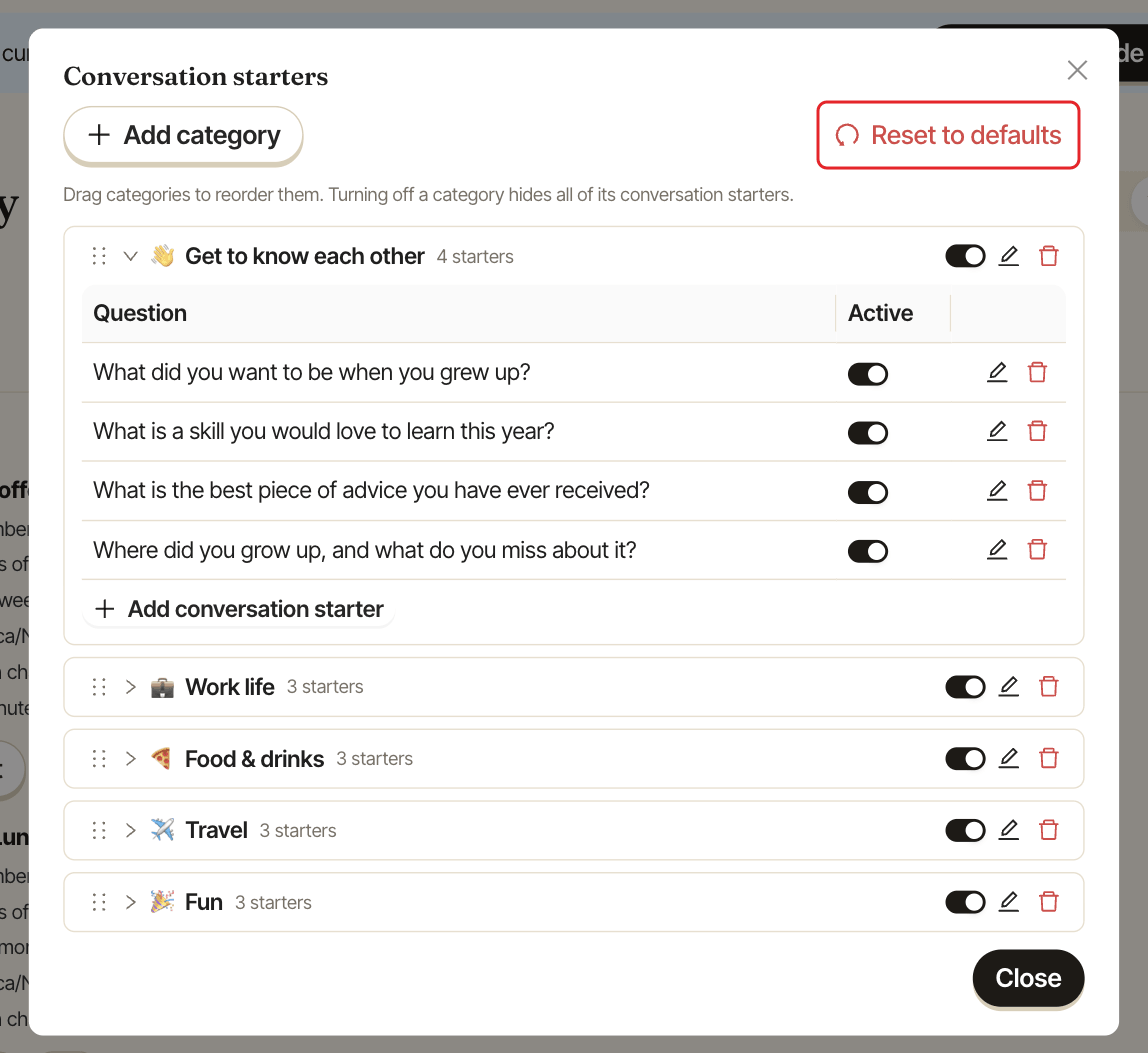
The built-in list has 115 questions in 5 categories: 💼 Professional, 🎨 Hobbies and Interests, 🌎 Life Experiences, 🤔 Would You Rather and 💡 Philosophical Questions.
To see how participants browse them, see find conversation starters.