Include Slack guests in Alfy programs
Let single-channel and multi-channel guests from your Slack workspace be matched for coffee chats by Alfy, with one switch in the web dashboard.
 SlackUpdated Oct 5, 20261 min read
By default, Alfy leaves Slack guests out of its coffee chat matches, even if they're in a program's channel. An Alfy admin can include them with the Manage guest users switch in the web dashboard.
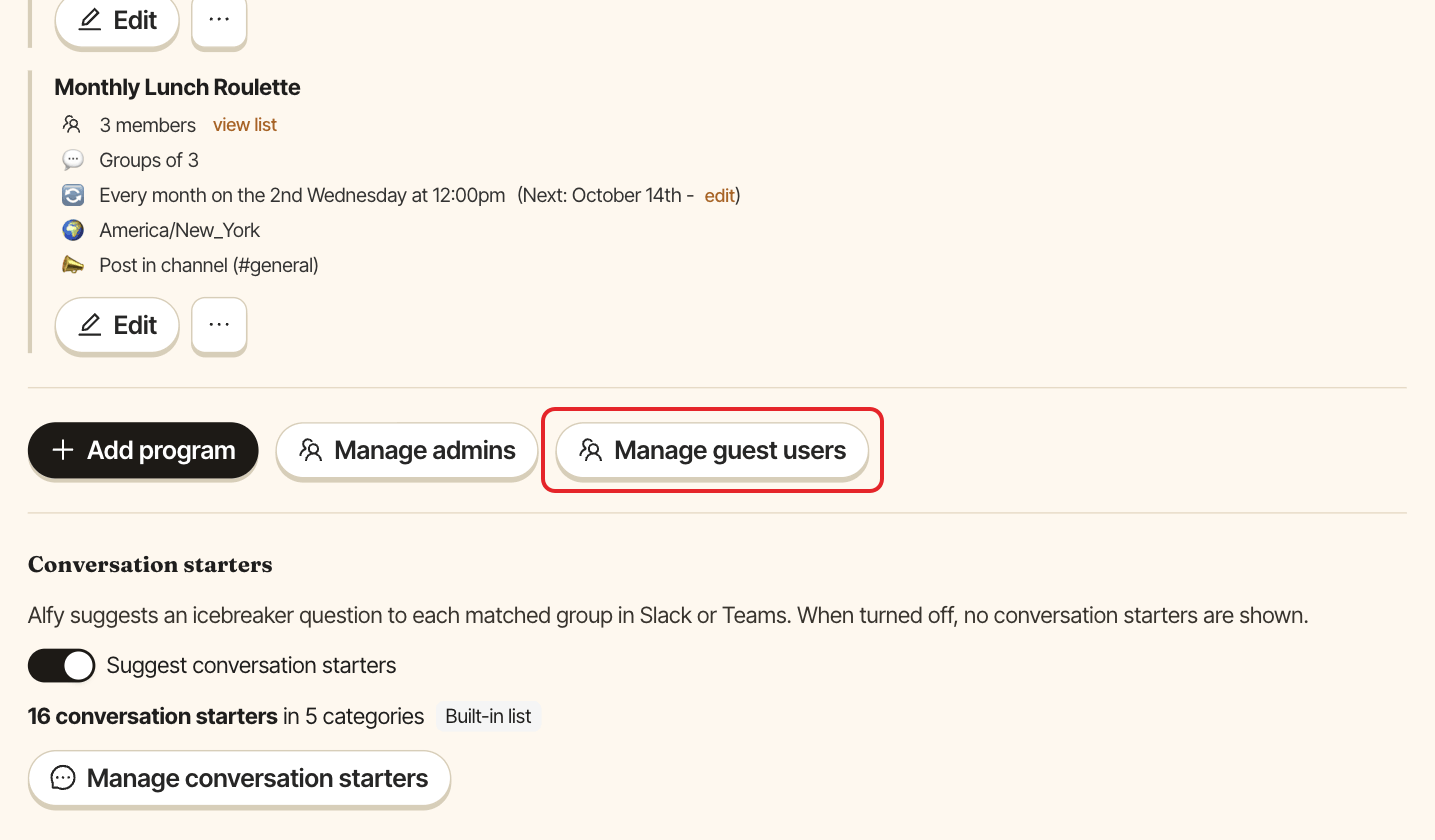
Step 1: Click Manage guest users#
Open the web dashboard, switch to Admin and open the Settings tab. Under Programs, click Manage guest users.
Step 2: Turn on guests for your workspace#
In the Manage guest users window, turn on the switch for your Slack workspace. The change is saved right away. Click Done to close the window.
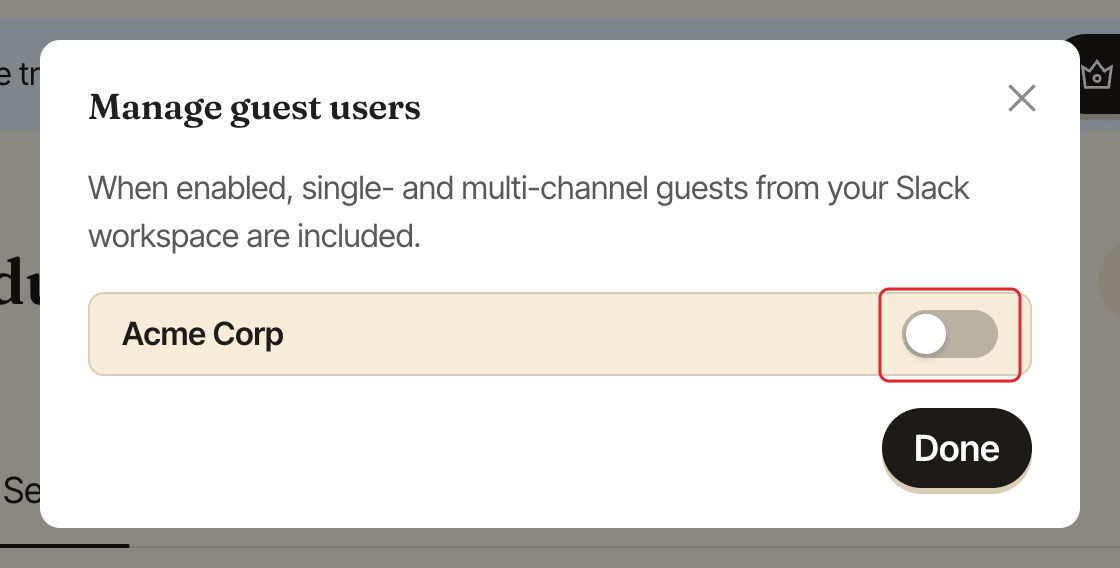
Single-channel and multi-channel guests are then matched like members, in the programs whose channels they're in.