Skip people who are out of office or on leave in Alfy
Have Alfy leave people out of a coffee chat round when their Google or Outlook calendar shows they're out of office, or when they have approved leave in Palmy.
 Slack
Slack Microsoft TeamsUpdated Oct 19, 20262 min read
Alfy can leave people out of a round when they're out of office or on leave. An Alfy admin turns this on per program in the web dashboard. Alfy then checks people's Google or Outlook calendars and approved Palmy leave, and everyone is back in the next round automatically.
Step 1: Edit the program#
Open the web dashboard, switch to Admin and open the Settings tab. Click Edit on the program.
Step 2: Turn on the out-of-office option#
Turn on Automatically opt-out people who are out of office or on leave. You can click the sentence itself to switch it. It's off by default.
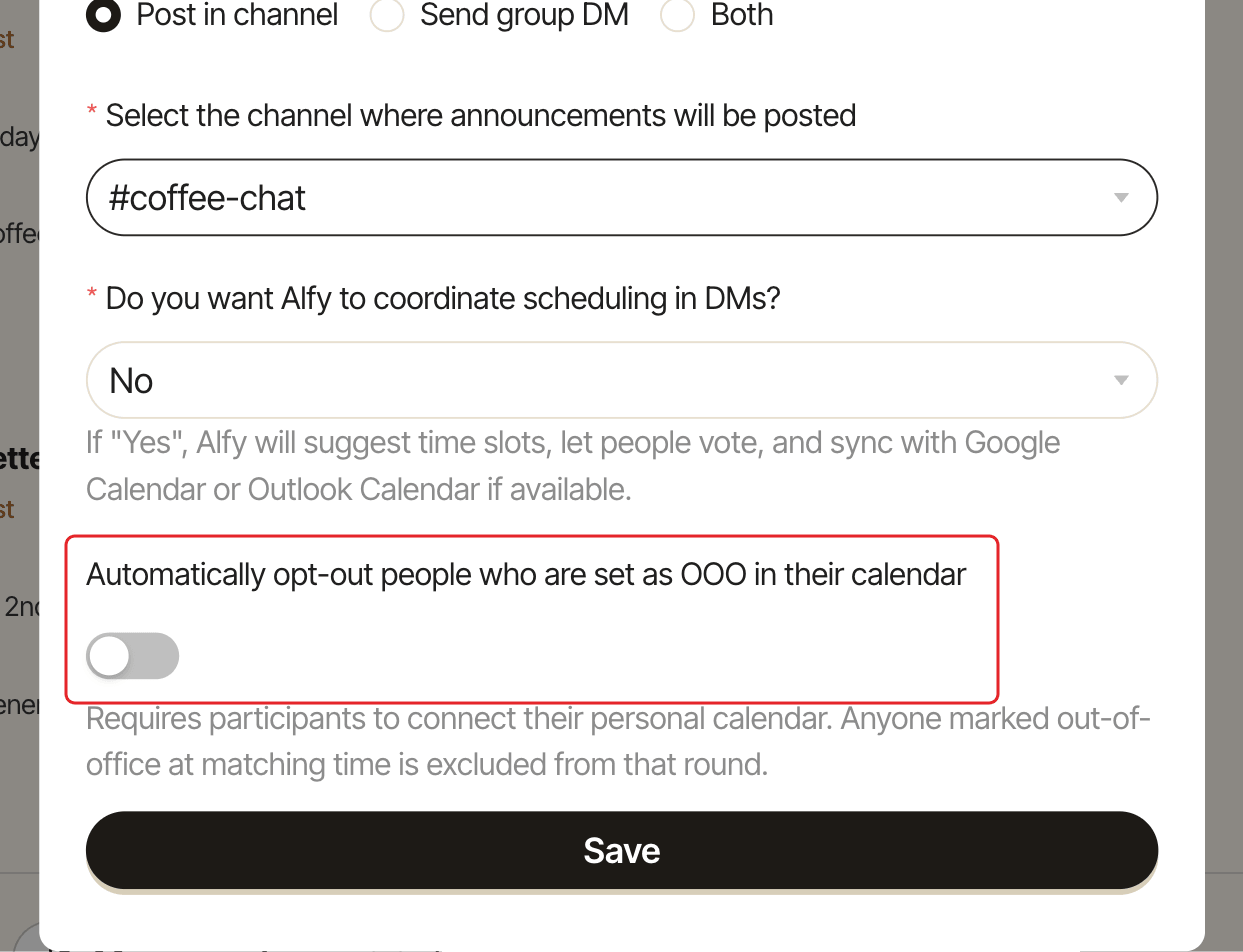
Step 3: Click Save#
Click Save.
Who is left out#
When it draws the round's groups, Alfy leaves someone out of that round if:
- their calendar shows them out of office at the time the round starts. Alfy reads their own connected calendar or, if they haven't connected one, checks it through a teammate who has. Alfy only looks at out-of-office time, never at event details.
- they have an approved Palmy leave on the day of the round, in the program's timezone. Pending requests don't count.
In the round's details, these people are listed with the tag Out of office. Before the round, an admin can still move them back into a group from the round's details. See edit a round's groups before it starts.
Limits#
- If Alfy can't read someone's calendar, it matches them as usual. It never leaves someone out by guessing.
- A private out-of-office event, or one on a calendar shared as free/busy only, can't be seen through a teammate. Ask people to connect their own calendar for the best results.
- Teammates' calendars can only be checked within the same Google Workspace domain or Microsoft 365 organization.
- Palmy leave only counts while Palmy is active in your workspace.