See who Alfy matched you with
See who Alfy recently matched you with for coffee chats, and in which program, from Slack, Microsoft Teams or the Alfy web dashboard.
 Slack
Slack Microsoft TeamsUpdated Oct 5, 20261 min read
Alfy keeps a list of the people you were recently matched with: the last 9 connections in Slack and Microsoft Teams, and your full list of rounds in the web dashboard.
In Slack#
On Alfy's Home tab, find the 🔄 Latest Connections section. It shows a table with the Date, Program and Participants of your last 9 connections.
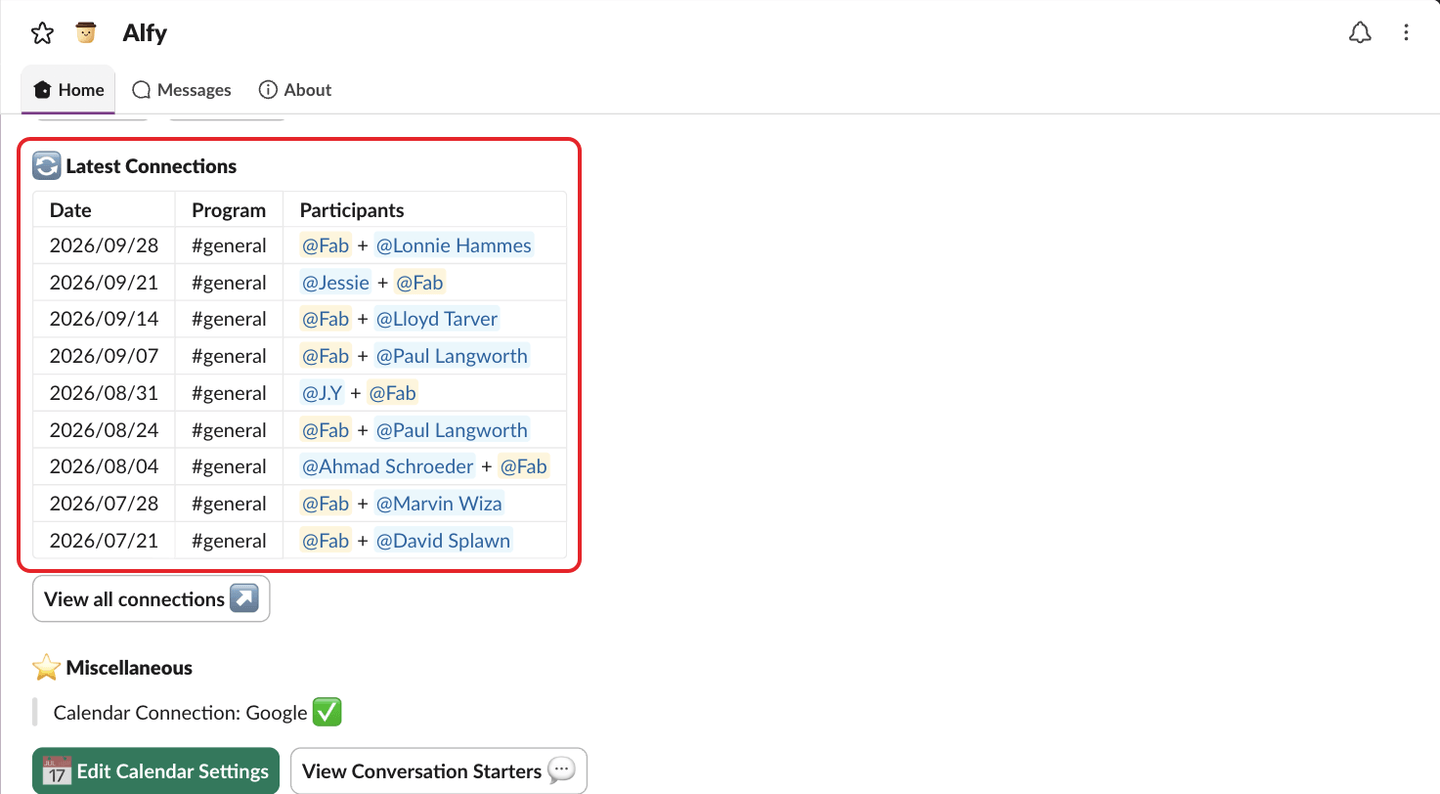
If you have more than 9, click View all connections ↗ under the table. It opens the web dashboard.
In Microsoft Teams#
Type settings to Alfy and click ⚙️ Open settings. Your latest connections are listed under 🔄 Latest Connections.
In the web dashboard#
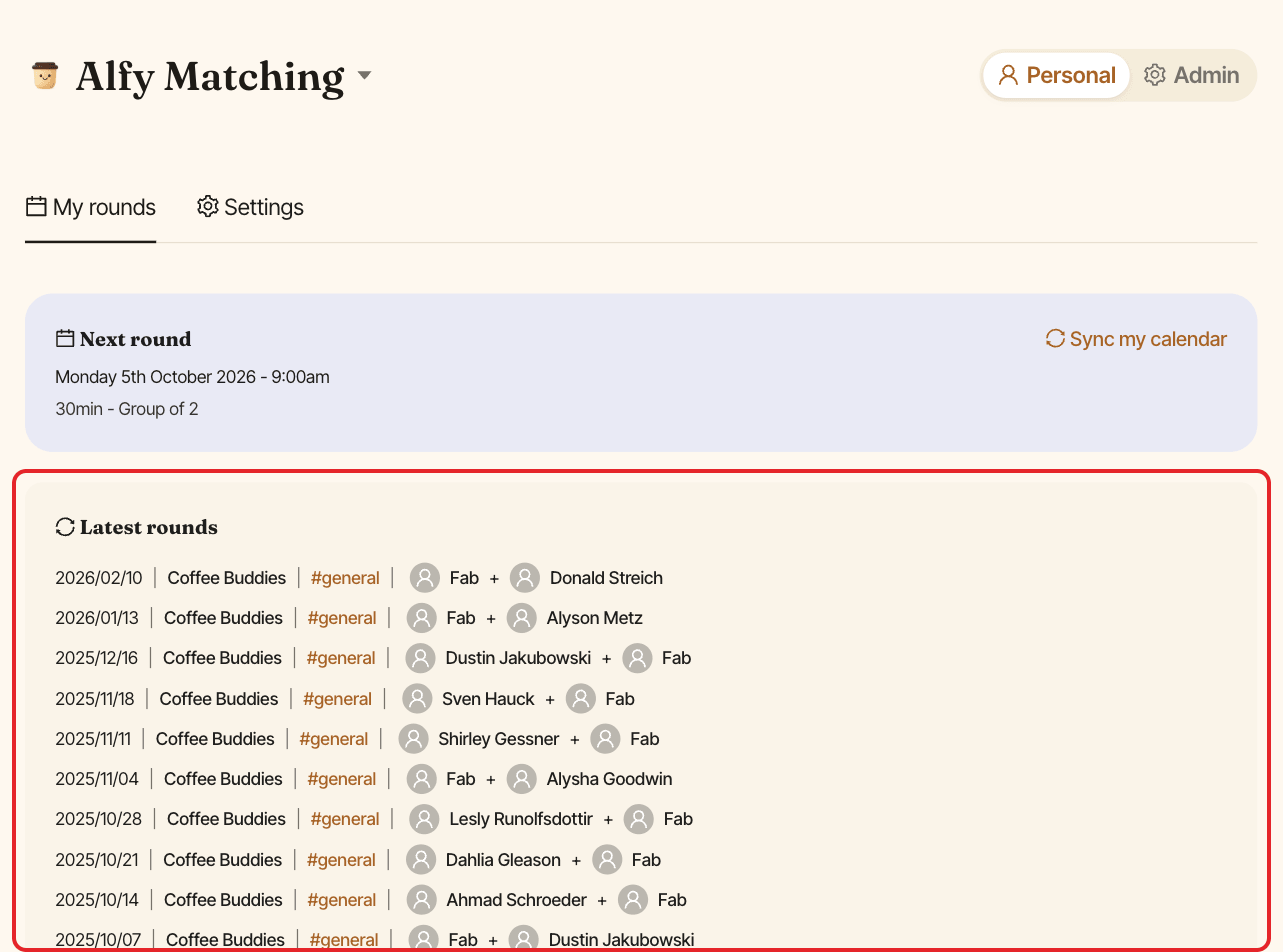
In the Personal view, the My rounds tab lists your Latest rounds, with the date, program, channel and people.