Rename or delete an Alfy program
Change the name of an Alfy coffee chat program, or delete a program you no longer need, from the program card's menu in the Alfy web dashboard.
 Slack
Slack Microsoft TeamsUpdated Oct 5, 20261 min read
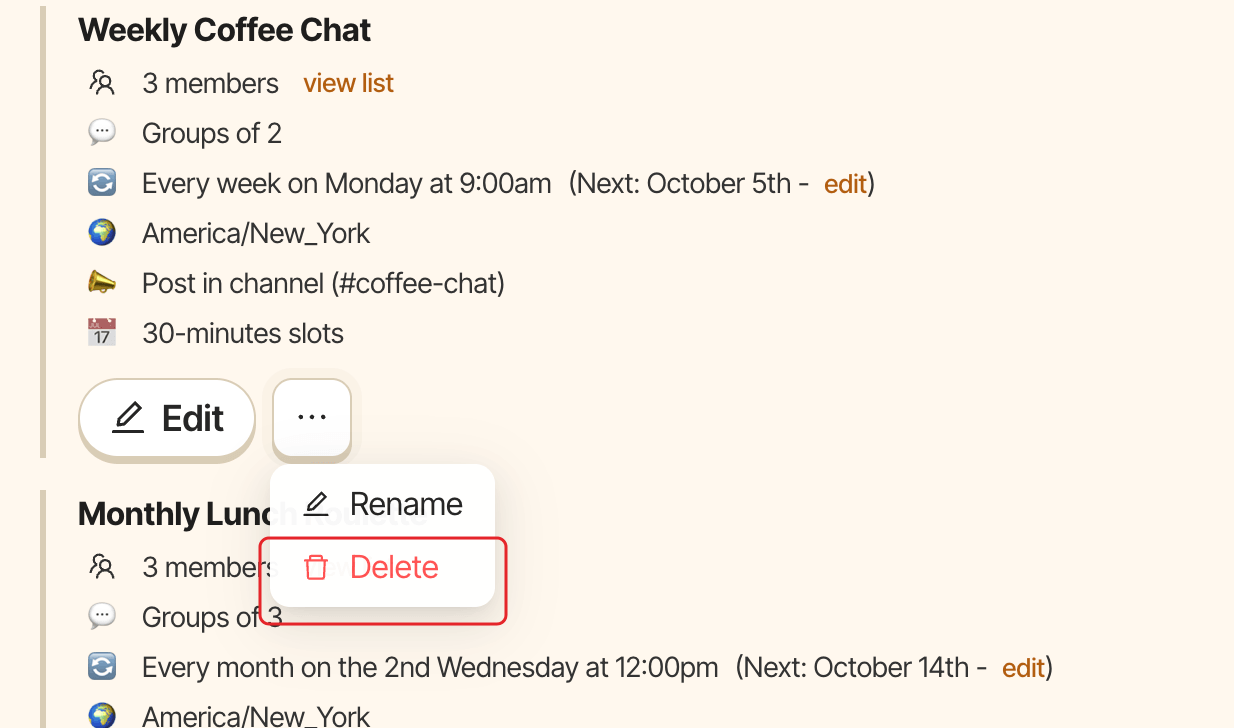
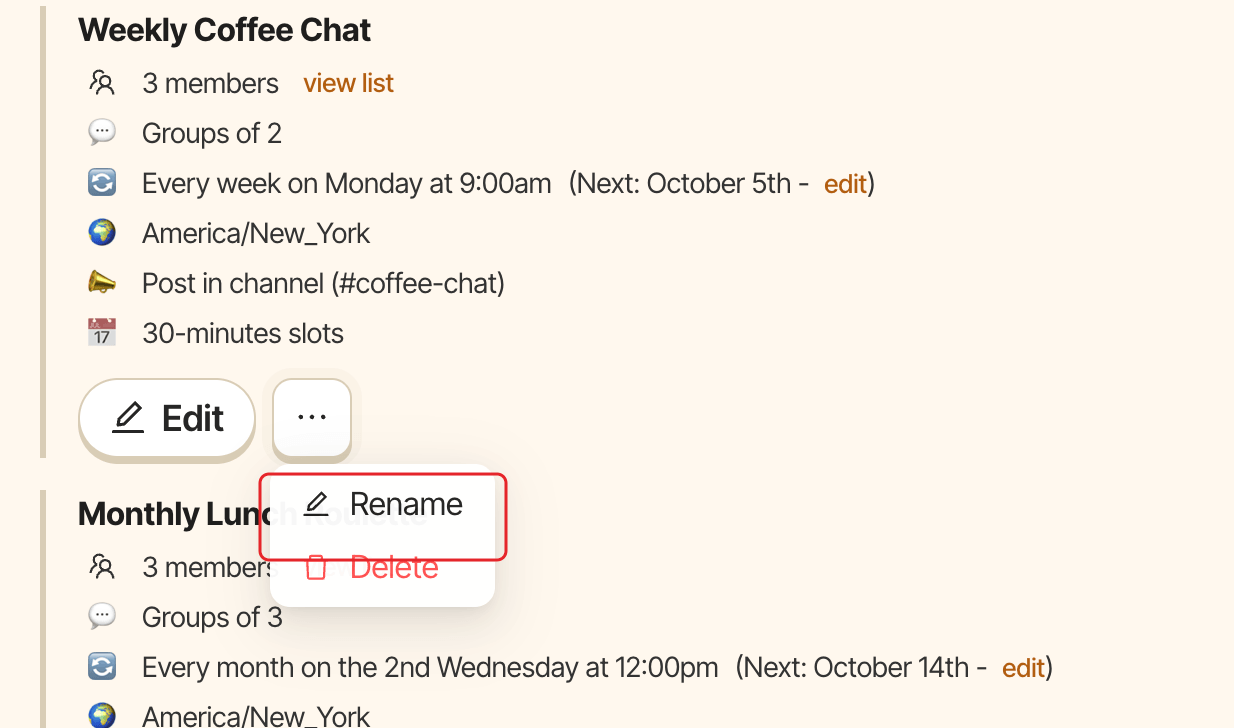
Alfy names a new program after its channels. To rename or delete it, an Alfy admin opens the … menu on the program card in the web dashboard and picks Rename or Delete. Deleting a program stops its rounds for good.
Rename a program#
- Open the web dashboard, switch to
Adminand open theSettingstab. - On the program card, click the
…menu, thenRename. - In the
Rename programwindow, type the new name underProgram name(up to 100 characters) and clickSave.
Delete a program#
- On the program card, click the
…menu, thenDelete. - Confirm by clicking
Delete.