See upcoming birthdays with Billy
See the next birthdays, work anniversaries and custom celebrations Billy will post in Slack or Microsoft Teams, and search for a teammate's date.
 Slack
Slack Microsoft TeamsUpdated Oct 5, 20261 min read
Billy, the BuddiesHR birthday bot, lists the next birthdays and work anniversaries in the Upcoming events 🗓 section of its Home tab (Slack) or with the Upcoming command (Teams). People who opted out aren't listed.
In Slack#
Open Billy's Home tab and scroll to Upcoming events 🗓. Each line shows the date and the person, for example "August 6 → @Alex's birthday 🎂". Custom celebrations are listed too.
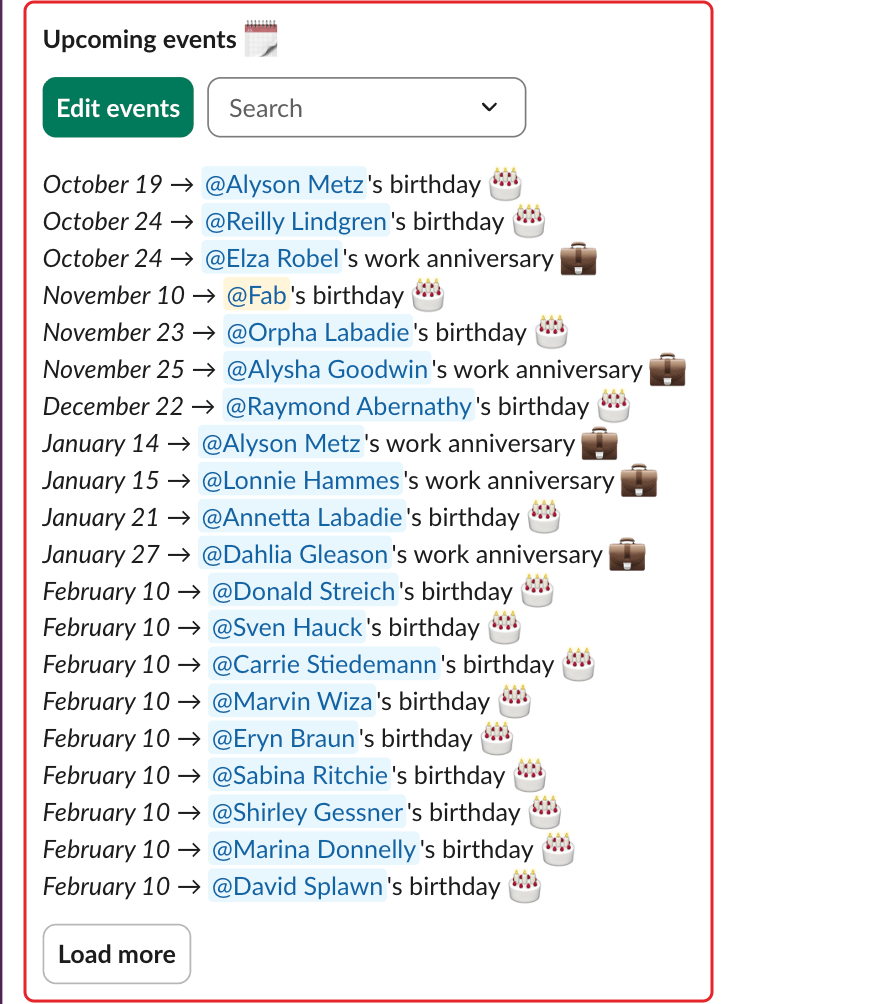
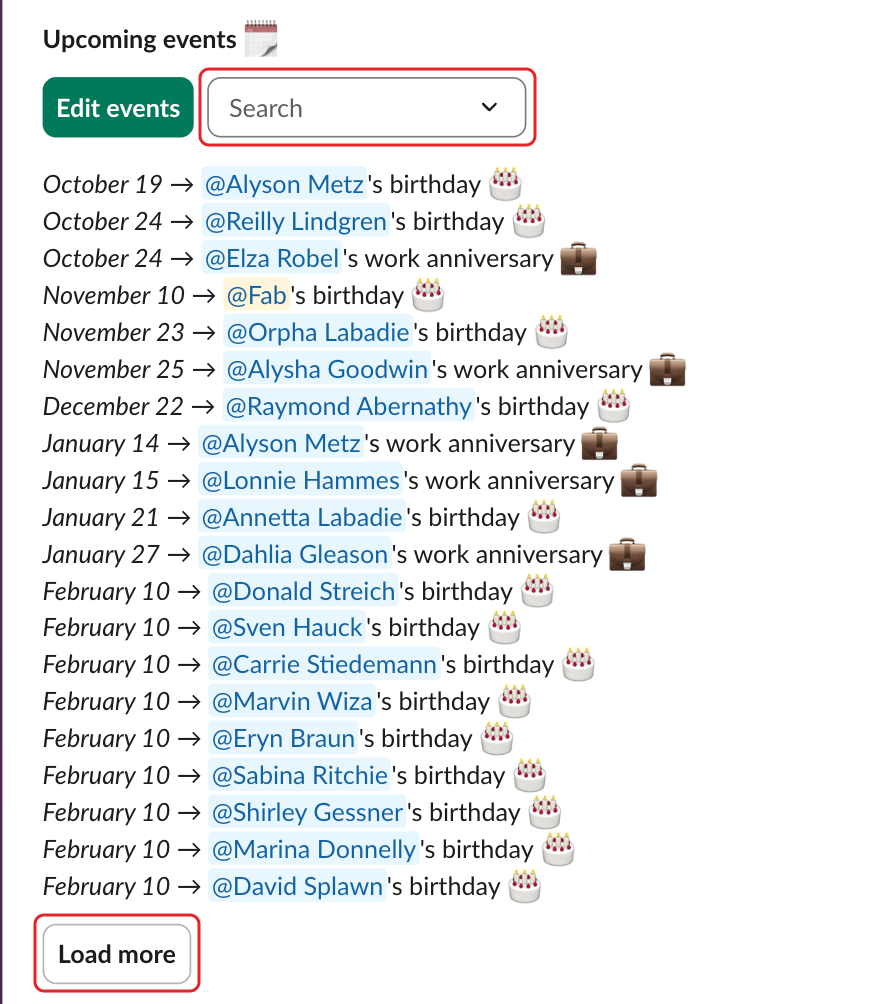
- To find someone, pick them in
Search. ClickClearto see everyone again. - Click
Load moreto see the next 20 events.
Birthdays on February 29 show as "March 1 (February 29)" in years that aren't leap years: that's when Billy celebrates them.
Admins also see an Edit events button here: see collect birthdays and work anniversary dates.
In Microsoft Teams#
Type Upcoming in your chat with Billy, or @mention Billy with upcoming in a team channel. In your 1:1 chat, click Load more to see the next events.