Add custom celebrations to Billy in Slack
Have Billy celebrate other events in a Slack channel, like your company's anniversary, once or every year, with the anniversary count if you want it.
 SlackUpdated Oct 5, 20261 min read
Custom celebrations let Billy admins announce other events in a Slack channel, such as your company's creation anniversary, once or every year. They're set per channel and aren't available in Microsoft Teams.
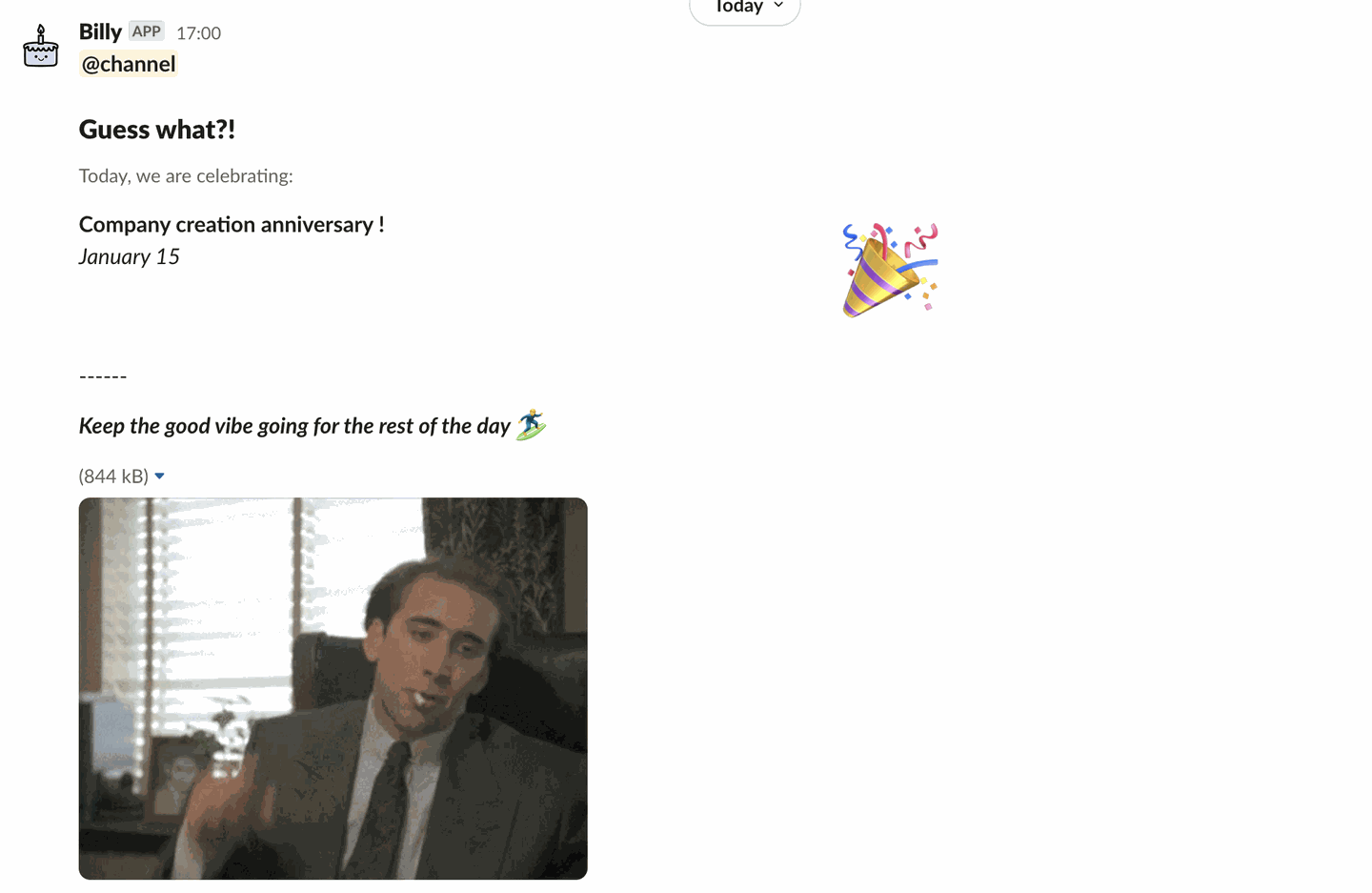
Custom celebrations follow the channel's frequency and weekend settings, and appear in Upcoming events 🗓 and in Customize messages. They aren't included in personal reminders.
Step 1: Open the custom celebrations page#
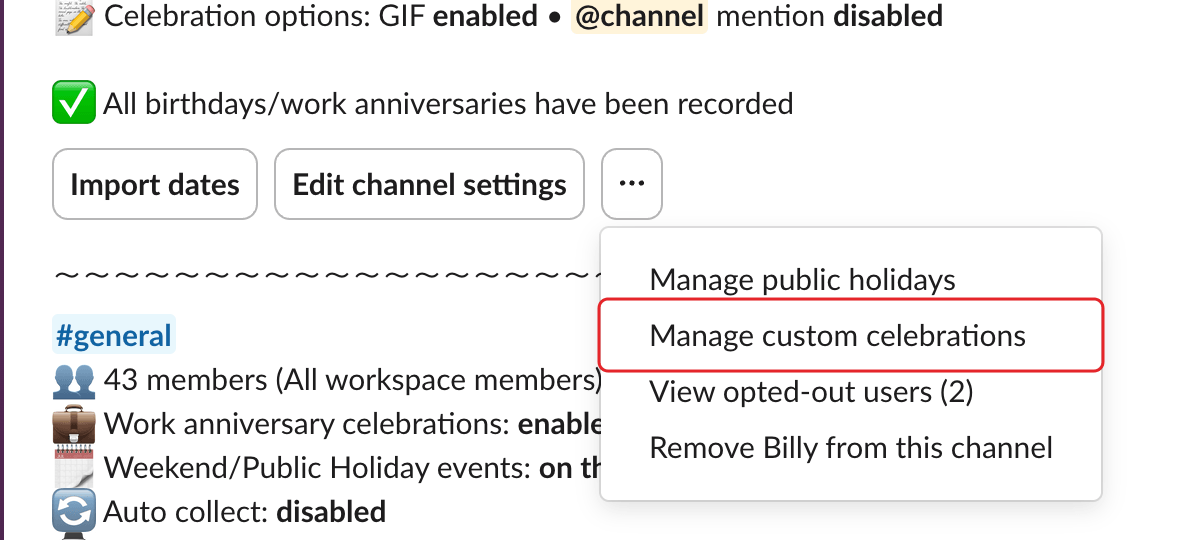
In the admin settings, open the ⋯ menu of the channel and select Manage custom celebrations.
Step 2: Click Add#
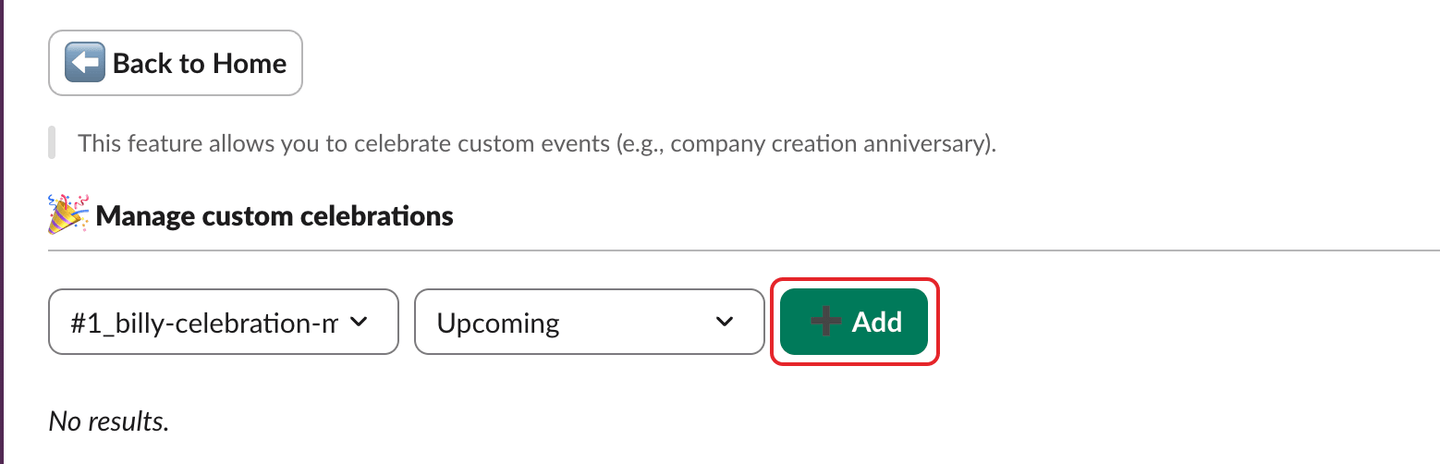
On the 🎉 Manage custom celebrations page, click ➕ Add.
Step 3: Describe the celebration and click Add#
In the Add custom celebration window, choose the Type:
One-time(default): pick theDate. If that day falls on a weekend or public holiday that your channel moves, Billy warns you: "⚠️ Celebrations on that day will be moved due to your weekend/public holiday policy."Recurring (yearly): pickSelect dayandSelect month. Add the optionalSelect year(the year it started) to show the count, for example "Company creation anniversary #4".
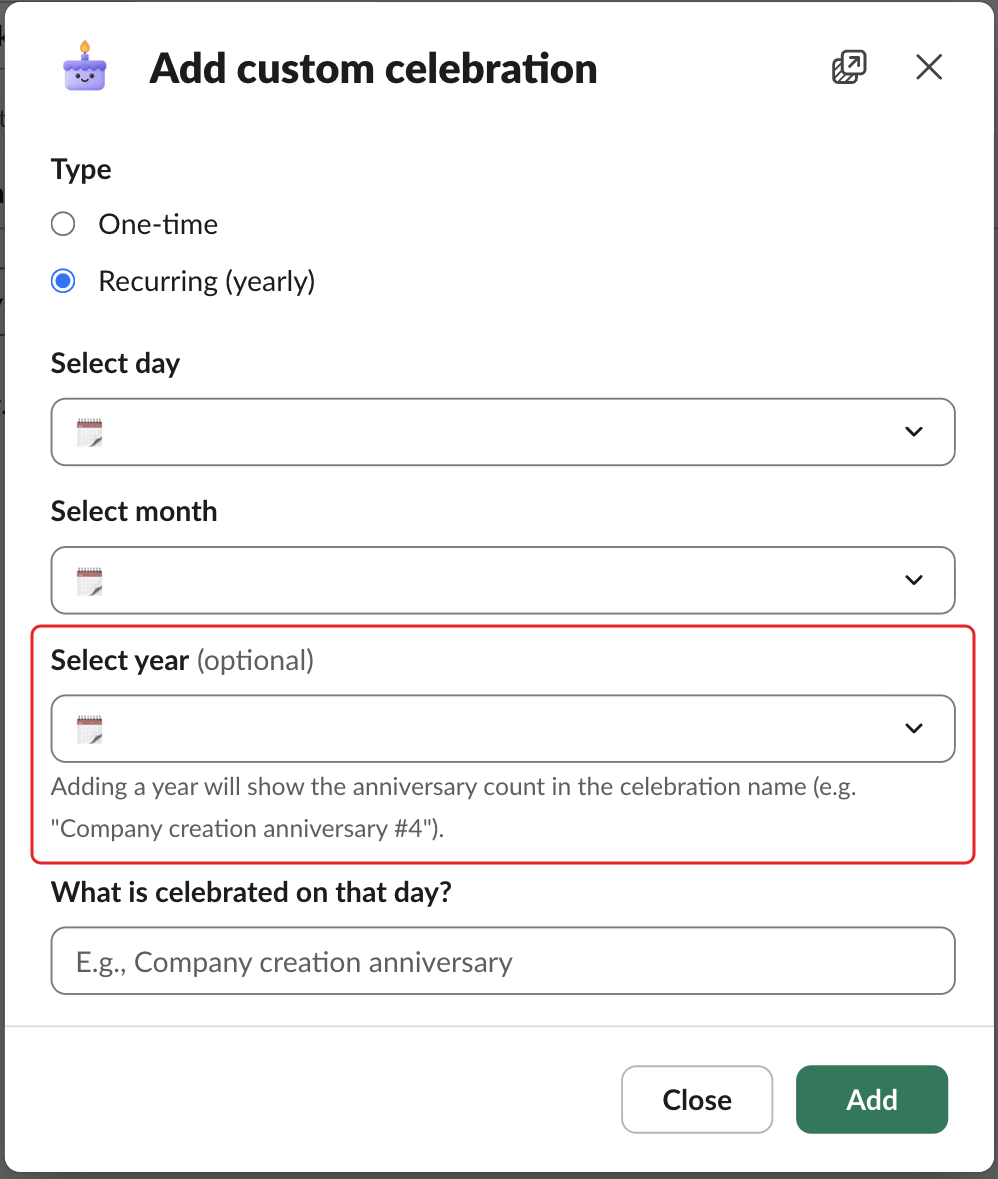
Then fill out What is celebrated on that day? (for example "Company creation anniversary") and click Add.
Delete a custom celebration#
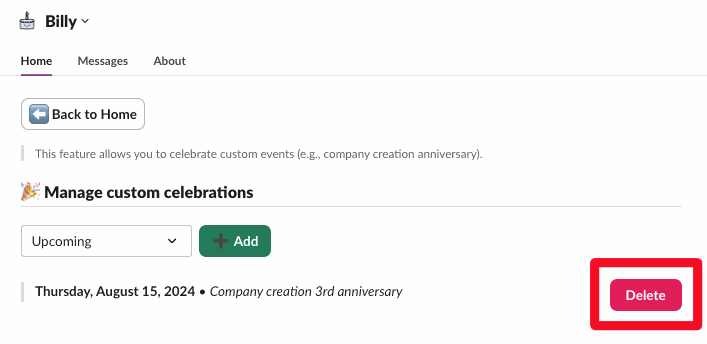
Use the Upcoming and Past filters to find it, click Delete and confirm.