Set up birthday reminders with Billy
Get a private heads-up from Billy 1, 7 or 14 days before a teammate's birthday or work anniversary, in Slack or Microsoft Teams, at 9:00am your time.
 Slack
Slack Microsoft TeamsUpdated Oct 5, 20262 min read
Billy reminders are private messages from Billy, the BuddiesHR birthday bot, telling you about teammates' upcoming birthdays and work anniversaries, 1, 7 and/or 14 days ahead, in Slack or Microsoft Teams. They're off until you create them, and arrive at 9:00am in your timezone.
In Slack#
Step 1: Click Create#
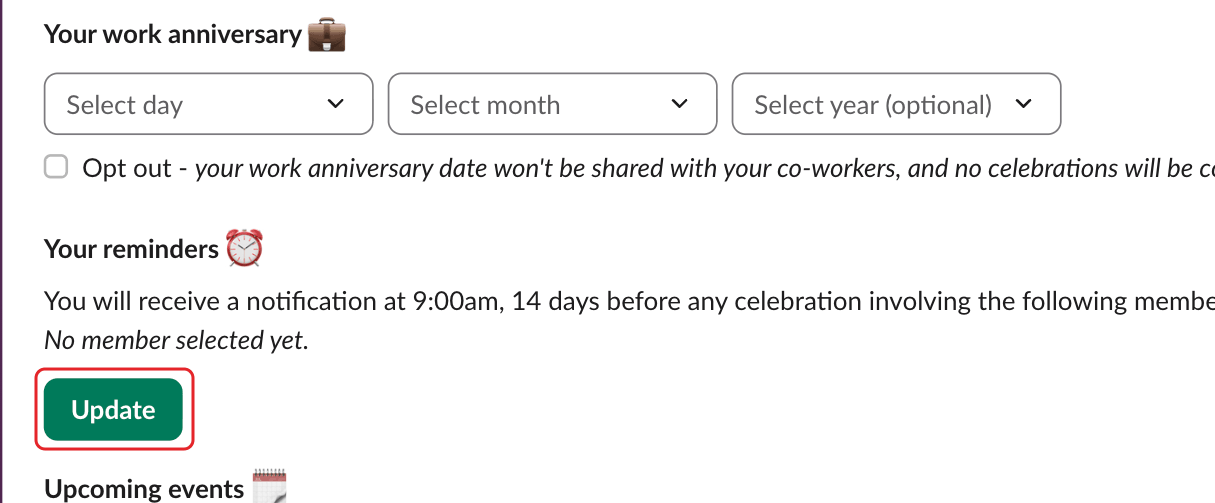
In the Your reminders ⏰ section of Billy's Home tab, click Create (or Update if you already have reminders).
Step 2: Choose when and for whom#
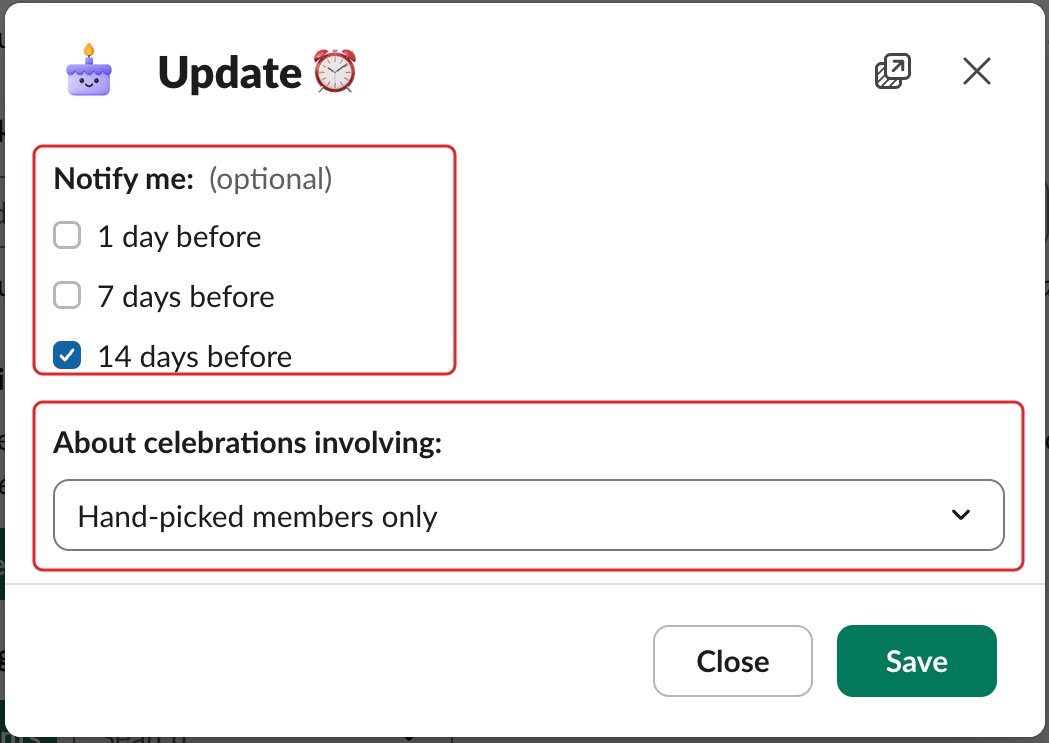
In the Create ⏰ window (Update ⏰ if you already have reminders), under Notify me:, check 1 day before, 7 days before and/or 14 days before. Under About celebrations involving:, choose Any workspace member (default) or Hand-picked members only. Click Save.
Step 3: Select members (hand-picked only)#
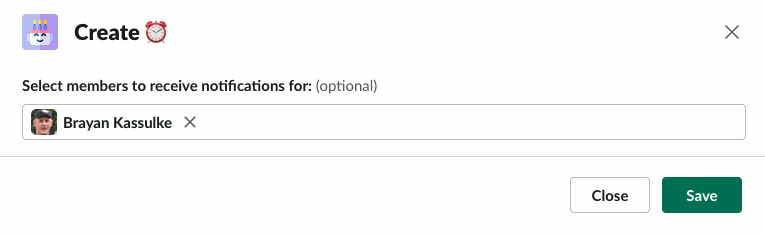
If you chose Hand-picked members only, pick people in "Select members to receive notifications for:", then click Save.
The Home tab then sums up your choice, for example "You will receive a notification at 9:00am, 1 day and 7 days before any celebration involving any workspace member."
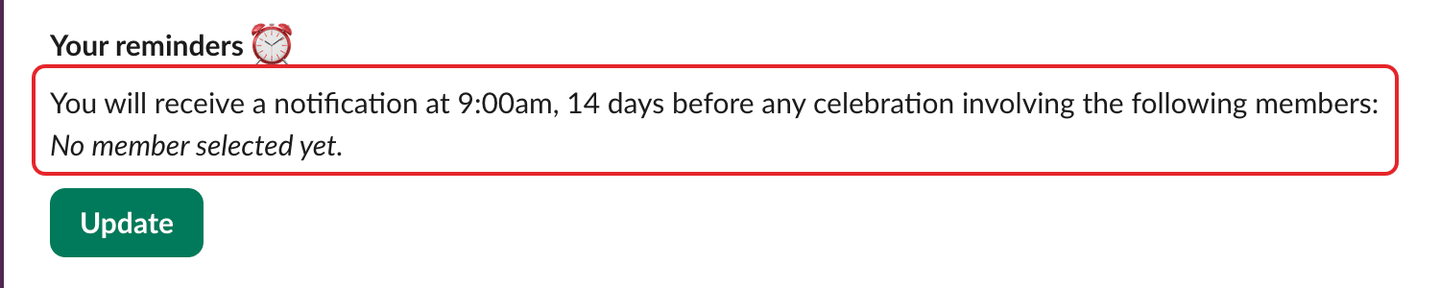
To stop reminders, click Update and uncheck every option.
In Microsoft Teams#
Type Reminders in your chat with Billy. The first time, all three Notify me: boxes are already checked: keep the ones you want, choose Any member of a team in which Billy is active or Hand-picked members only, then click Update. Full steps: use Billy as a team member in Teams.
What a reminder looks like#
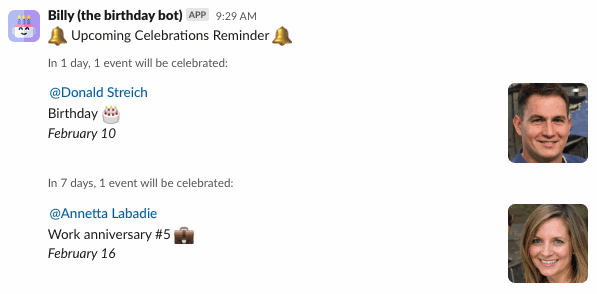
The message is titled "🔔 Upcoming Celebrations Reminder 🔔" and lists the events, for example "In 7 days, 1 event will be celebrated:".