Set up Billy in Slack after installing it
On the Setup Billy Birthday page, pick a Slack channel, choose who Billy celebrates and how it collects birthdays, then click Submit. It takes a minute.
 SlackUpdated Oct 5, 20262 min read
Right after you install Billy, the BuddiesHR birthday bot, in Slack, the Setup Billy Birthday page asks where to post, who to celebrate and how to collect dates. It takes about a minute, and you can change everything later in Slack.
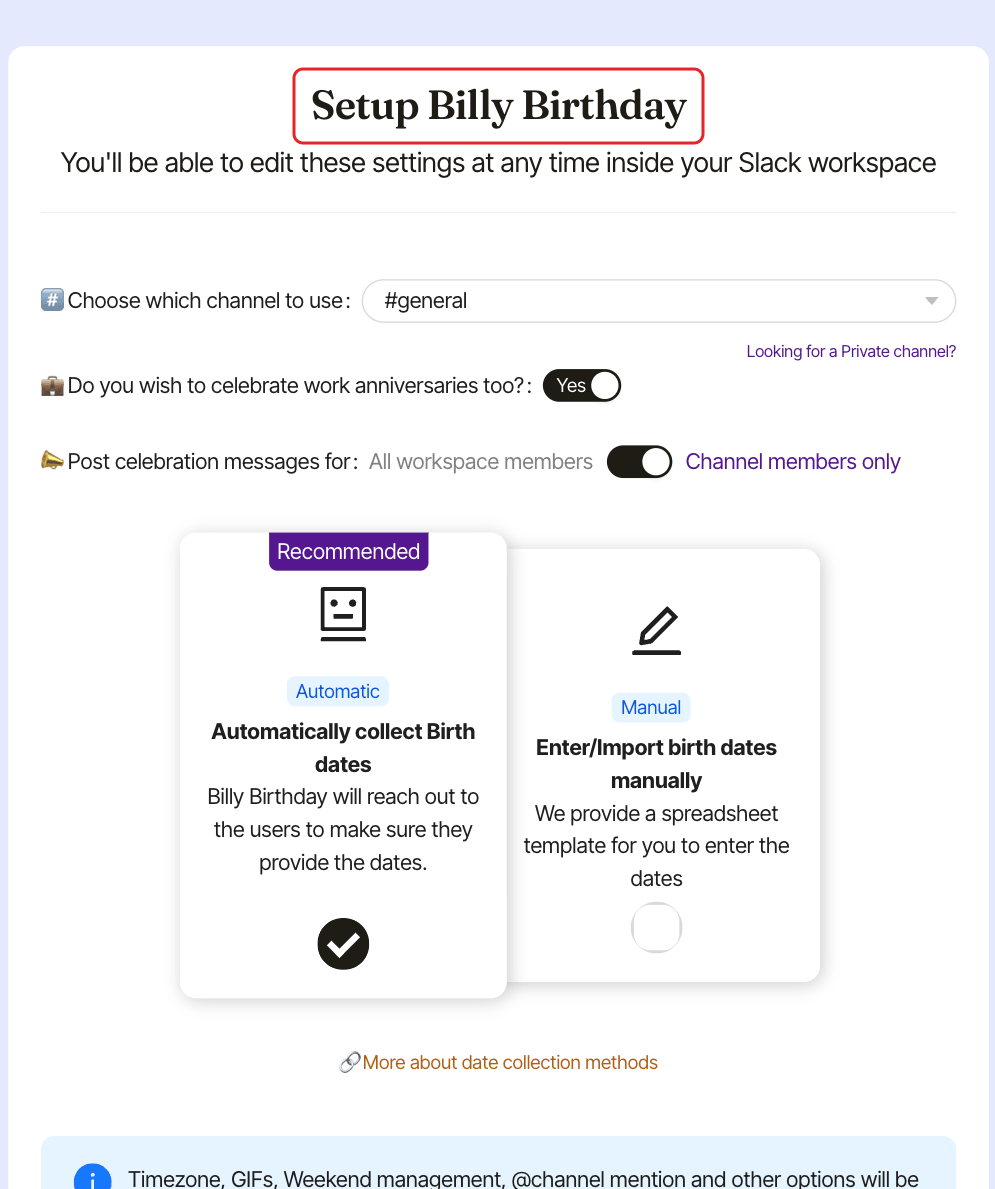
Step 1: Choose the channel#
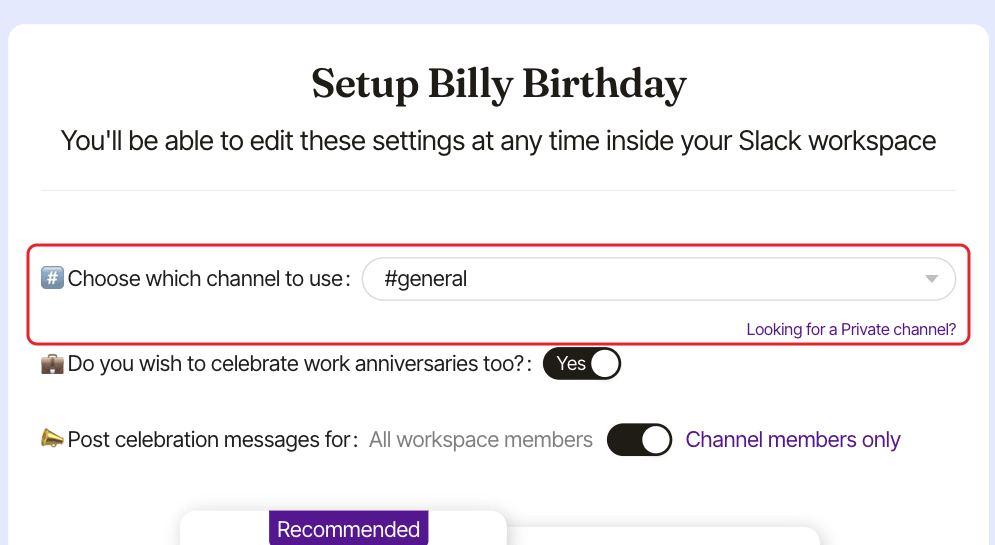
In #️⃣ Choose which channel to use, pick the channel for the celebrations. It defaults to your #general channel. Choose - if you don't want a channel yet.
Private channels are added later, from Slack. Hover Looking for a Private channel? for the reminder: choose -, click Submit, then invite Billy to the private channel (/invite @Billy) and add it from the admin settings.
Step 2: Turn work anniversaries on or off#
💼 Do you wish to celebrate work anniversaries too? is on (Yes) by default.
Step 3: Choose who to celebrate#
In 📣 Post celebration messages for:, switch between All workspace members and Channel members only (default).
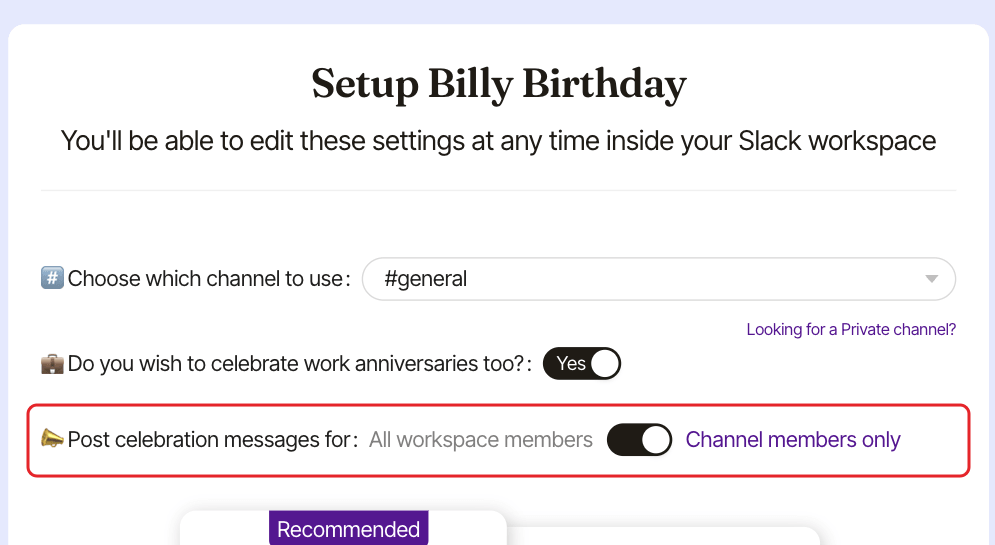
Choose Channel members only for a team or department channel, All workspace members to celebrate the whole company in one channel. This also decides how many seats Billy counts: see how Billy counts seats.
Step 4: Choose how to collect dates#
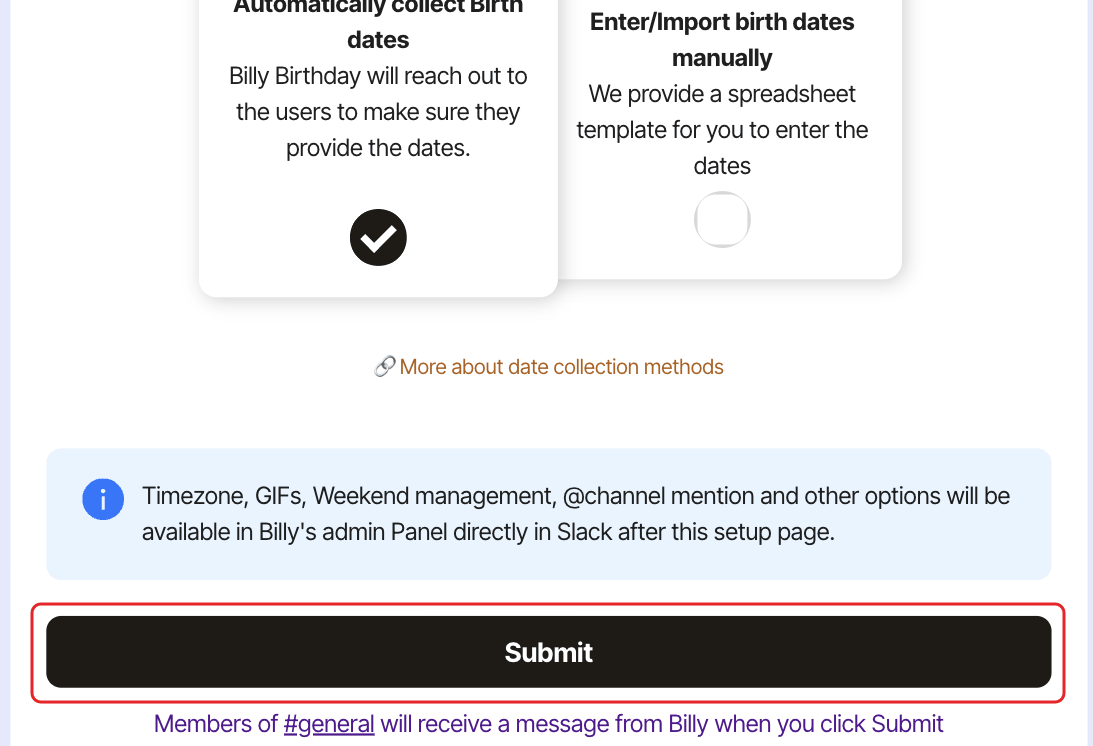
Automatic(recommended, default): Billy messages members to collect their dates and contacts newcomers.Manual: you enter or import the dates. The Excel template is available in Slack after you submit.
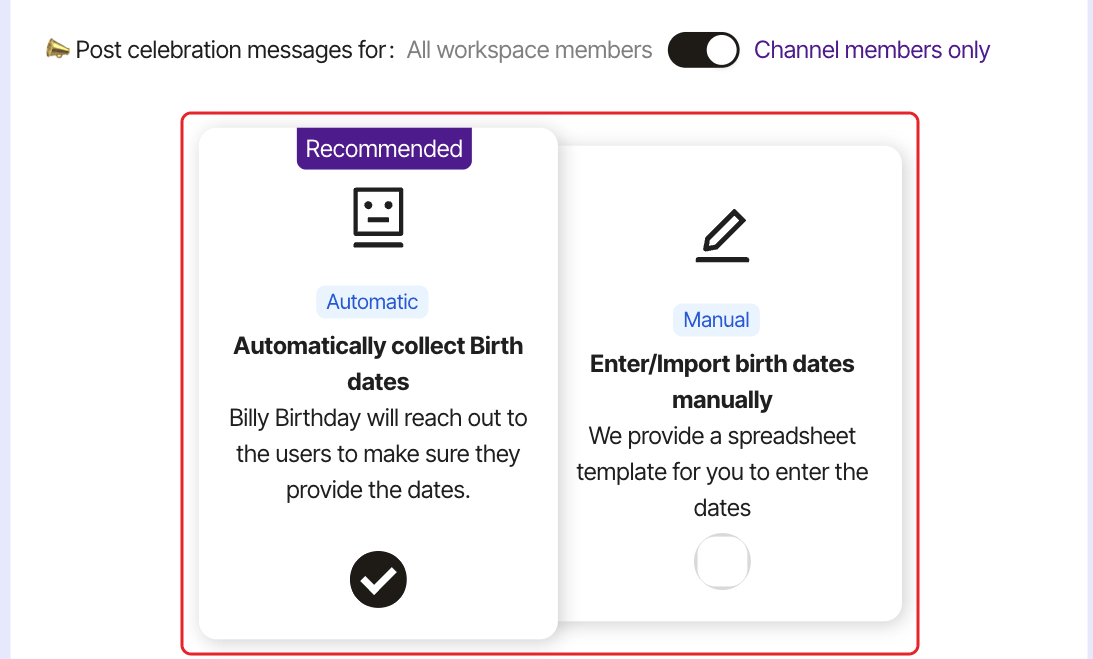
Steps 3 and 4 only show once a channel is picked.
Step 5: Click Submit#
Click Submit. The text under the button tells you what happens next, for example "Members of #general will receive a message from Billy when you click Submit". If you chose -, no one is notified, and the setup counts as finished only once you add a channel from Slack.
Billy posts its intro in the channel. If you picked Automatic, it also asks members for their dates. See messages Billy sends.
Change the other settings#
Timezone, posting time, GIFs, weekends, @channel and style are set in Slack: update a channel's settings. The language of the posts defaults to your Slack language: see change Billy's language.