Set up departments in Linky
Turn on the Department field in Linky, choose your departments and colors, and let people inherit their manager's department on the Slack org chart.
 SlackUpdated Oct 8, 20262 min read
Departments color-code the cards of your Linky org chart and let everyone filter it by team. In Linky, the BuddiesHR org chart app for Slack, the Department field is off by default. You need to be a Linky admin to turn it on.
Step 1: Turn on the Department field#
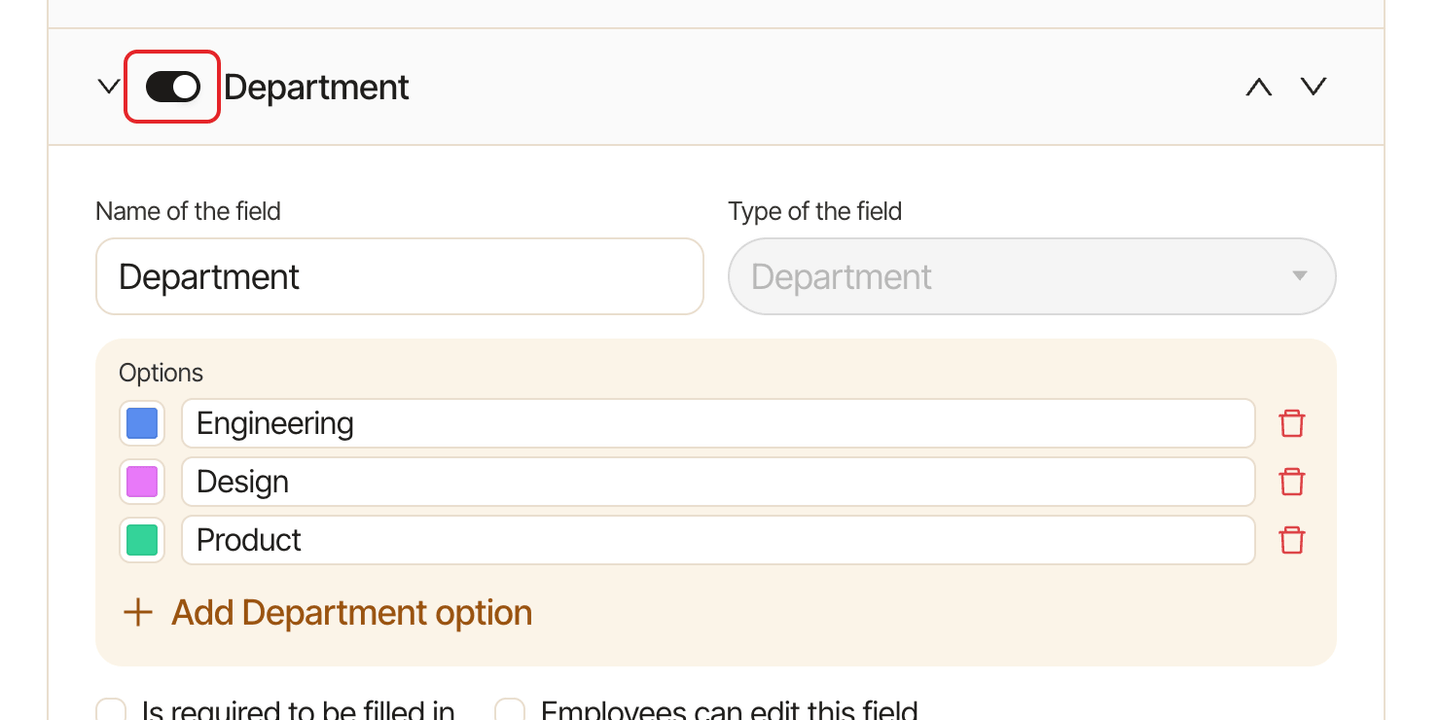
Open Linky in Admin mode, go to the Settings tab and click Edit profile fields. Open Department and turn it on with the switch at the top.
Step 2: Choose your departments#
Linky comes with 10 departments: Human Resources, Legal, Marketing, Sales, Engineering, Product Management, Customer Success, Support, Finance & Accounting and Operations. In Options:
- rename or delete the ones you don't need,
- pick a color for each,
- click
Add Department optionto add one.
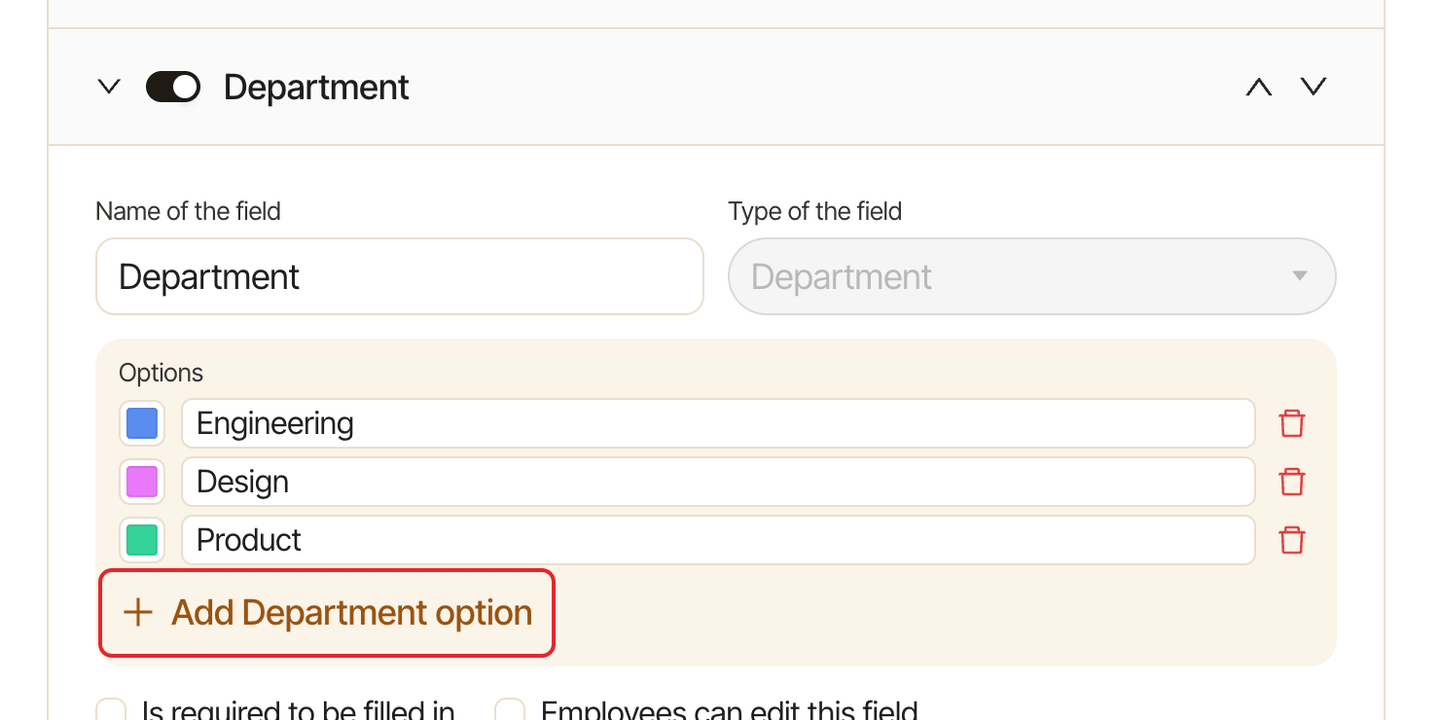
Every option needs a name. Click Save. Deleting a department clears it from everyone who had it.
Step 3: Give people a department#
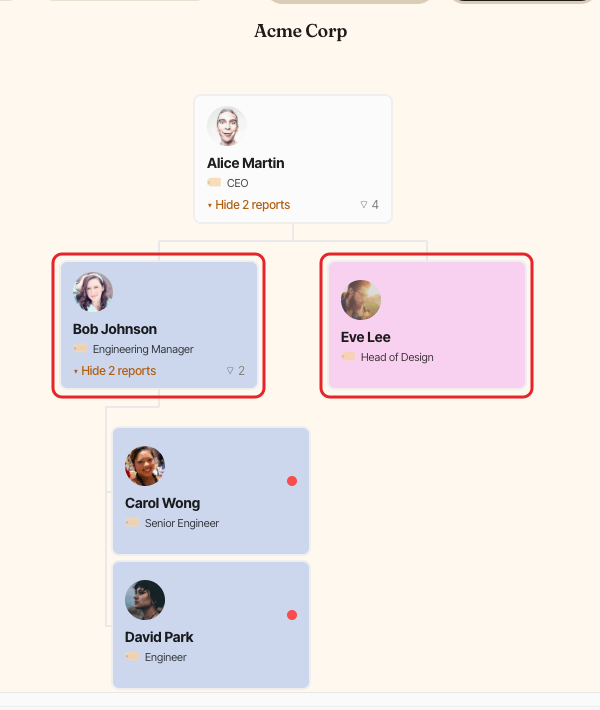
Set the department on the people at the head of each team, such as your heads of sales or engineering. See edit someone's profile.
Everyone without a department of their own inherits their manager's, all the way down the team. Their Profile panel shows " inherits this department". Set a department on someone to override the inherited one.
Each person has a single department, and their card on the chart takes its color.
Filter the chart by department#
Once the field is on, a Department filter shows in the action bar for everyone. See search and filter the org chart.
Use departments in other BuddiesHR apps#
Linky's departments are shared with your other BuddiesHR apps, so you only keep them up to date in one place:
- Pulsy breaks down survey results by department. See filter survey results by department.
- Clappy filters its insights and leaderboards by department, on the dashboard and in its Slack Home tab. See filter Clappy insights and leaderboards by department.