Include Slack guests in the Linky org chart
By default Linky ignores Slack guests. Admins can include single-channel and multi-channel guests so they can be placed on the org chart like members.
 SlackUpdated Oct 5, 20261 min read
Linky, the BuddiesHR org chart app for Slack, ignores the guests of your Slack workspace by default. An admin can turn guests on so they can be placed on the chart like any other member. You need to be a Linky admin, with Slack connected.
Step 1: Open Manage guest users#
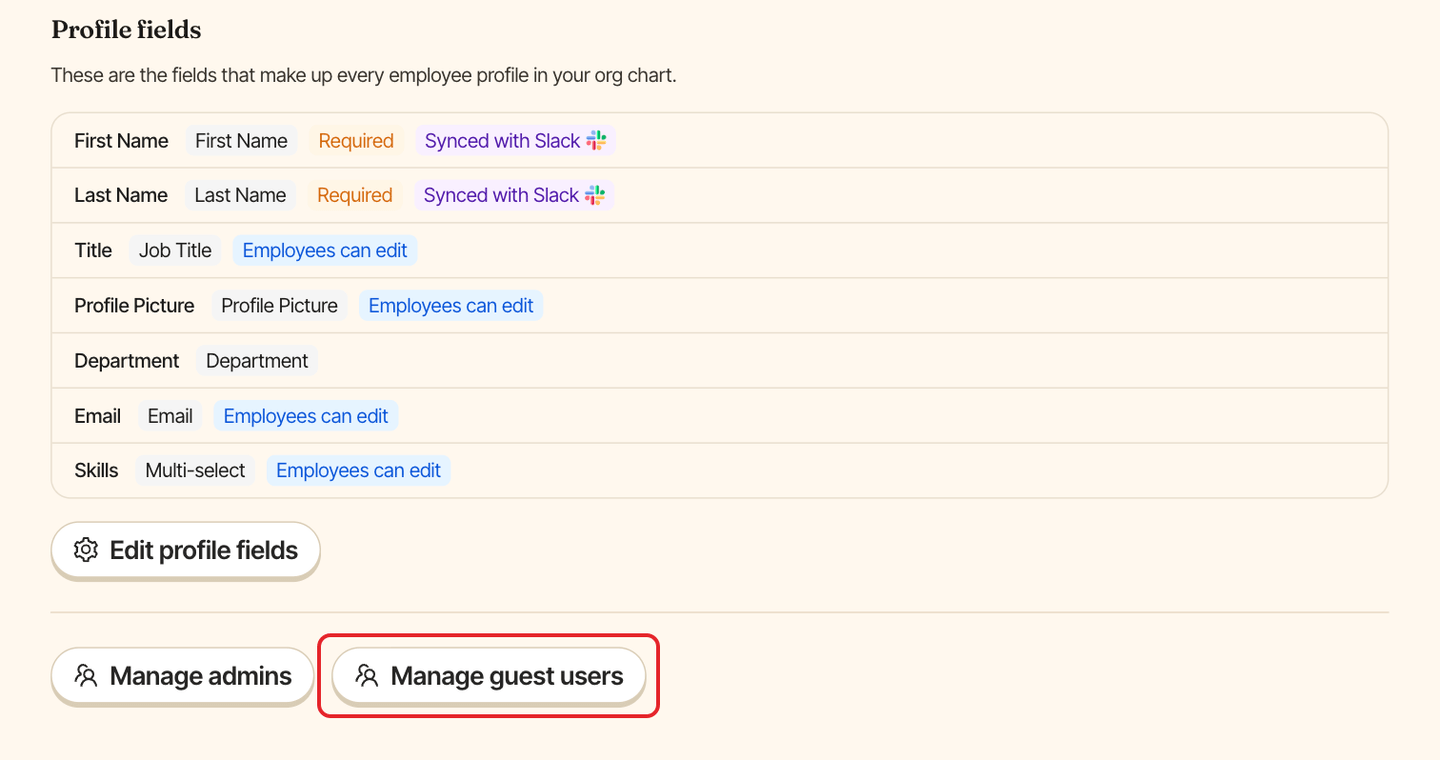
Open Linky in Admin mode, go to the Settings tab and click Manage guest users. The button only shows while Slack is connected.
Step 2: Turn guests on#
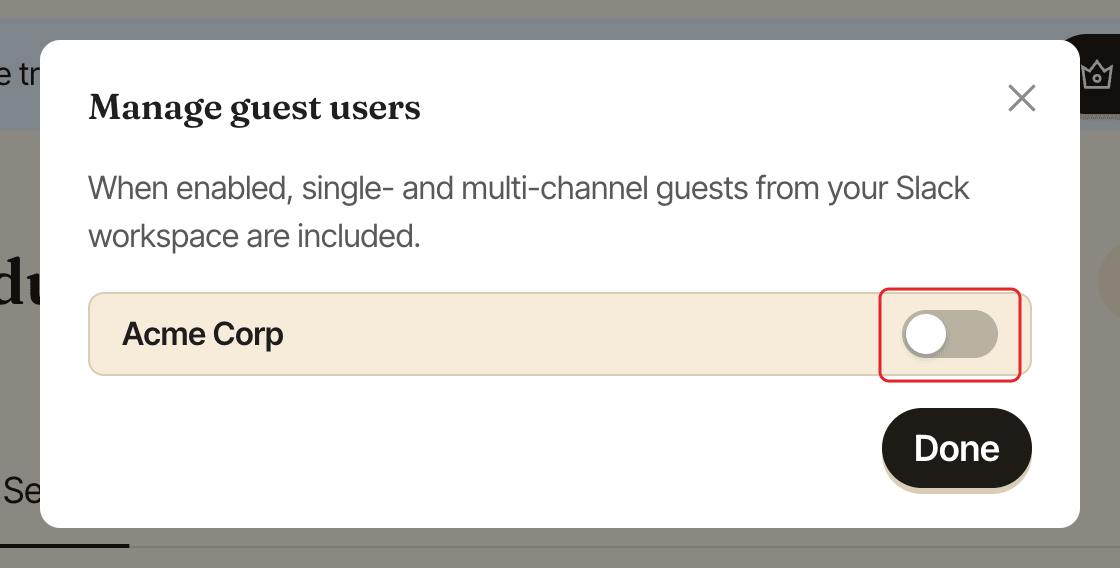
Turn on the switch next to your Slack workspace. Single-channel and multi-channel guests are then included, and the change is saved straight away ("Settings updated"). Click Done to close the window.
Guests now show in the list of people to place. See place people on the org chart.
For people who aren't in Slack at all, see add someone who's not in Slack.