Export the Linky org chart as an image
Download your Linky org chart as a PNG image to share it or add it to a presentation. Anyone can export, and you can pick one chart or all of them.
 SlackUpdated Oct 5, 20261 min read
Anyone can download the Linky org chart as a PNG image from the BuddiesHR dashboard, in Personal or Admin mode.
Export a single chart#
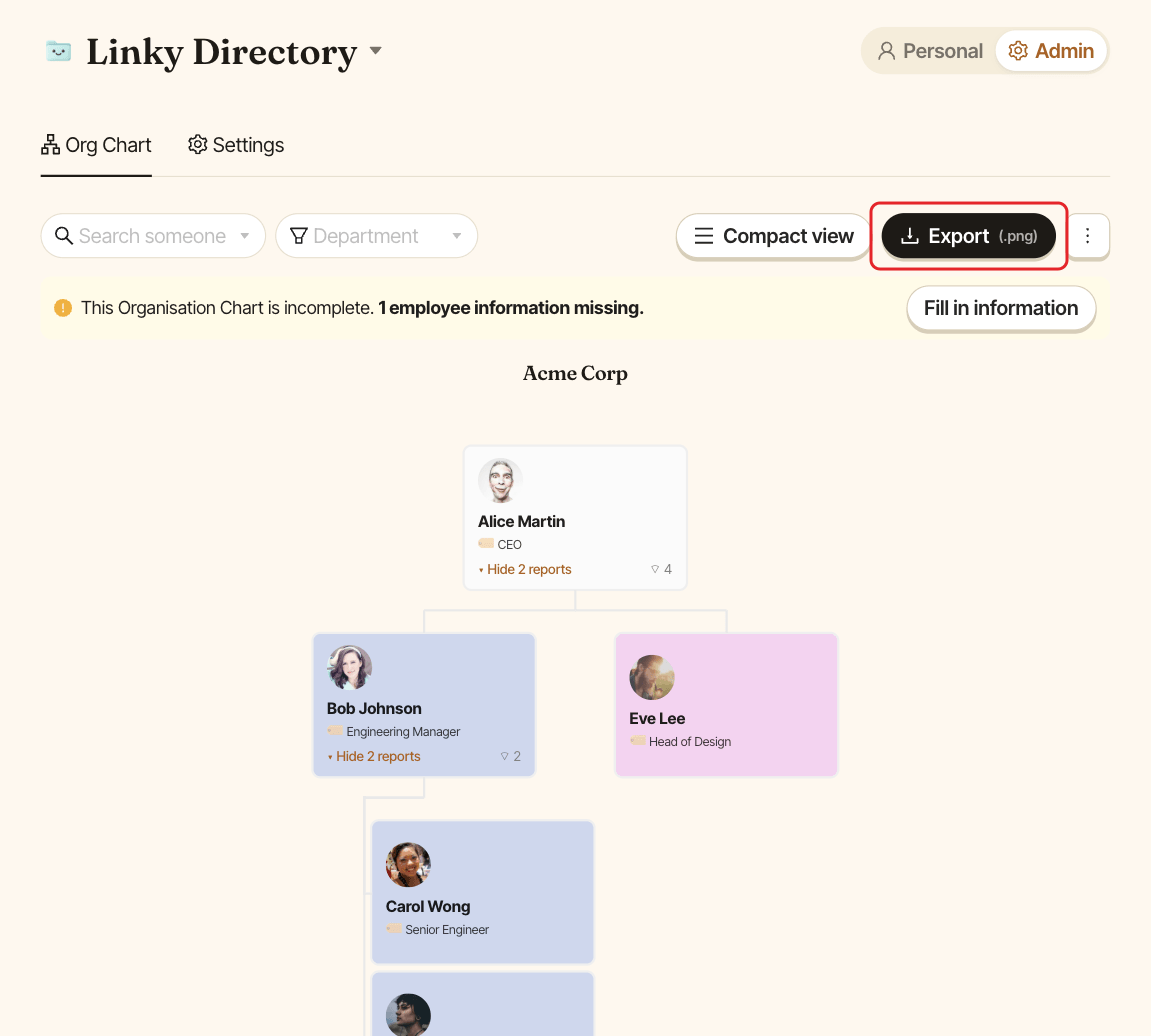
In the action bar above the chart, click Export (.png). Linky downloads a file named after your chart, for example linky-company.png.
Export when you have several charts#
Click Export (.png). In the Export org chart window, choose either:
Export all charts, which combines every chart into a single PNG namedlinky-org-chart.png, or- one chart by its name.
Click Export (.png).
What's in the image#
The image shows the chart as it is on your screen: if you filtered on a department, only those teams are exported. Clear the filter first to export everyone.