Reorder people in the Linky org chart
Linky admins can change the order of people who share the same manager on the org chart, for example to show teams in a logical order, left to right.
 SlackUpdated Oct 5, 20261 min read
In Linky, the BuddiesHR org chart app for Slack, admins can change the order of people who report to the same manager, for example to show teams in a logical order. You need to be a Linky admin.
Move a person#
Open the org chart in Admin mode and hover over the person's card. Click the < or > arrow next to Move to move them one place to the left or right.
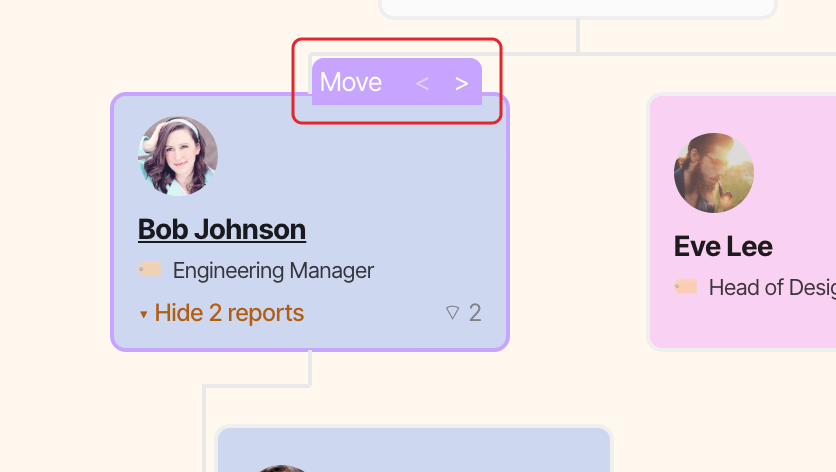
The new order is saved straight away and everyone sees it.