Turn on compact view in the Linky org chart
Switch the Linky org chart to compact view to see more of your organization at once. Anyone can turn it on, and the choice is saved in your browser.
 SlackUpdated Oct 8, 20261 min read
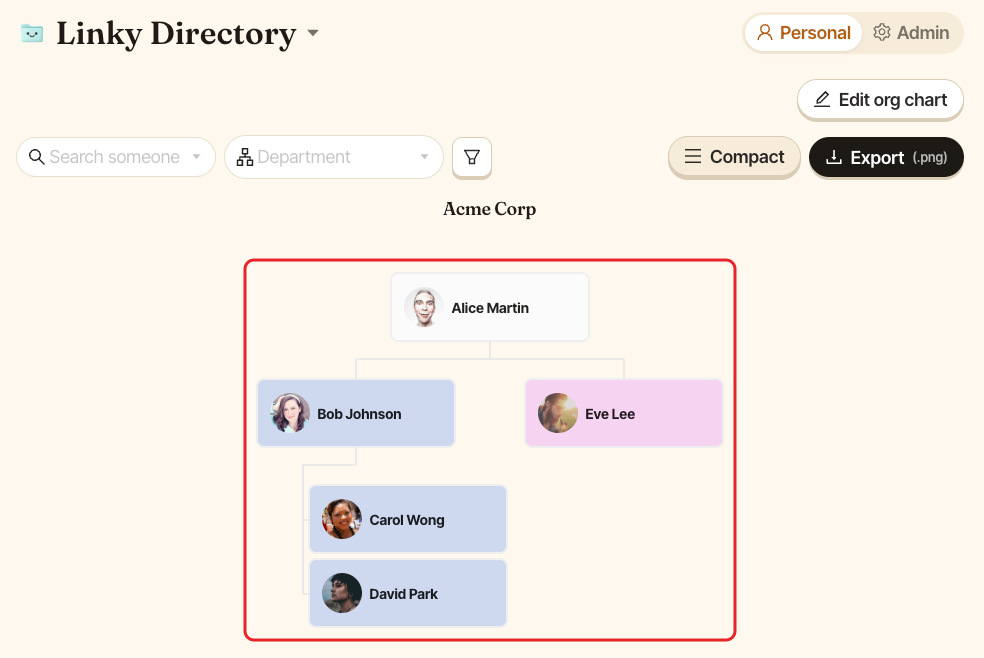
Compact view in Linky, the BuddiesHR org chart app for Slack, shows smaller cards with only each person's picture and name, so more of your organization fits on the screen. Anyone can turn it on, in Personal or Admin mode.
Turn on compact view#
In the action bar above the chart, click Compact. The button stays highlighted while compact view is on. Click it again to go back to the normal cards.
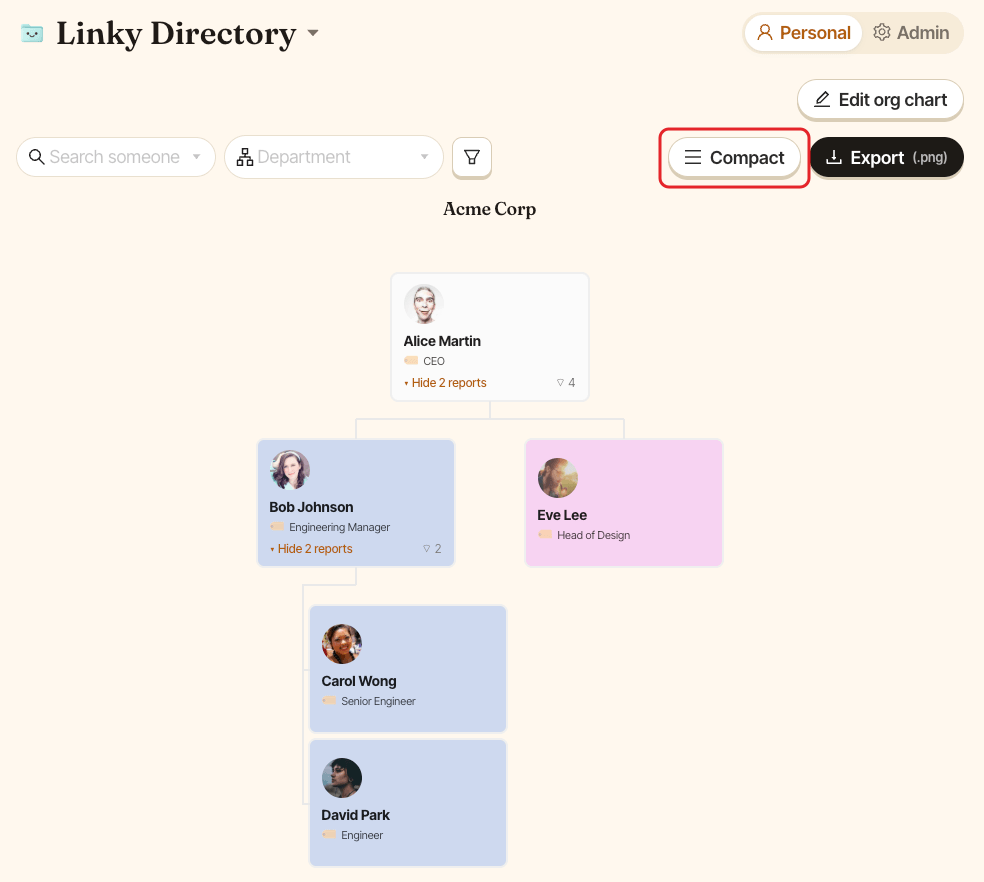
In compact view, each card only shows the person's picture and name. Profile fields, the team size badge and the Show N reports links are hidden.
Linky remembers your choice in this browser. It doesn't change the view for your colleagues, and you'll need to turn it on again on another computer or browser.