Check how many Clappy claps you have left to give
See in Slack or on the BuddiesHR web dashboard how many claps you still have to give out this period, how long you have left, and when they reset.
 SlackUpdated Oct 7, 20262 min read
In Clappy, the BuddiesHR kudos app for Slack, everyone gets a number of claps to give out each period (by default, 5 claps per week). You can check what you have left on Clappy's Home tab in Slack or on the web dashboard.
In Slack: Current period status#
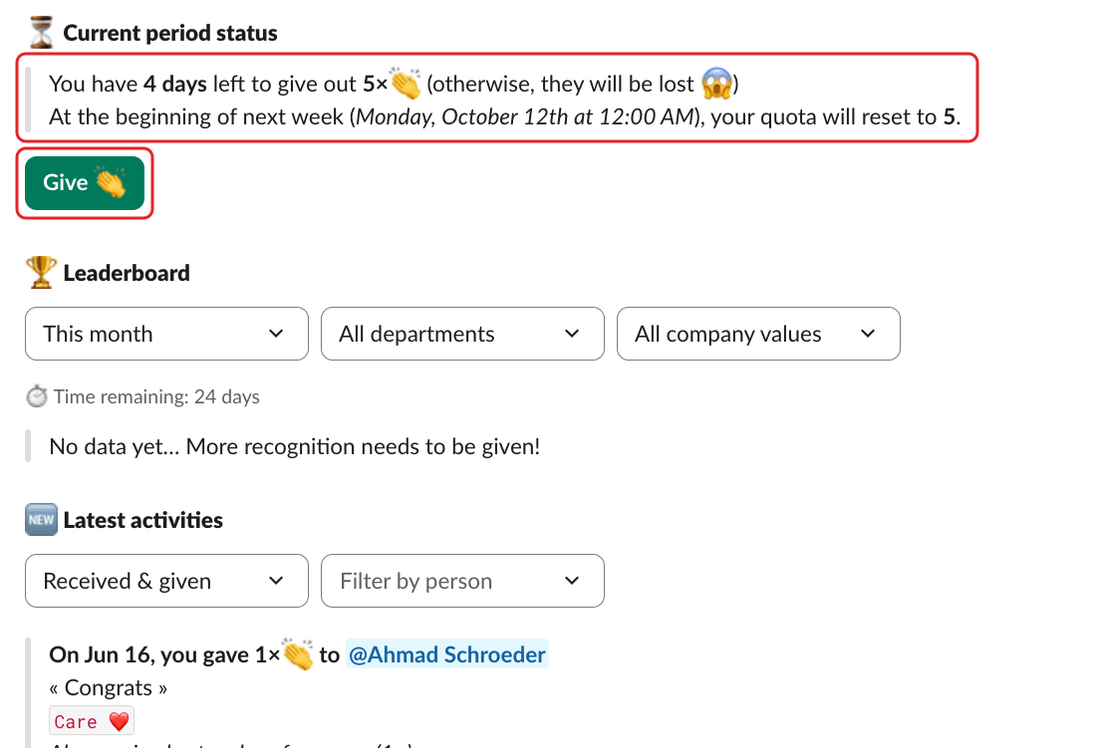
On Clappy's Home tab, the ⏳ Current period status section shows:
- how long you have left and how many claps you can still give, for example "You have 3 days left to give out 5×👏 (otherwise, they will be lost 😱)",
- when your claps reset, for example "At the beginning of next week (date), your quota will reset to 5."
If you have claps left, click Give 👏 to give kudos straight away. Once you've used them all, the section says "You have no claps left to give out this week. Good job 👏👏👏".
On the dashboard: the Home tab#
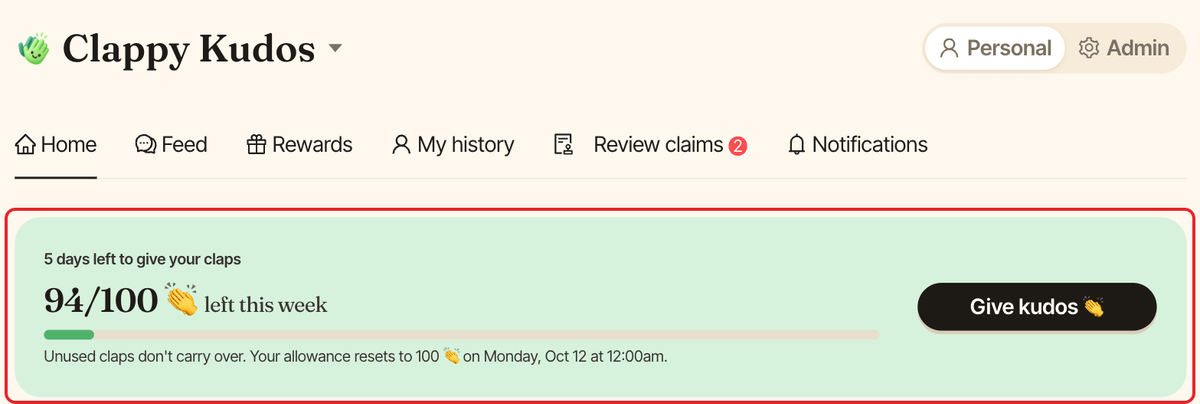
On the Home tab of the dashboard's personal side, the first card shows how many claps you have left, for example 3/5 👏 left this week, with how many days you have left, a progress bar and when your claps reset. Click Give kudos 👏 to give claps from the dashboard.
How the quota works#
- Your company chooses how many claps everyone gets, and whether they reset every day, week or month. See claps per week.
- Weeks start on Monday. Claps reset at the start of each period, in your company's timezone. Slack and the dashboard show the reset time in your own timezone.
- Unused claps are lost: they don't carry over to the next period.
- Giving 2 claps to 3 people uses 6 claps.
- The claps you've received never expire.
Troubleshooting#
It says Clappy isn't switched on for me#
If the section says "Clappy isn't switched on for you yet. Ask a workspace admin to add you.", you aren't part of the people Clappy is turned on for, so you can't give claps. Ask a Clappy admin to add you.
The Give kudos button is greyed out on the dashboard#
The button is disabled once you have no claps left for the period, or if your workspace's free trial has ended.