Add company values to Clappy kudos
Add, rename, archive and reorder the company values people can tag on their kudos in Clappy for Slack, and use emojis so values stand out.
 SlackUpdated Oct 7, 20262 min read
Company values are tags people can attach when giving kudos with Clappy, the BuddiesHR kudos app for Slack. You manage them in the 💎 Company values section of the Settings tab in the dashboard (see find the admin settings), and they power the value charts on the insights dashboard.
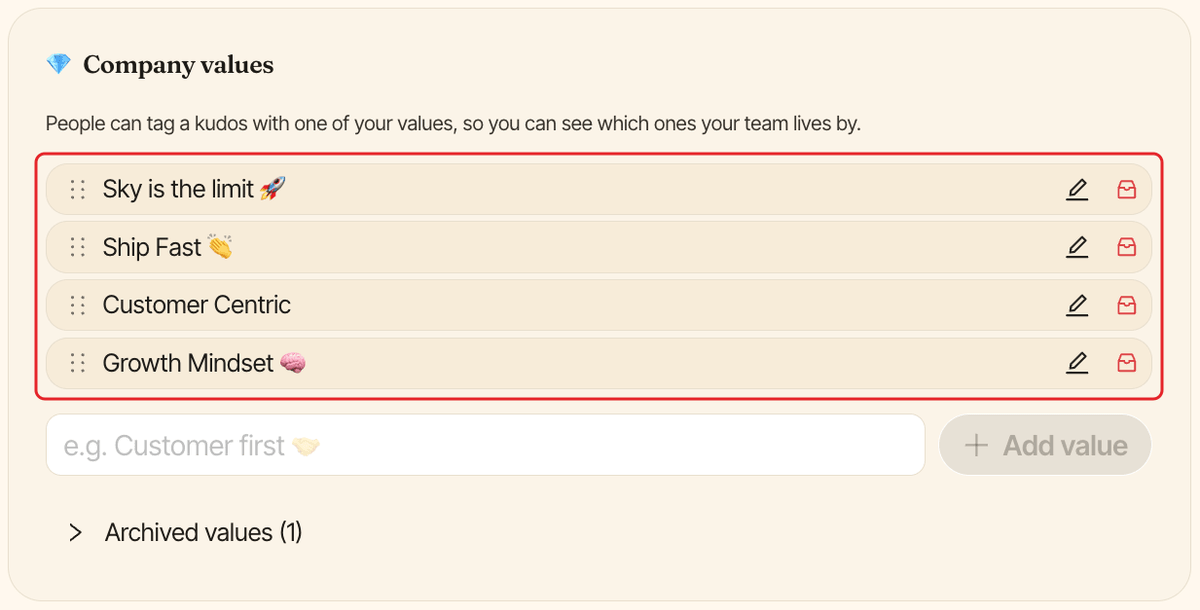
Add a company value#
Type the value in the field under the list (e.g. Customer first 🤝), then click Add value or press Enter. It's saved right away.
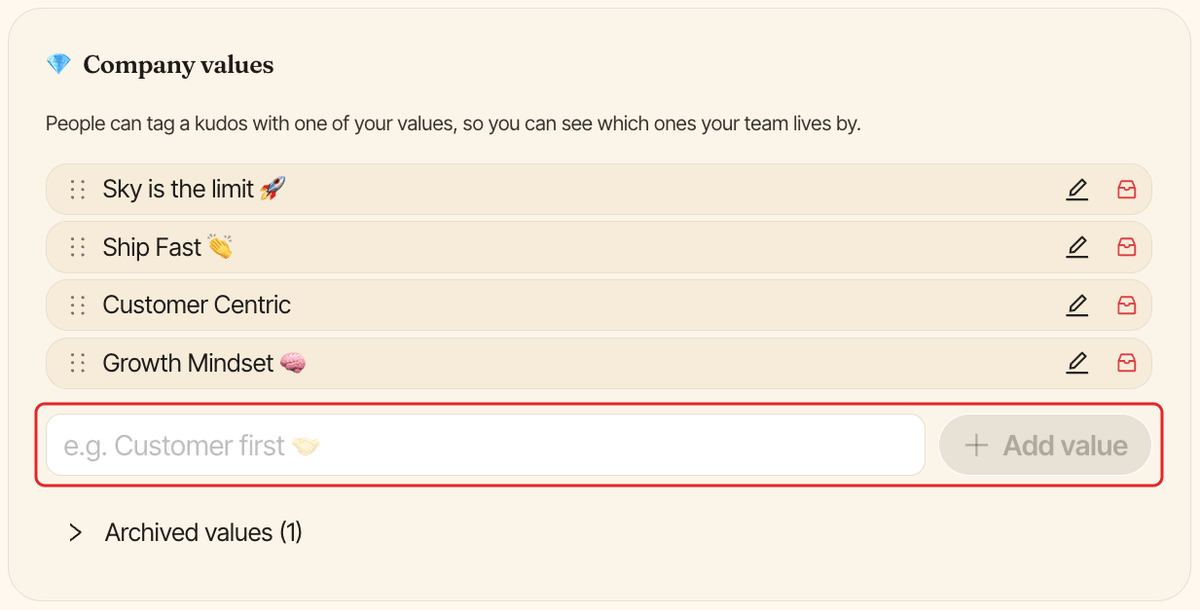
A value name can be up to 150 characters. You can have up to 100 active values: at the limit, archive one to add another.
Rename a company value#
Click the pencil icon (Rename) next to the value, change the name and click Save (or press Enter). Click Cancel or press Escape to keep the old name.
Past kudos keep the value, under its new name.
Archive a company value#
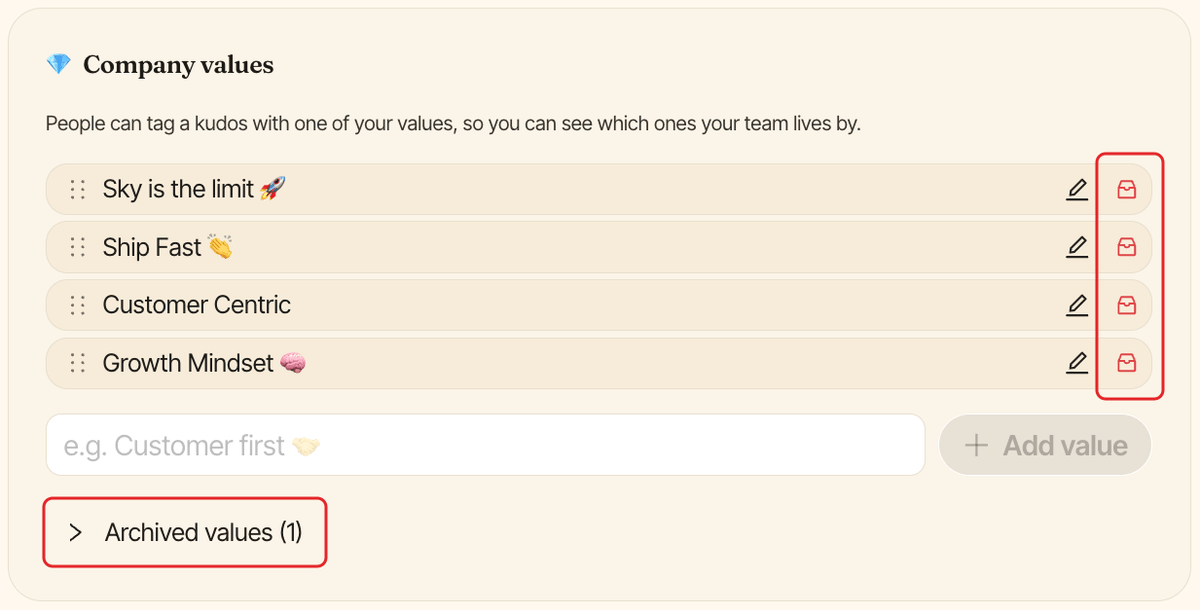
Values can't be deleted, because past kudos still carry them. Archive the ones you no longer use instead:
- Click the archive icon (
Archive) next to the value. - In
Archive this value?, clickArchive.
People can no longer pick it, but past kudos keep it.
To bring a value back, open Archived values under the list and click Restore next to it.
Reorder company values#
Drag a value by its handle on the left. With a keyboard, focus the handle, press Space, move it with the arrow keys and press Space again. The order here is the order people see when giving kudos.
Where values show up in Slack#
- In the give window, people pick from your active values, in your order.
- In the leaderboard of Clappy's Home tab, anyone who can see the leaderboard can filter it with
All company values. - In the
⚙️ Admin Settingssection of the Home tab, admins see your first 10 values.