Manage Clappy billing and invoices
Download Clappy invoices and update your payment method or billing details from the Stripe portal in the web dashboard, see how seats are counted, and cancel.
 SlackUpdated Oct 7, 20261 min read
Once your workspace has subscribed to Clappy, the BuddiesHR kudos app for Slack, Clappy admins and workspace admins manage invoices and payment details from Billing and invoices in the BuddiesHR web dashboard.
Download invoices or update billing details#
Step 1: Open the menu next to your name#
In the BuddiesHR web dashboard, click the ⋯ button next to your name, at the top right.
Step 2: Click Billing and invoices#
Click Billing and invoices. It only appears once your workspace has subscribed, and only for admins.
Your Stripe customer portal opens in a new tab. There, you can download invoices and update your payment method and billing information.
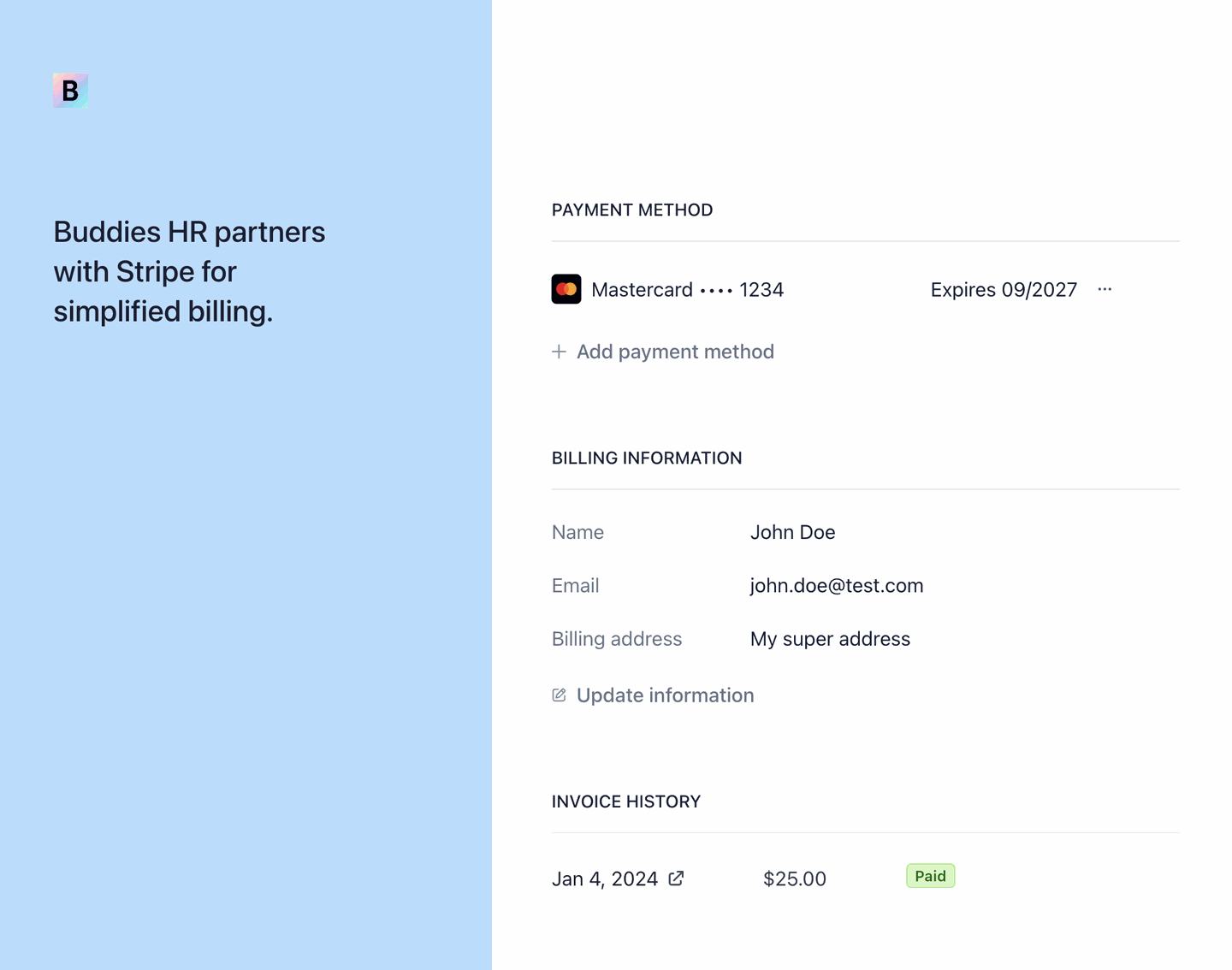
If you see "No billing account found. Please contact support.", email us at hey@buddieshr.com.
How seats are counted#
Clappy is billed per user. The number of seats follows the number of people Clappy is switched on for, excluding guests, bots and deactivated accounts, and updates automatically when people join or leave. It never goes below 10 seats.
See plans, free trial and subscribing, and the pricing overview for prices.
If a payment fails#
Open Billing and invoices and update your payment method in the Stripe portal, so your subscription isn't interrupted.
Cancel your subscription#
Email us at hey@buddieshr.com. Please tell us why you're canceling: it helps us improve the product a lot 🙏