Ask an anonymous follow-up question in Pulsy
Ask the author of a Pulsy survey answer for more context in Slack or by email, from the survey results, without ever learning who they are.
 SlackUpdated Oct 12, 20262 min read
Pulsy admins can ask the author of any submitted survey answer a follow-up question with Ask Clarification in the survey results. In an anonymous survey, the conversation stays anonymous, so you never learn who replied.
Step 1: Find the answer#
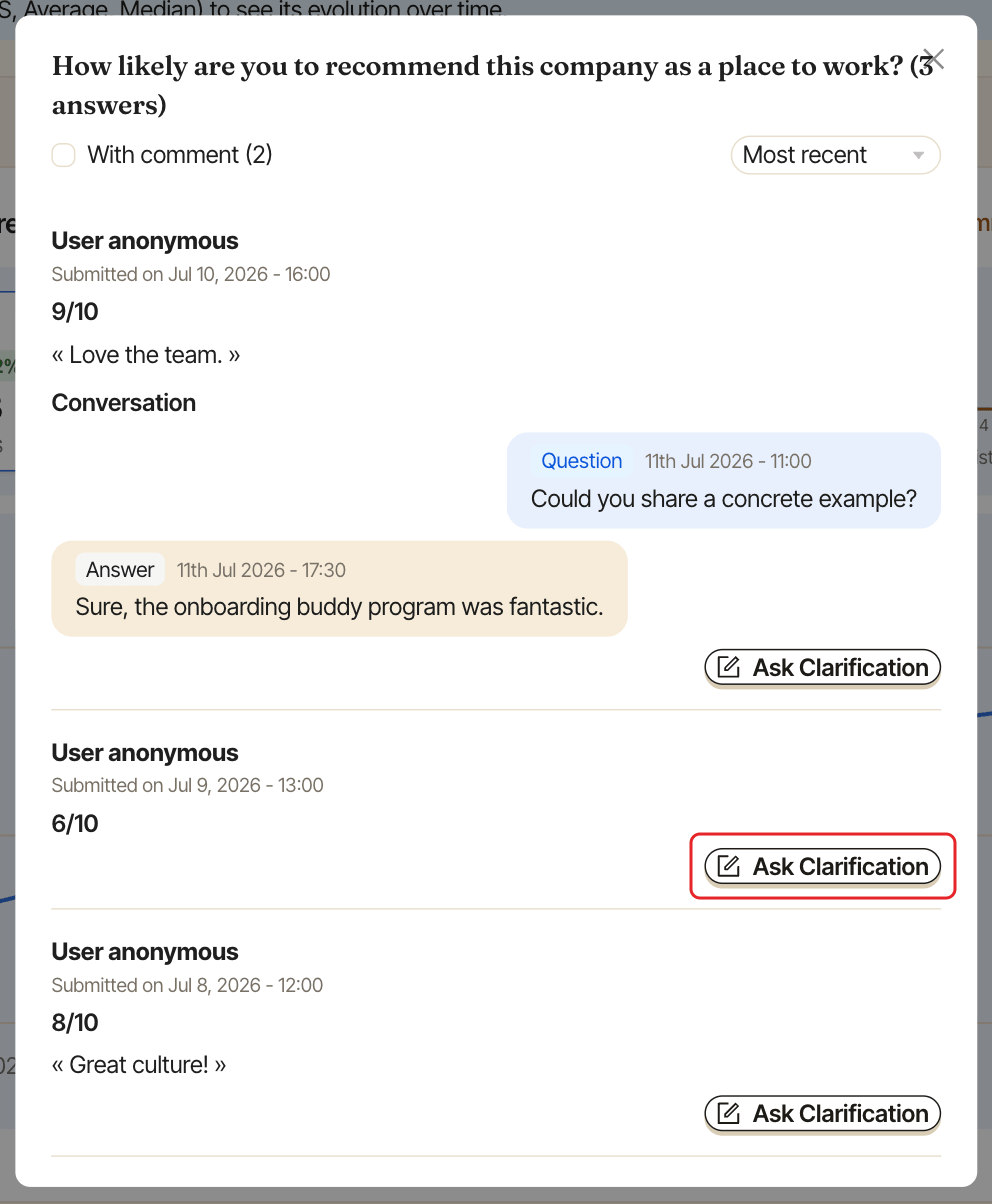
Open the survey's Responses tab (see view survey results) and find the answer or comment, for example by clicking N answers or N comments on a question card.
Step 2: Click Ask Clarification#
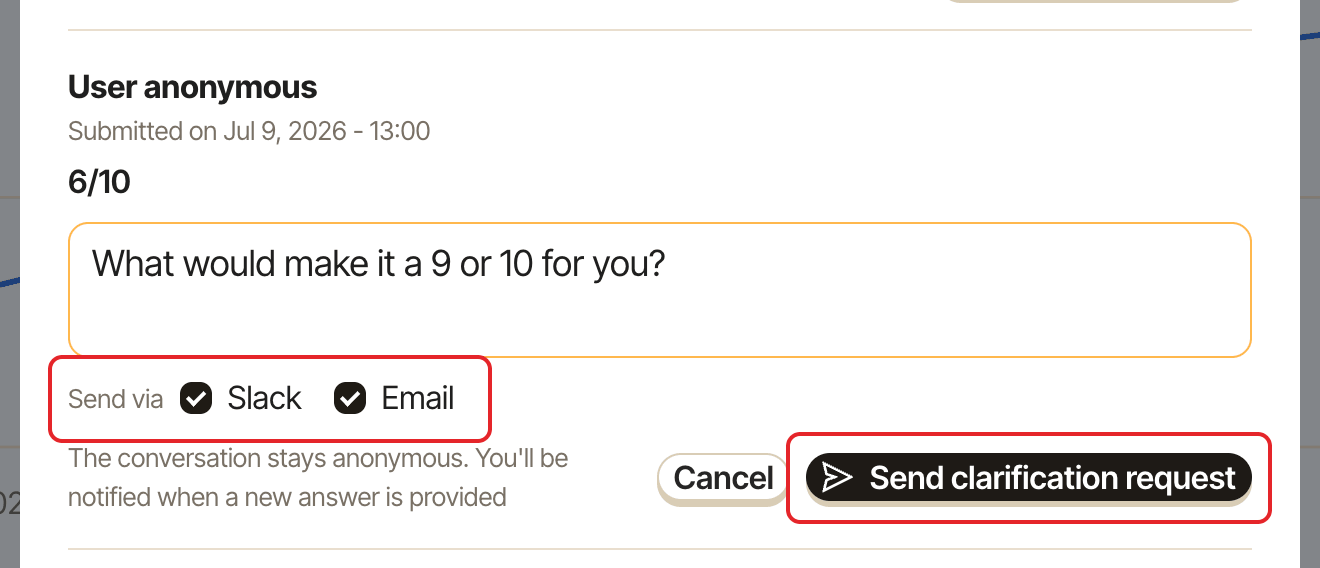
Click Ask Clarification under the answer, then type your question in the box ("Enter your clarification request").
Step 3: Choose how to send it#
Under Send via, check Slack, Email or both (both are checked by default), then click Send clarification request.
The respondent gets a direct message in Slack with a Reply in Slack button, or an email with Reply to the follow-up ↗️. They can also reply from the web dashboard. See reply to a follow-up question.
Step 4: Read the reply#
Pulsy notifies you of each reply, with the original answer quoted. The whole conversation shows under the answer, in the Conversation thread.
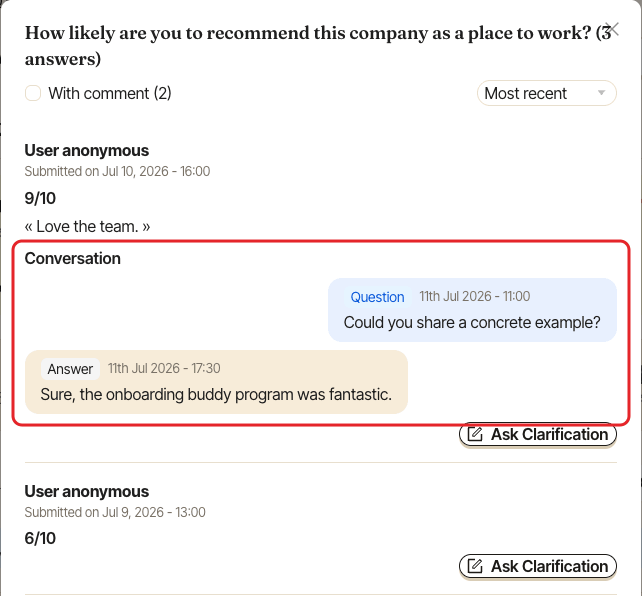
You can keep the conversation going with more follow-up questions, one at a time: Ask Clarification comes back once the respondent has replied. Conversations stay open after the survey closes.
If your question can't be sent#
In a survey that isn't anonymous, Pulsy tells you when it can't reach the respondent, and sends nothing:
- "The respondent can't be reached through Slack, so nothing was sent.": they can't be reached on the channel you checked, for example because they don't use it. If you checked another channel too, Pulsy suggests unchecking the one that failed: do it and click
Send clarification requestagain. - "The respondent's account has been deactivated, so they can't be asked for a clarification.": they left after answering.
In an anonymous survey, Pulsy never tells you whether the respondent can be reached, since that could give away who they are. Your question is saved, sent on the checked channels that reach them, and shown on their survey page in the web dashboard.