Read the performance reviews about you
Find the reviews your peers, reports and manager wrote about you in a SimplePerf cycle, and learn why some of them aren't visible to you yet.
In SimplePerf, the reviews written about you appear in the cycle under the Received tab, as soon as each one is visible to you.
Step 1: Open the cycle#
Open the cycle from the "You received a new review" email (👉 View Review), from SimplePerf's Home tab in Slack, or from your SimplePerf home on the web.
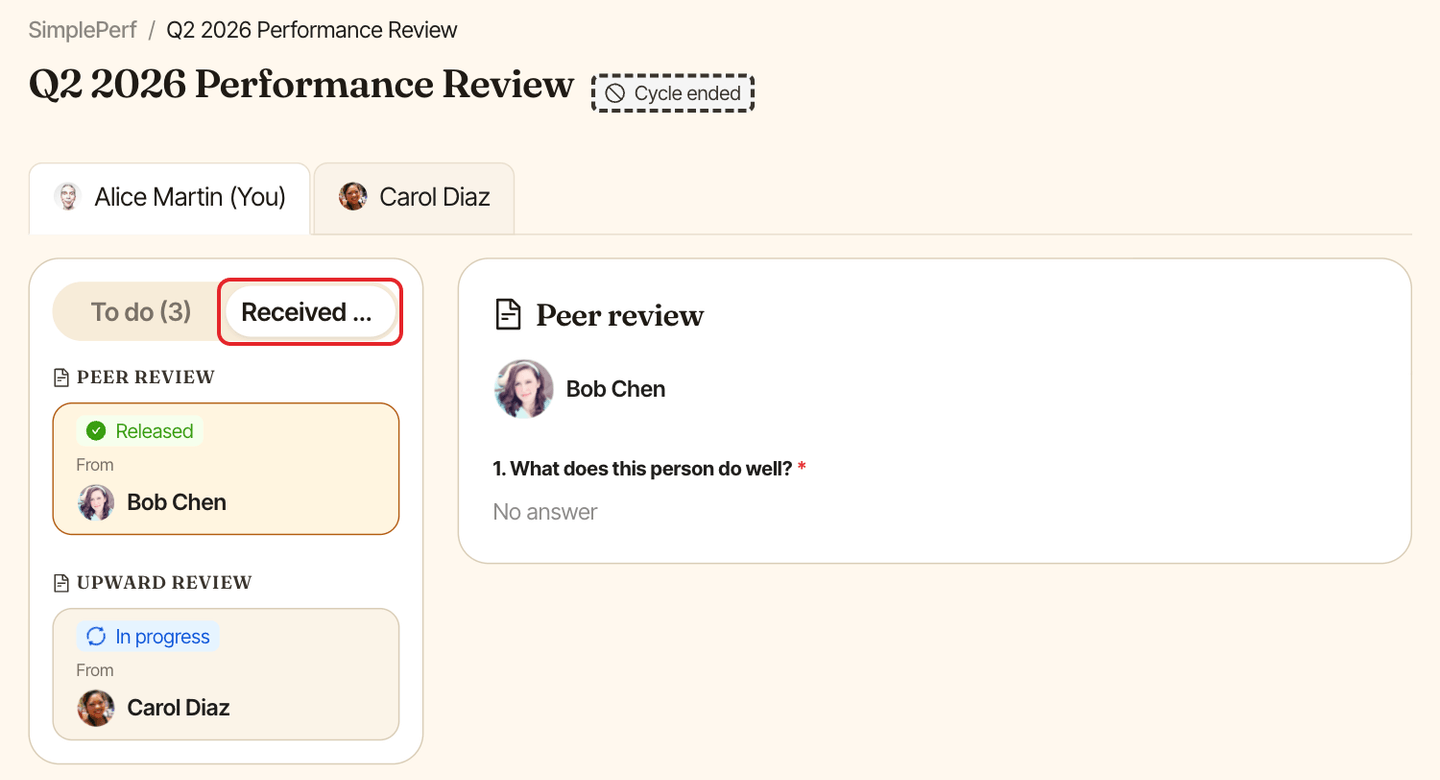
Step 2: Open the Received tab#
Click Received, then pick a review to read it. Reviews are grouped by type, with who wrote each one.
Why a review isn't available yet#
If you see "This review isn't available to you yet.", the review hasn't been submitted, or the cycle holds reviews until your manager releases them. You'll get an email as soon as it's released.