Try SimplePerf on yourself with a test cycle
Before your first real performance review, start a test cycle with only you in it. Write a self review, review yourself as a manager and see what your team will get.
Not sure what your team will see in a SimplePerf review? Start a test cycle with only you in it: you write a self review, then review yourself as your own manager, and you see the result. Nobody else is notified. It takes about two minutes.
Step 1: Start the test cycle#
As an admin with no cycle yet, the SimplePerf admin home shows Run your first review cycle with two choices. Under Try it with yourself, click Start a test cycle.
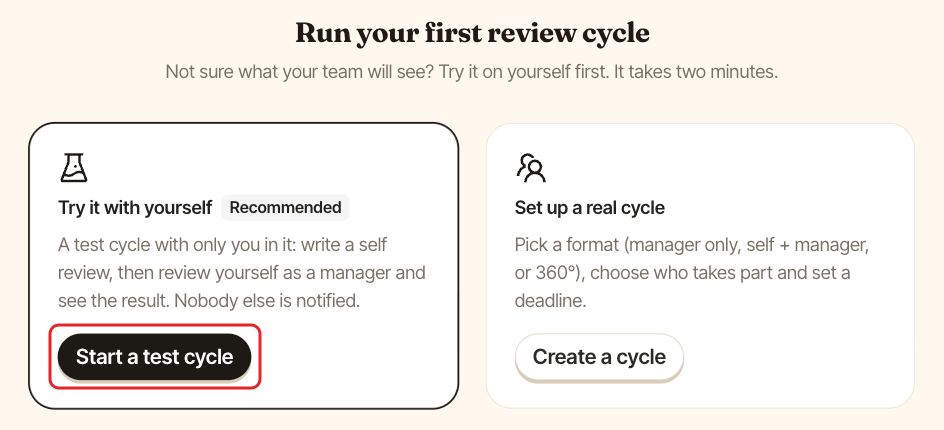
SimplePerf creates and launches the cycle right away, and opens it so you can start writing.
Step 2: Write your reviews#
The test cycle includes a self review and a manager review, with SimplePerf's ready-made questions:
- Fill in your self review, the way an employee would. See fill in a review.
- Open the
You, as managertab and write the manager review about yourself. This is what a manager sees and does. See write manager reviews.
Then read your reviews to see what a reviewee gets. See read your reviews.
Step 3: Archive the test cycle#
When you're done, archive the test cycle from the admin home so it doesn't sit next to your real cycles. See manage your cycles.
Next step#
Ready for the real thing? On the admin home, click Create cycle and set up your first review cycle.