Review your team as a manager in SimplePerf
Write manager reviews in SimplePerf, read what others wrote about your direct reports, and release their reviews to them after your 1:1.
If you write a manager review for someone in a SimplePerf cycle, the cycle page gives you one tab per report, next to your own tab, where you write your review and read every other review about them.
See everything about a report#
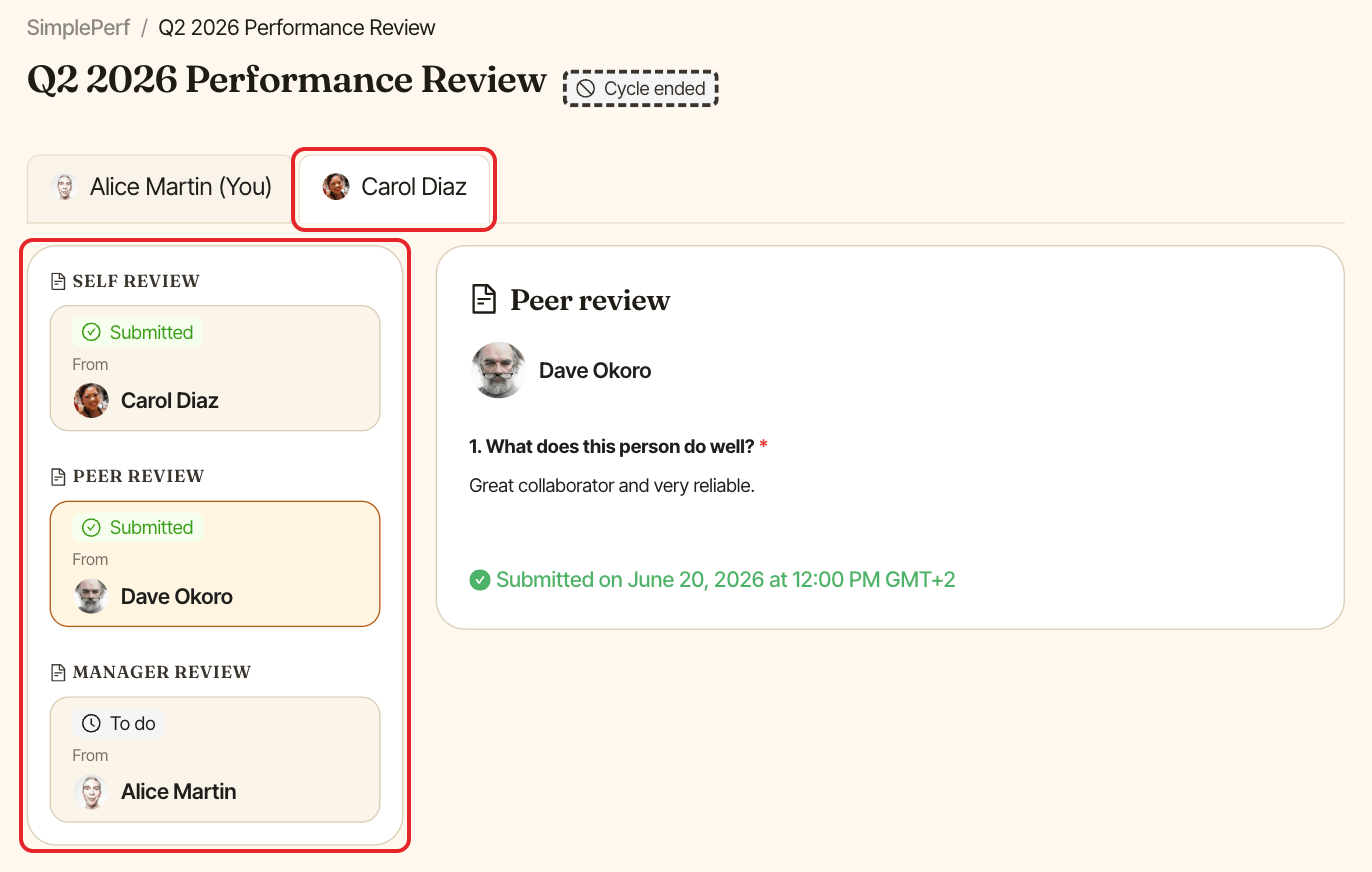
Open the cycle and click your report's tab. You see every review about them, with its status. Submitted reviews can be read in full, including answers hidden from the reviewee. For pending ones, SimplePerf shows who it's waiting on.
Write your manager review#
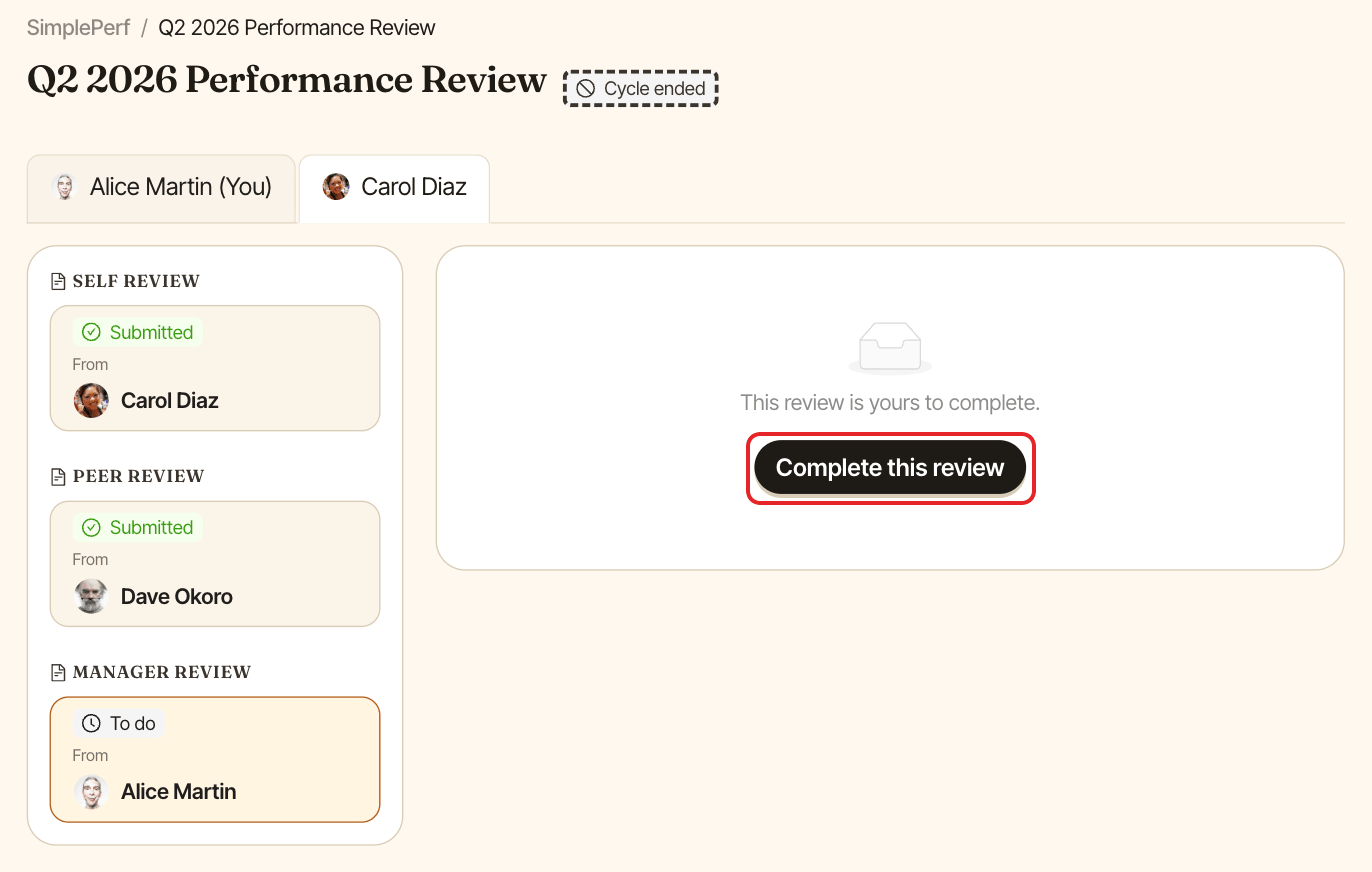
On the report's tab, select your manager review and click Complete this review, or open it from your To do list.
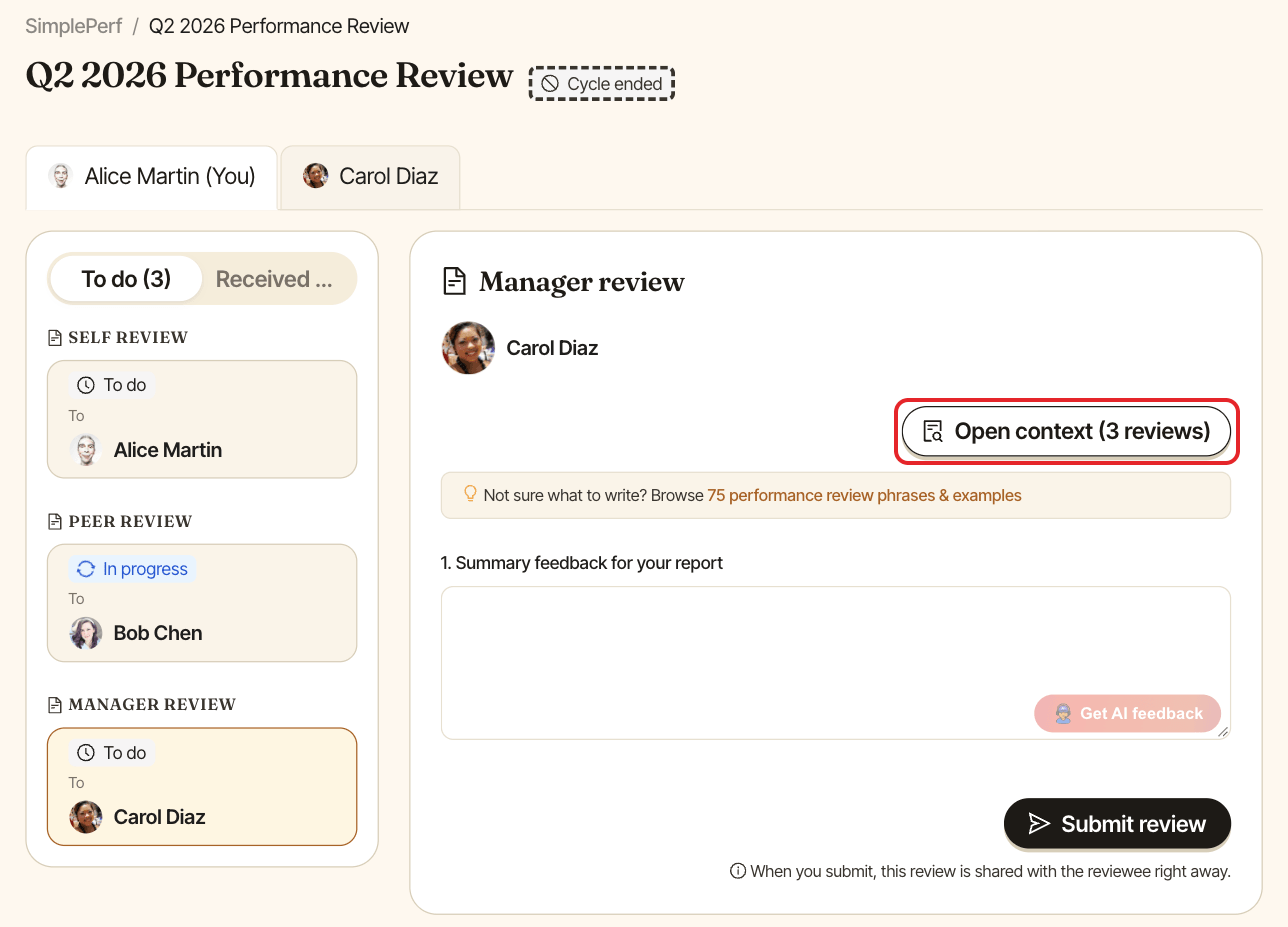
While writing, click Open context to read the other submitted reviews about this person (self, peer, upward) side by side with your form.
When managers review last#
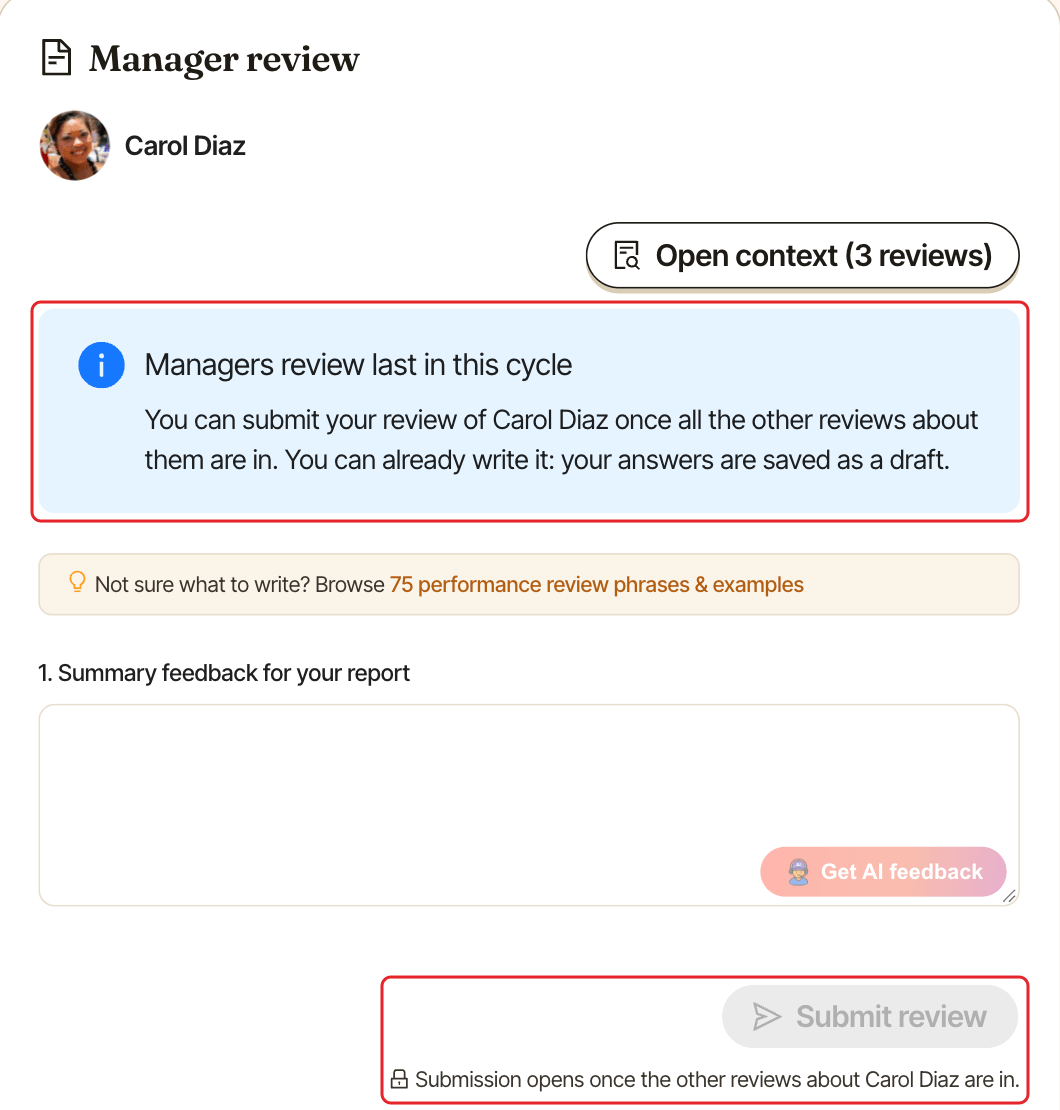
If the cycle asks managers to review last, the form shows "Managers review last in this cycle" until all the other reviews about your report are in. You can already write your review: your answers are saved as a draft. Submit review stays locked, with "Submission opens once the other reviews about [name] are in." under it.
SimplePerf messages you ("Time to write your review of") once the other reviews are in: Submit review unlocks and you can send yours.
Release reviews to your report#
In cycles that hold reviews until they're released, your report doesn't see submitted reviews until you release them. On their tab, the box shows how many reviews aren't released yet. Click Release reviews when you're ready, for example after your 1:1.
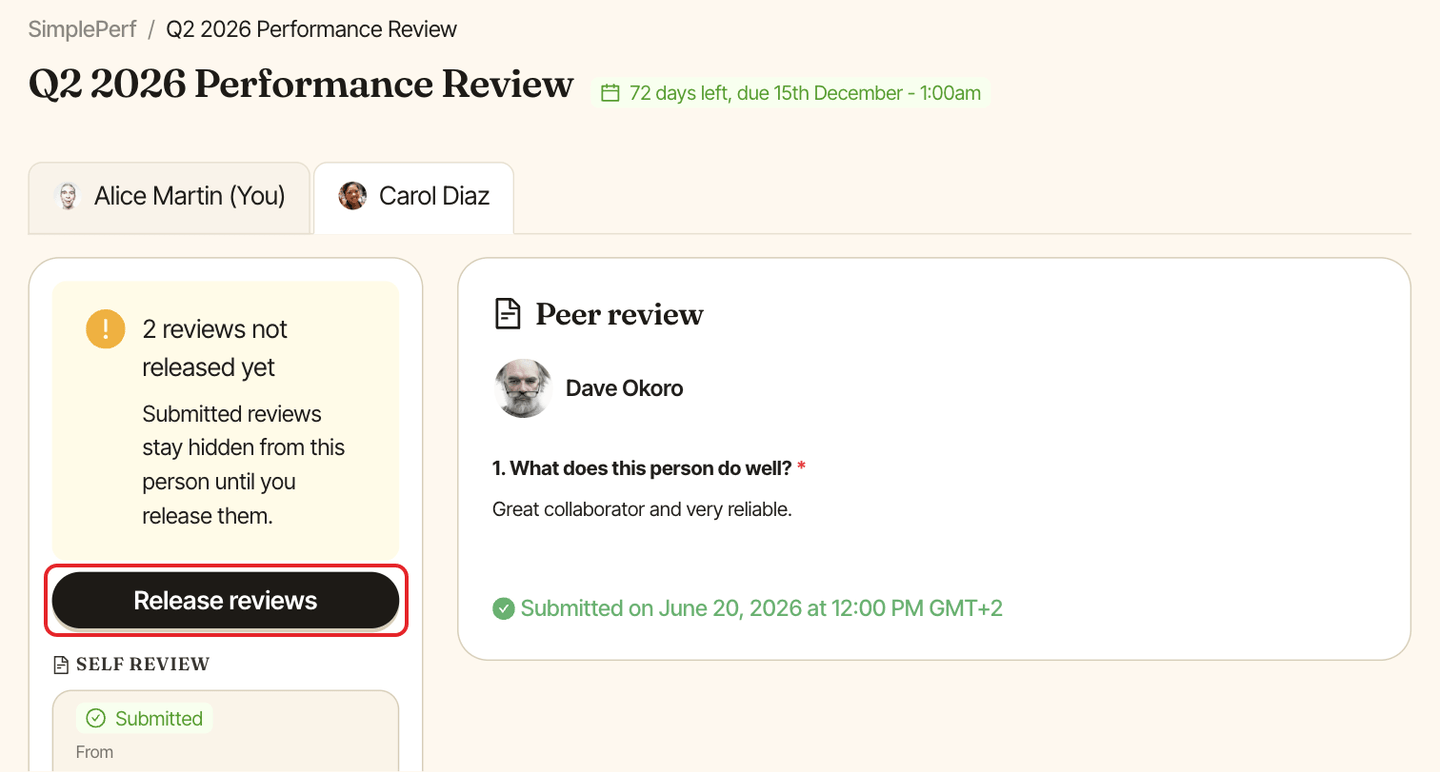
Once released, the reviews become visible to your report, and they get a "You received a new review" message for each one. This can't be undone.