Connect SimplePerf to Slack and set your timezone
Add the SimplePerf Slack app to deliver performance reviews and reminders in Slack, set the timezone used for deadlines, and choose who can manage SimplePerf.
 SlackUpdated Oct 26, 20262 min read
SimplePerf works on the web on its own, with notifications by email; connecting Slack also delivers review tasks, reminders and new-review alerts as Slack direct messages. All of this lives in the admin Settings tab, along with the company timezone and the list of SimplePerf admins.
Connect Slack#
- In SimplePerf, switch to
Adminand open theSettingstab. - In the
Slacksection, clickAdd SimplePerf to Slackand allow SimplePerf in your workspace.
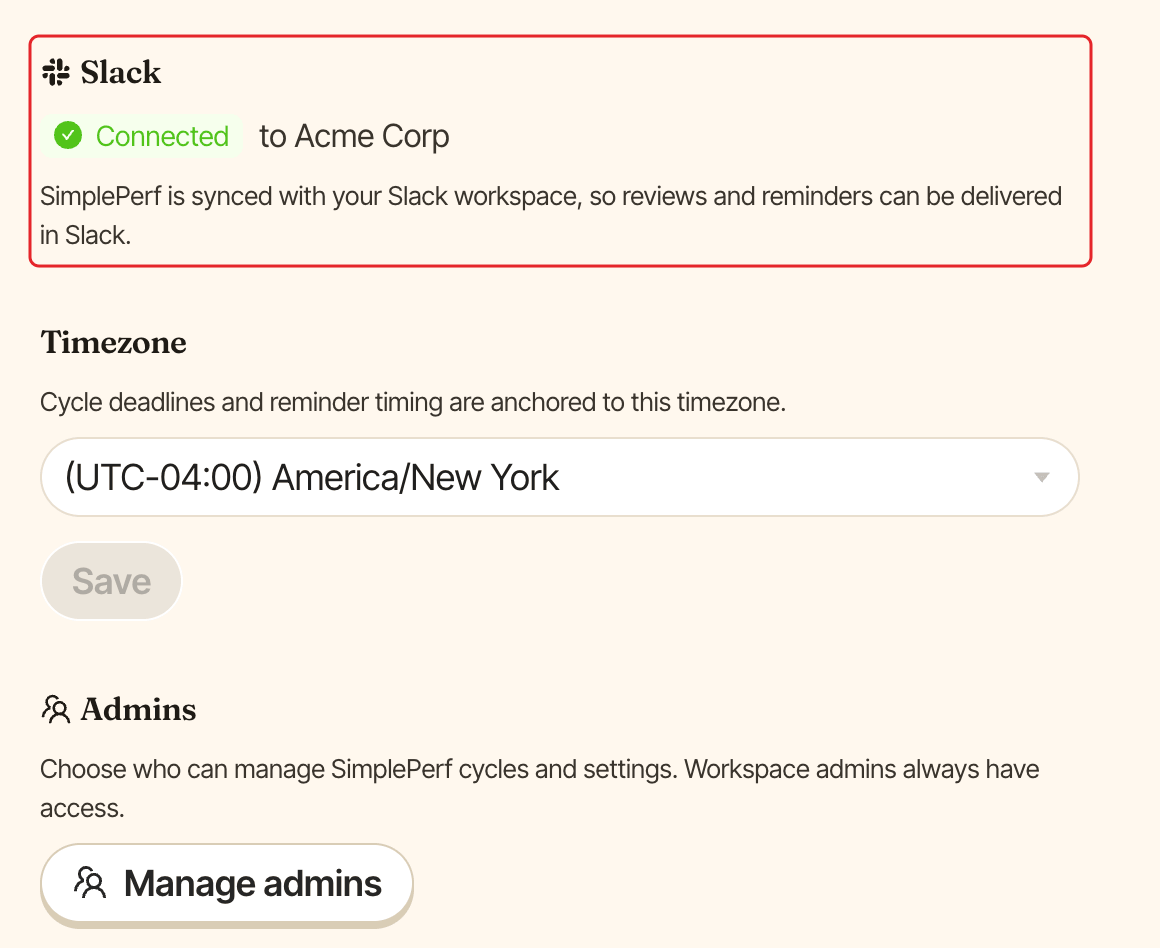
Once connected, the section shows Connected with your Slack workspace name, and says "SimplePerf is synced with your Slack workspace". You can then choose Slack for reminders in each cycle.
What people see in Slack#
SimplePerf's Home tab in Slack shows:
- For admins: the live cycles with their progress (reviews completed), and
Open dashboard ↗. - For everyone: their review cycles with the deadline, their pending reviews, how many reviews about them are ready to read, and
📂 Open cycle.
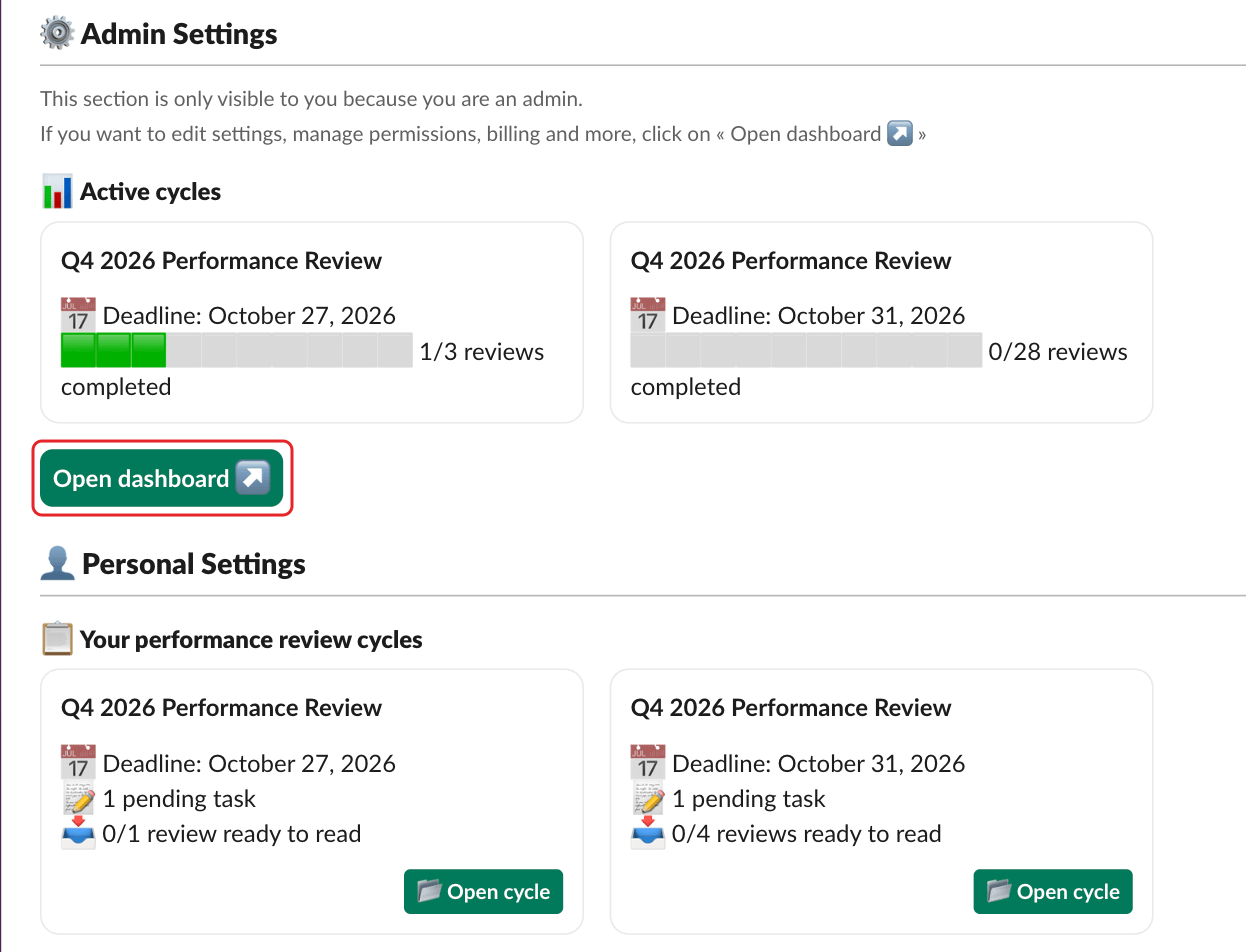
SimplePerf only sends direct messages in Slack. It never posts in channels.
Set your timezone#
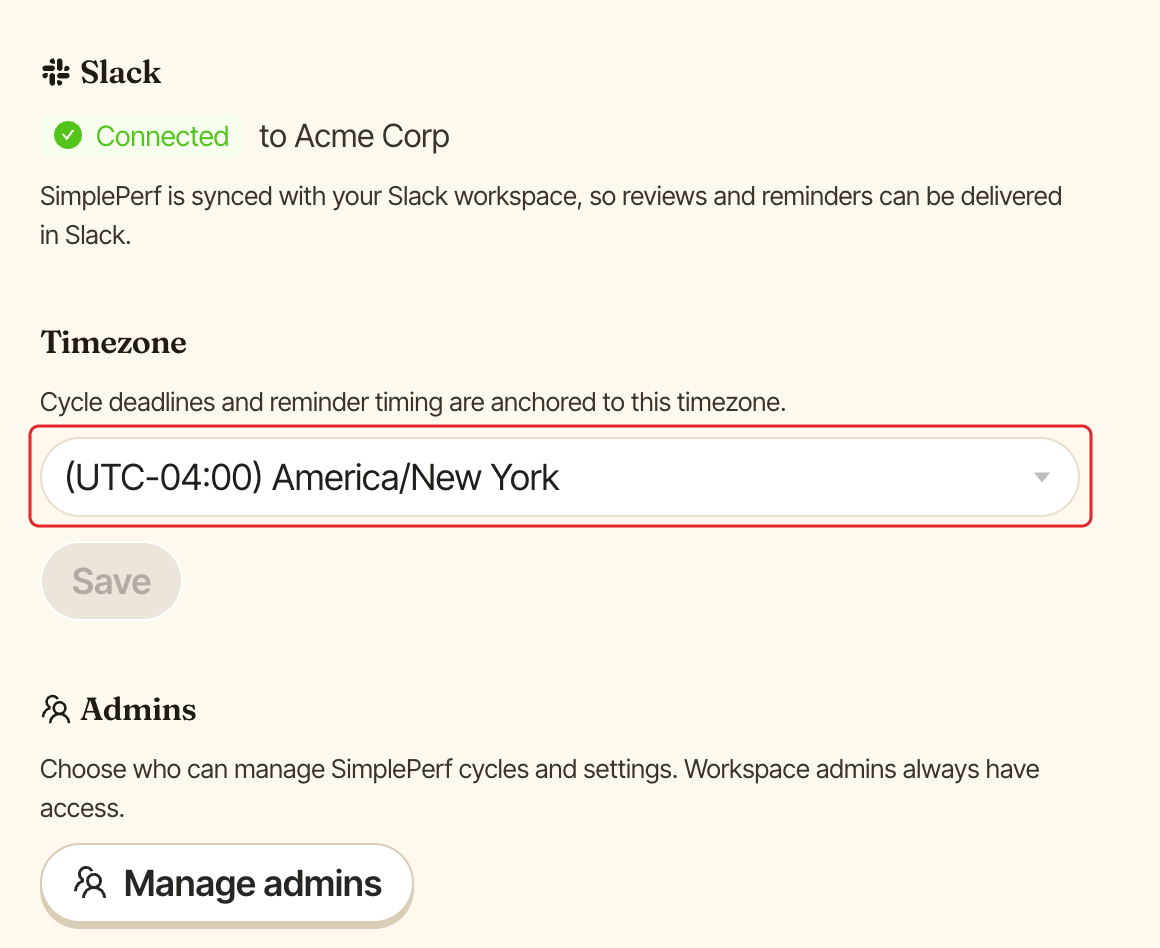
In the same Settings tab, the Timezone section sets your company's timezone: "Cycle deadlines and reminder timing are anchored to this timezone." Exported PDFs use it for submission dates too. Pick the timezone, then click Save. It starts as the timezone of the admin who set up SimplePerf.
Choose who manages SimplePerf#
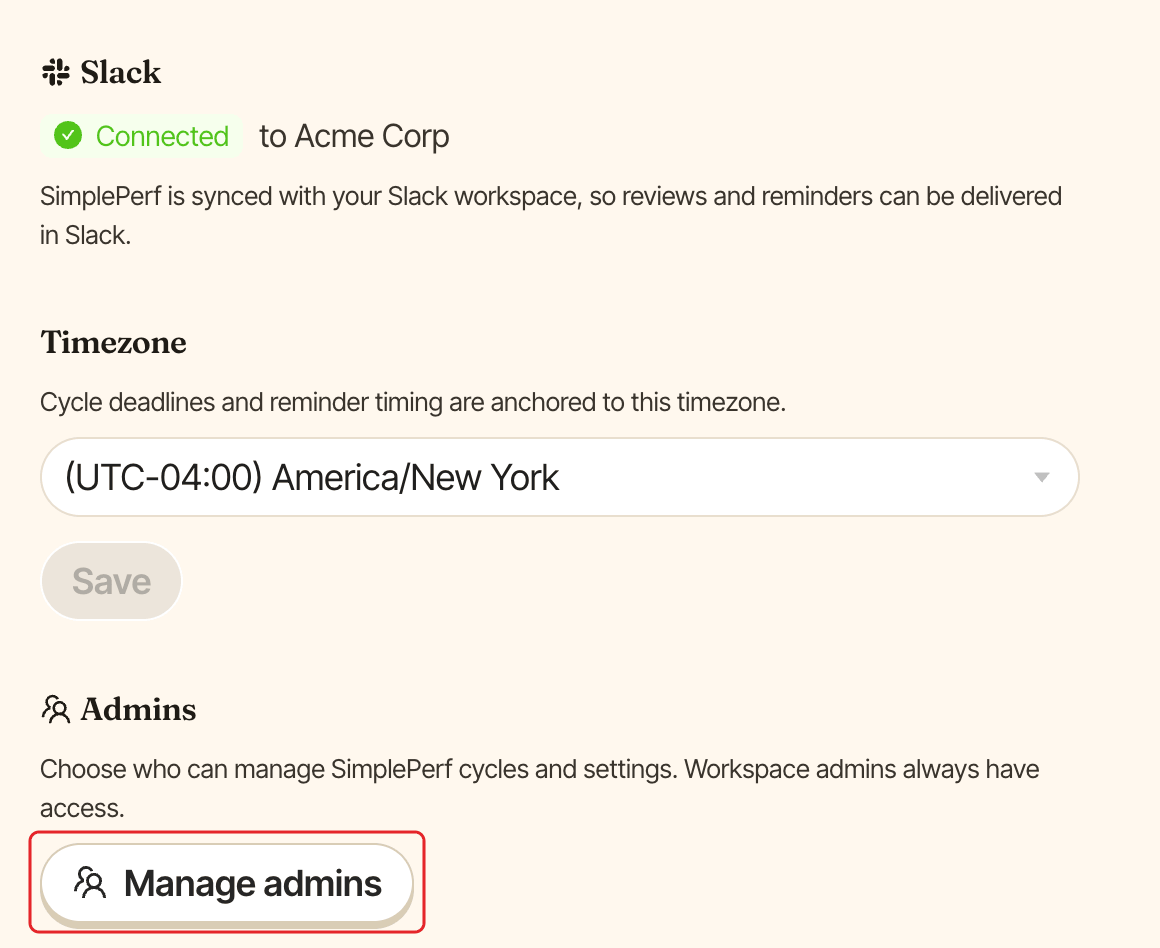
The Admins section lets you choose who can manage SimplePerf cycles and settings. Workspace admins always have access. Click Manage admins, pick the people, then save.
Include Slack guests#
By default, SimplePerf leaves the guests of your Slack workspace out. To include single-channel and multi-channel guests in your review cycles, click Manage guest users next to Manage admins, then turn on the switch next to your Slack workspace. The change is saved straight away. The button only shows while Slack is connected.