Follow review progress and release reviews
See which SimplePerf reviews are completed or still missing, read submitted reviews, and release them to the people reviewed when the cycle holds them back.
SimplePerf admins follow a live review cycle from Admin › Cycles: open the cycle, and its Reviews tab lists every review, grouped by status.
Follow progress#
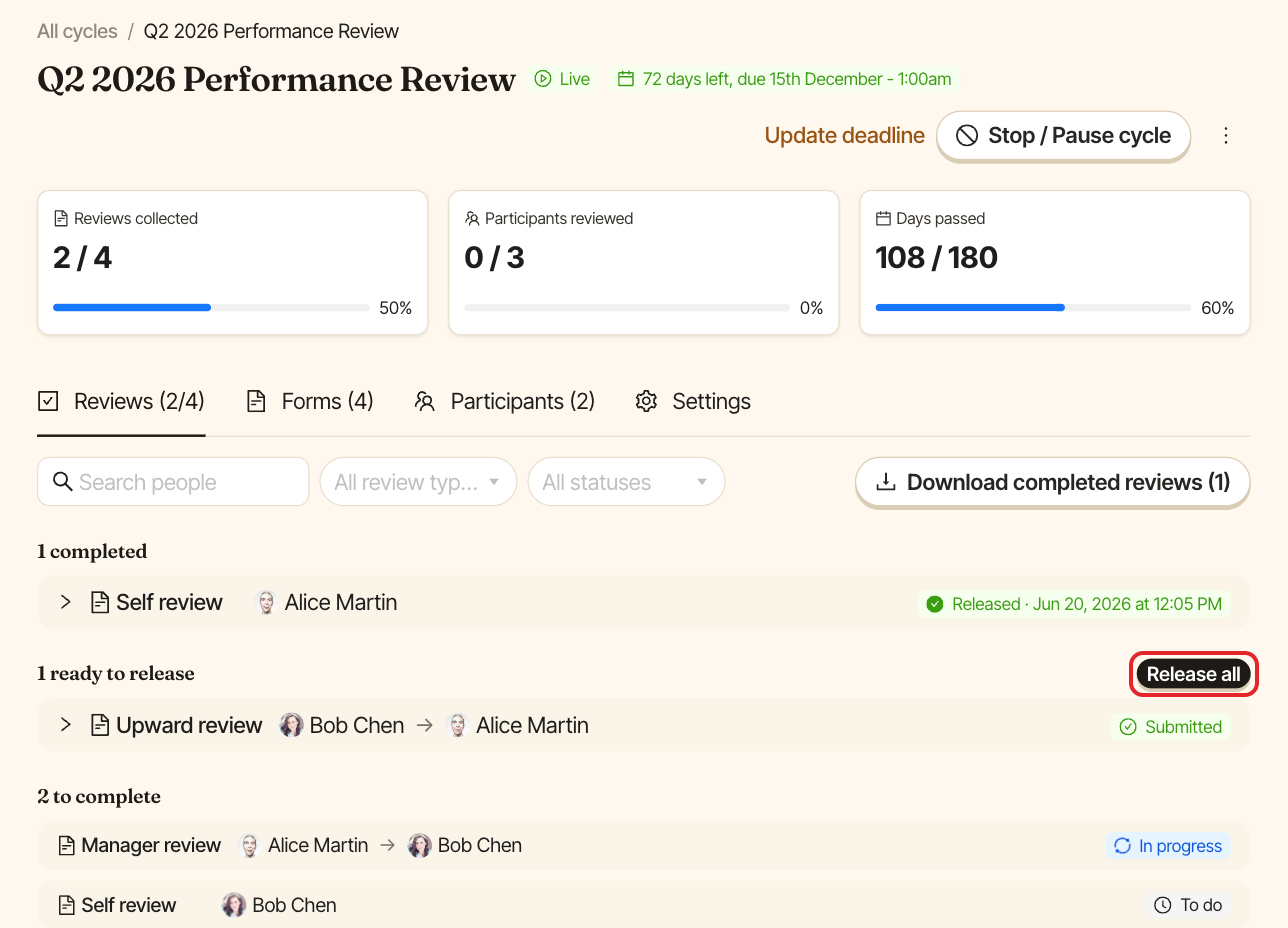
At the top of a live cycle, Reviews collected, Participants reviewed and Days passed show where you stand. The cycles list shows the same numbers on each cycle card.
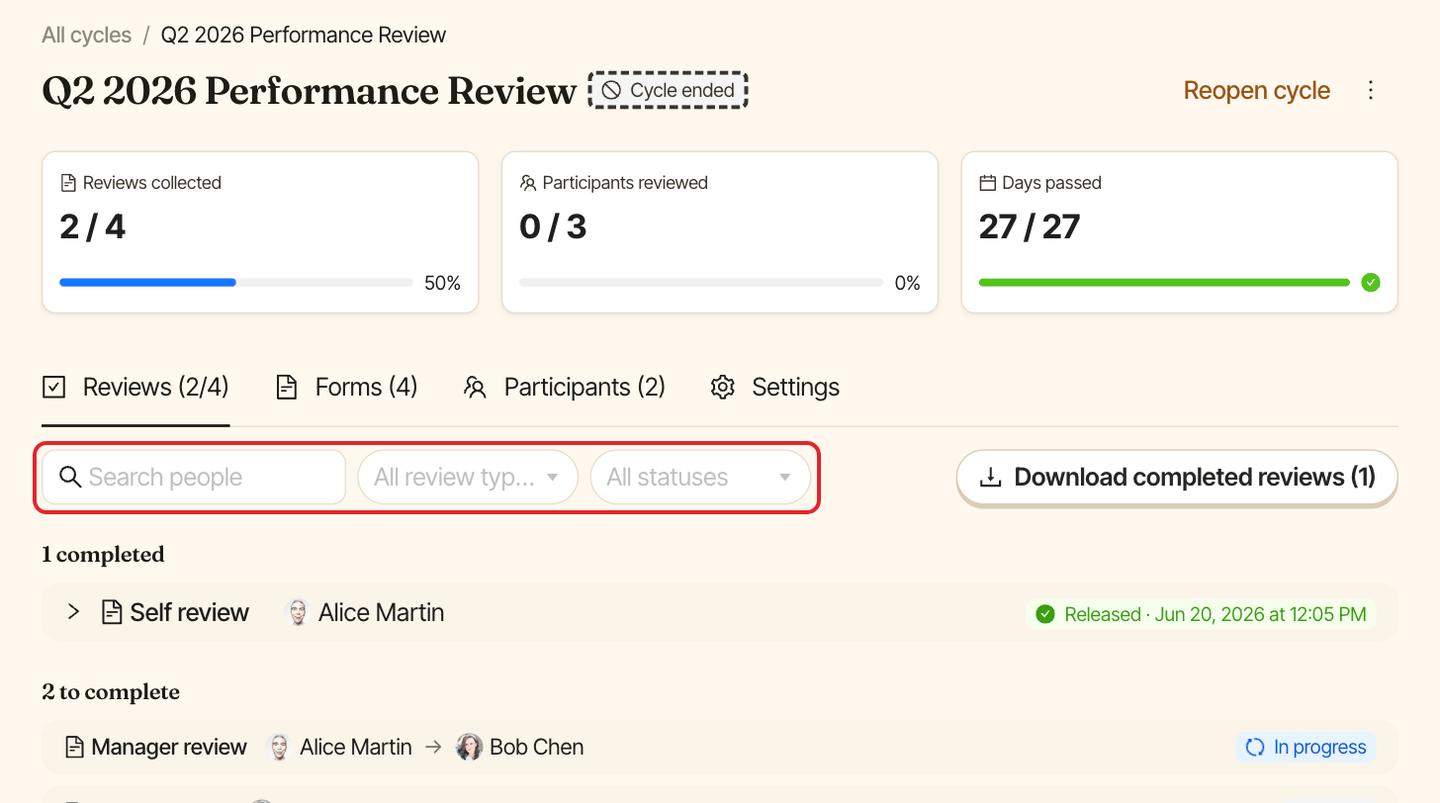
In the Reviews tab, reviews are grouped into:
- Completed: submitted reviews the person reviewed can read. Click one to read its answers.
- Ready to release: submitted, but waiting to be released to the person reviewed. Only shown when the cycle holds reviews until release.
- To complete: reviews not submitted yet, with the reviewer and the person reviewed.
Use Search people, All review types and All statuses to filter the list.
Release reviews#
If the cycle was set to Only after the reviewee's manager releases them, submitted peer, upward and manager reviews stay hidden from the person reviewed until they're released. Self reviews are never held back. Admins can release reviews in bulk:
- In the
Reviewstab, clickRelease all(orRelease shownwhen filters are on). - Confirm. Released reviews become visible to the people reviewed, who get a "You received a new review" message. This can't be undone.
Managers can also release the reviews about each of their reports themselves. See review your team as a manager.
Change who sees reviews#
How reviews are released is set in the cycle's Settings tab while the cycle is a draft. Once it's live, put it back as a draft to change it. See change the deadline, stop or reopen a cycle.