Create your SimplePerf account
Sign up for SimplePerf with Google or your work email, then start it on the web or add it to Slack to run your first performance review cycle.
To start SimplePerf, the BuddiesHR performance review app, you create a BuddiesHR account on the web and then turn SimplePerf on, either as a web app or added to Slack. The person who creates the account becomes its admin.
Step 1: Sign up#
Go to the SimplePerf sign-up page. You have two options:
- click
Continue with Google, or - enter your work email and click
Sign up with email, then open the confirmation link we send you.
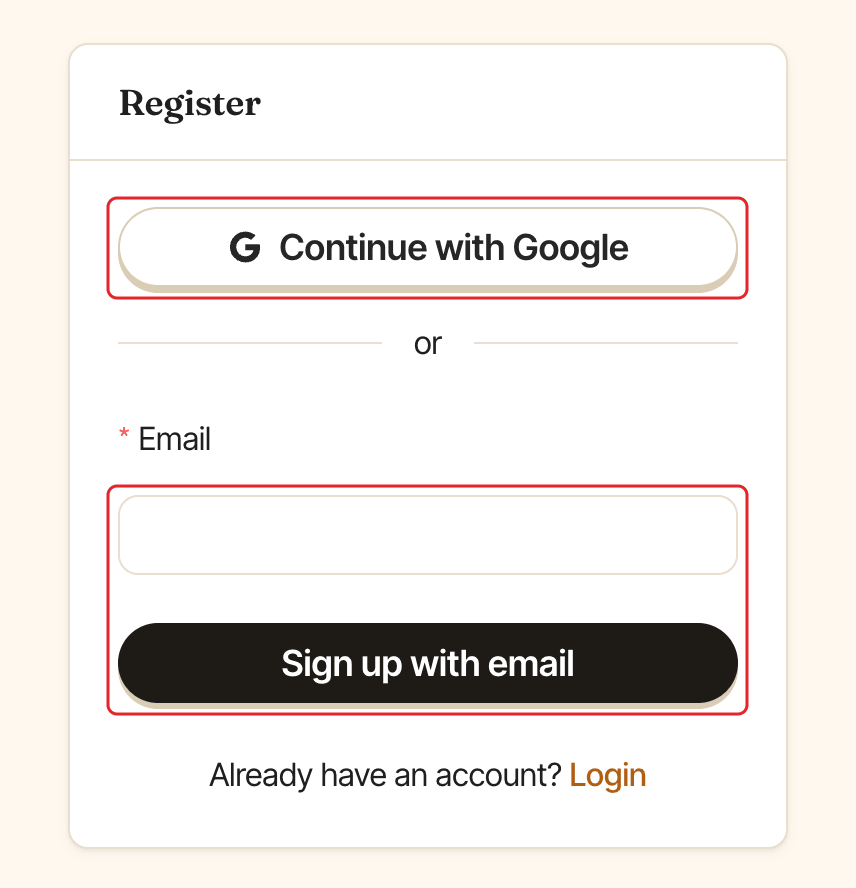
Already have an account? Click Login, then use Sign in with Google or Login with email to get a login link by email.
Step 2: Choose SimplePerf#
On Choose your first app, find SimplePerf and pick how you want to use it:
Use web version: start right away in the browser. Notifications go by email.Add to Slack: install the SimplePerf Slack app to also get reviews and reminders in Slack.
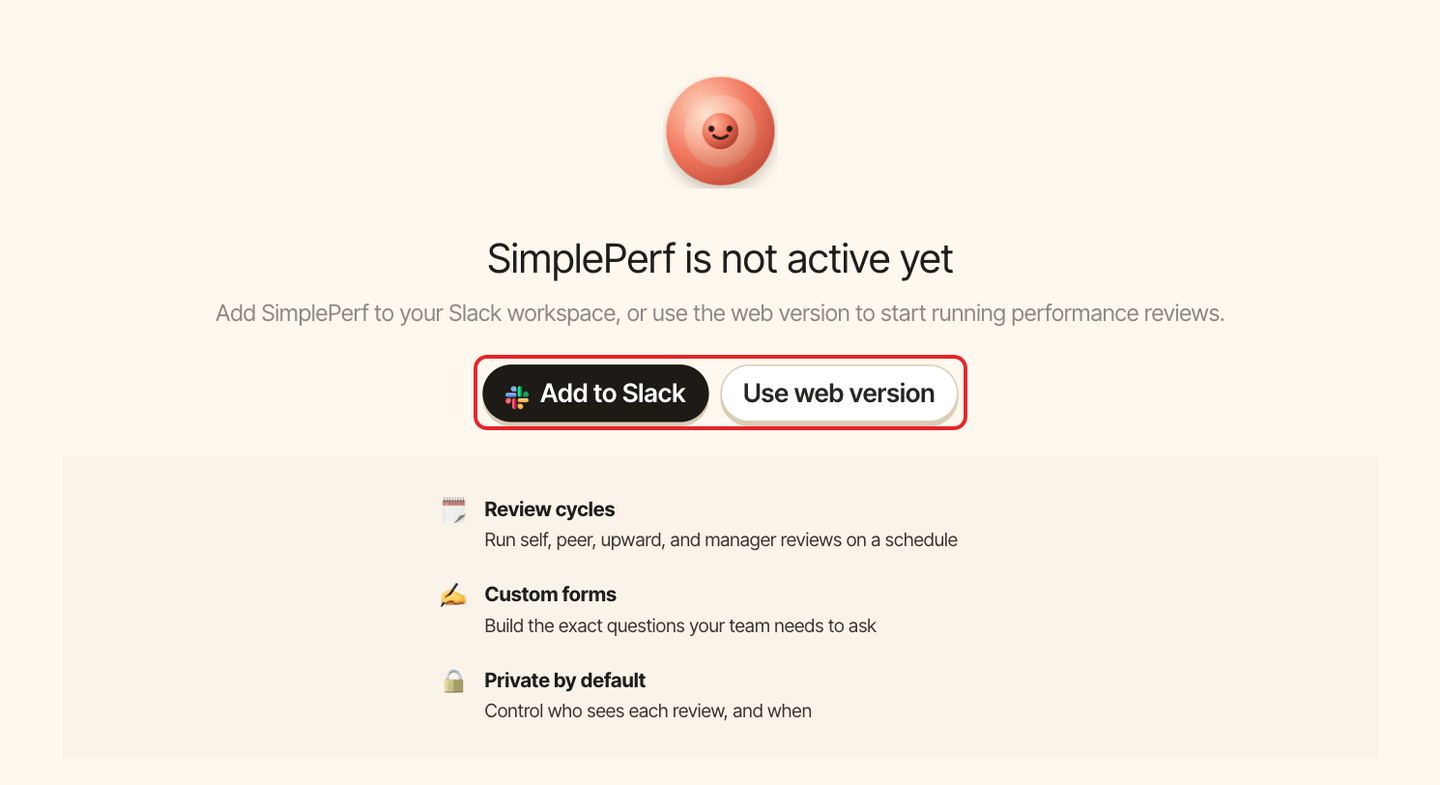
You can connect Slack later at any time. See connect SimplePerf to Slack.
Step 3: Create your first cycle#
As a new admin with no cycle yet, you land straight on the cycle builder. Follow create a review cycle.