Add and edit performance review questions
Choose the review types for a SimplePerf cycle and build each form with open-ended, rating and multiple choice questions, or improve them with AI.
Each review type in a SimplePerf cycle has its own form, and SimplePerf pre-fills every form with suggested performance review questions, so you can launch as is or adapt them.
Step 1: Pick the review types#
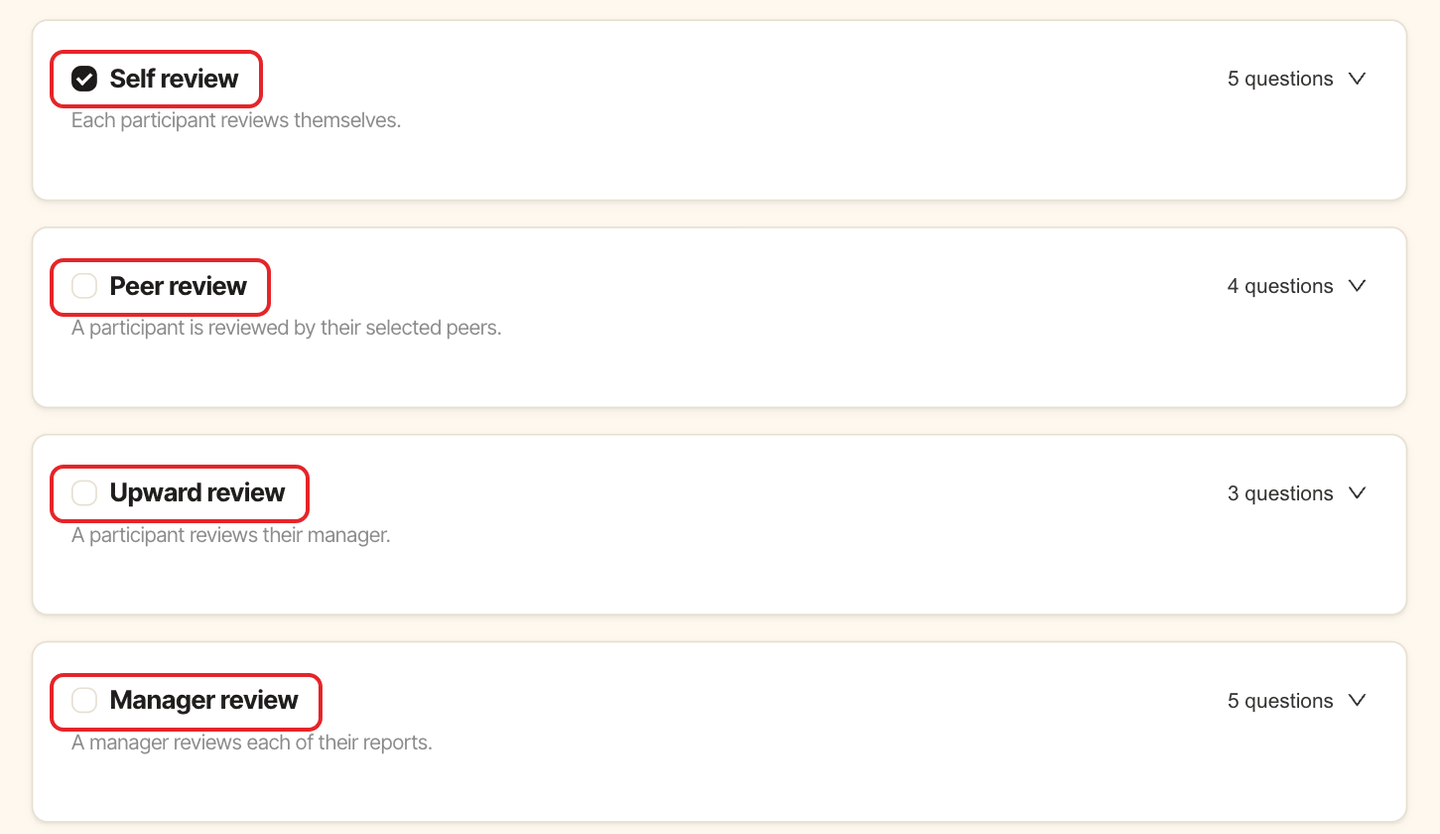
On the Questions step of the cycle builder, check the review types you want: Self review (checked by default), Peer review, Upward review and Manager review. Click a type's question count to show or hide its form.
Step 2: Add content to the form#
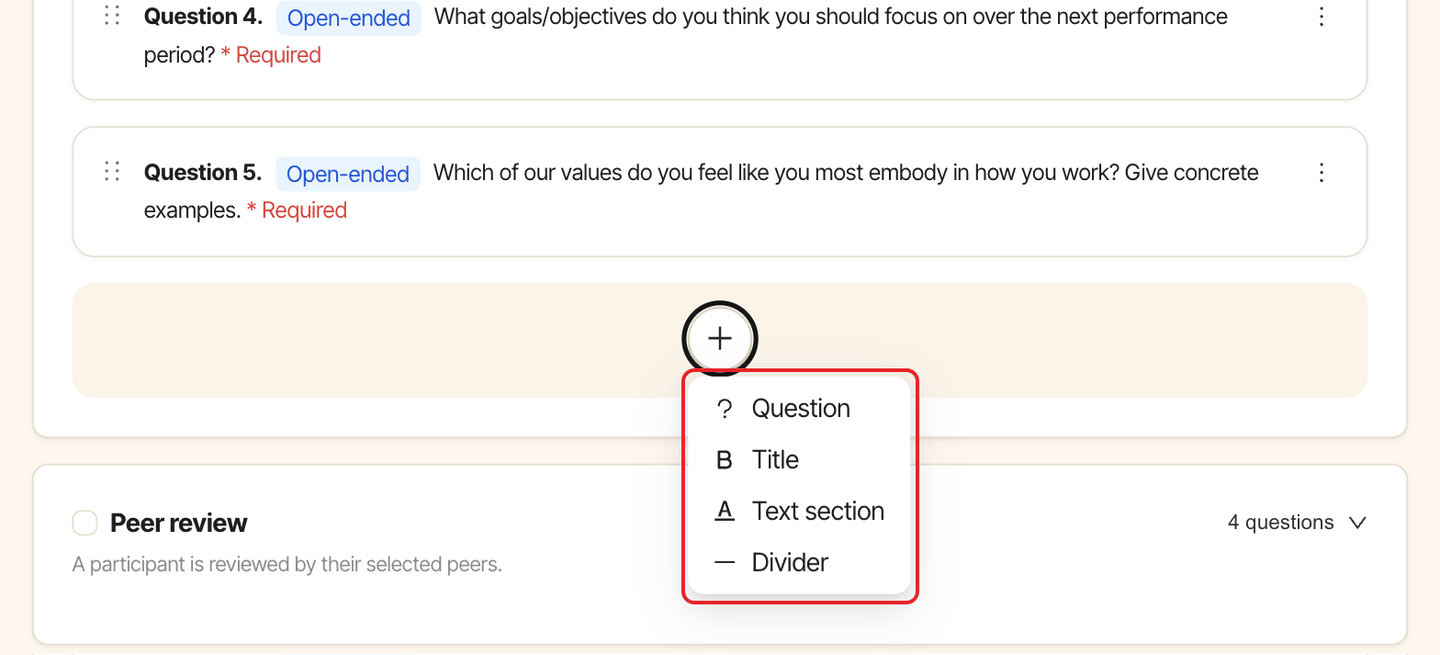
Click the + button under the form, then choose Question to add a question. You can also add a Title, a Text section (instructions for reviewers) or a Divider. Drag items to reorder them, or use their menu to Edit or Delete them.
Step 3: Set up the question#
In the Add question window:
- Write the
Question. - Choose the
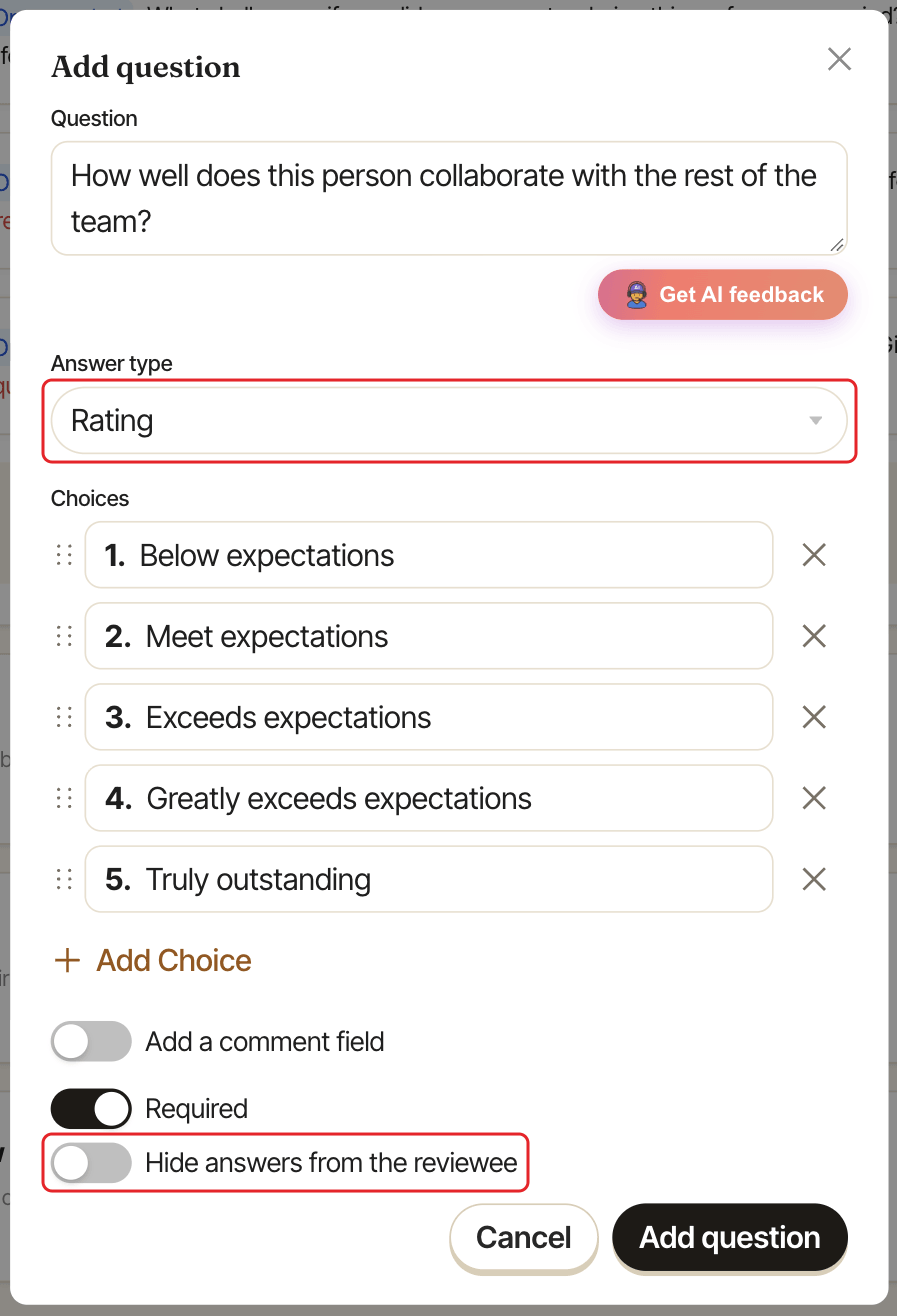
Answer type:Open-ended: a free text answer.Rating: a numbered scale. It comes pre-filled with "Below expectations", "Meet expectations", "Exceeds expectations", "Greatly exceeds expectations" and "Truly outstanding", which you can edit, reorder or extend withAdd Choice.Multiple choiceorMultiple select: reviewers pick from theChoicesyou list.
- Turn on
Add a comment fieldto ask for a comment under the answer, then chooseOptionalorRequired. Requiredis on by default: reviewers must answer before submitting. Turn it off for optional questions.- Turn on
Hide answers from the revieweefor questions the person reviewed shouldn't read, such as a promotion recommendation. The question shows a "Hidden from reviewee" tag. Admins and the reviewee's manager can still read the answers.
Improve a question with AI#
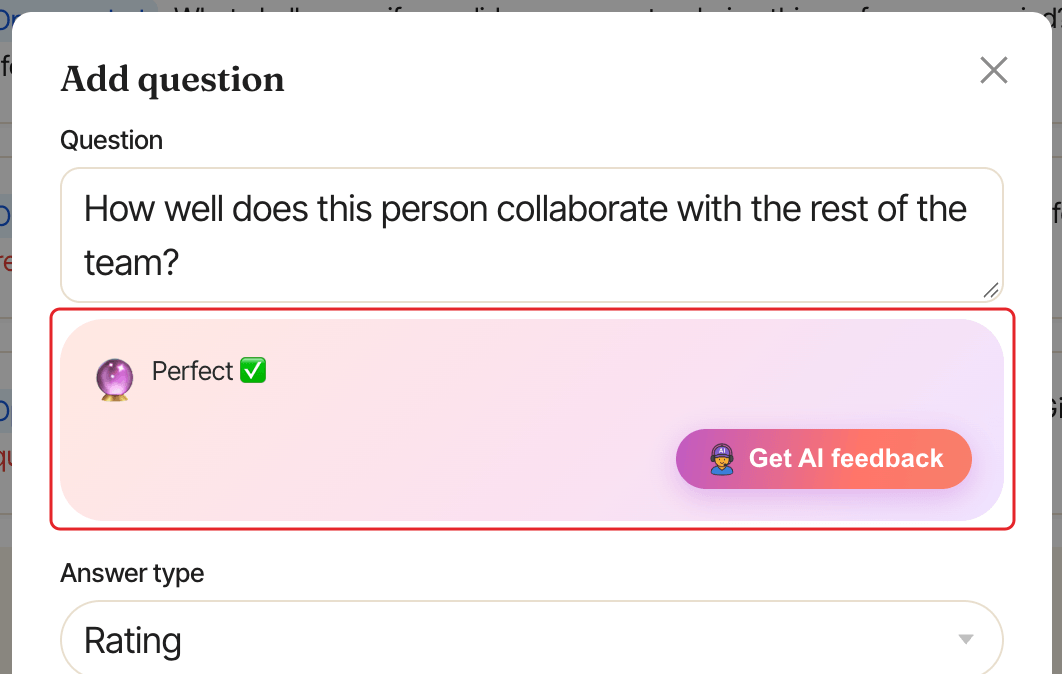
Write the question, then click Get AI feedback under it. SimplePerf suggests a clearer version: click Use this suggestion to keep it. If the question is already good, it says "Perfect ✅".
Change questions later#
While the cycle is a draft, open it and go to the Forms tab. Edits save automatically. Click Add form to add another review type (it starts with the suggested questions), or Remove form to take one out.
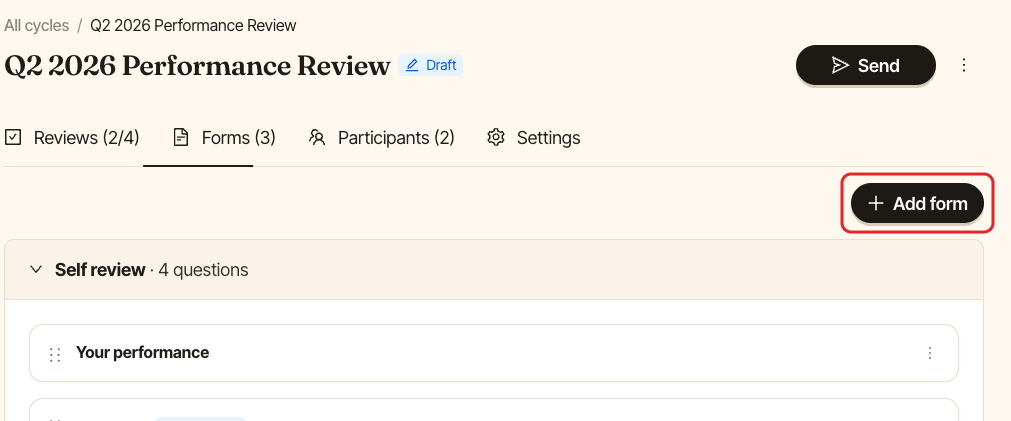
Once a cycle is live, its forms are read-only. To change them, put the cycle back as a draft first.