Add participants and reviewers to a review cycle
Choose who is reviewed in a SimplePerf cycle, assign each person's manager, peers and reports as reviewers, and add people who aren't in the workspace yet.
In a SimplePerf cycle, participants are the people being reviewed, and for each of them you choose who writes their manager, peer and upward reviews.
Step 1: Add participants#
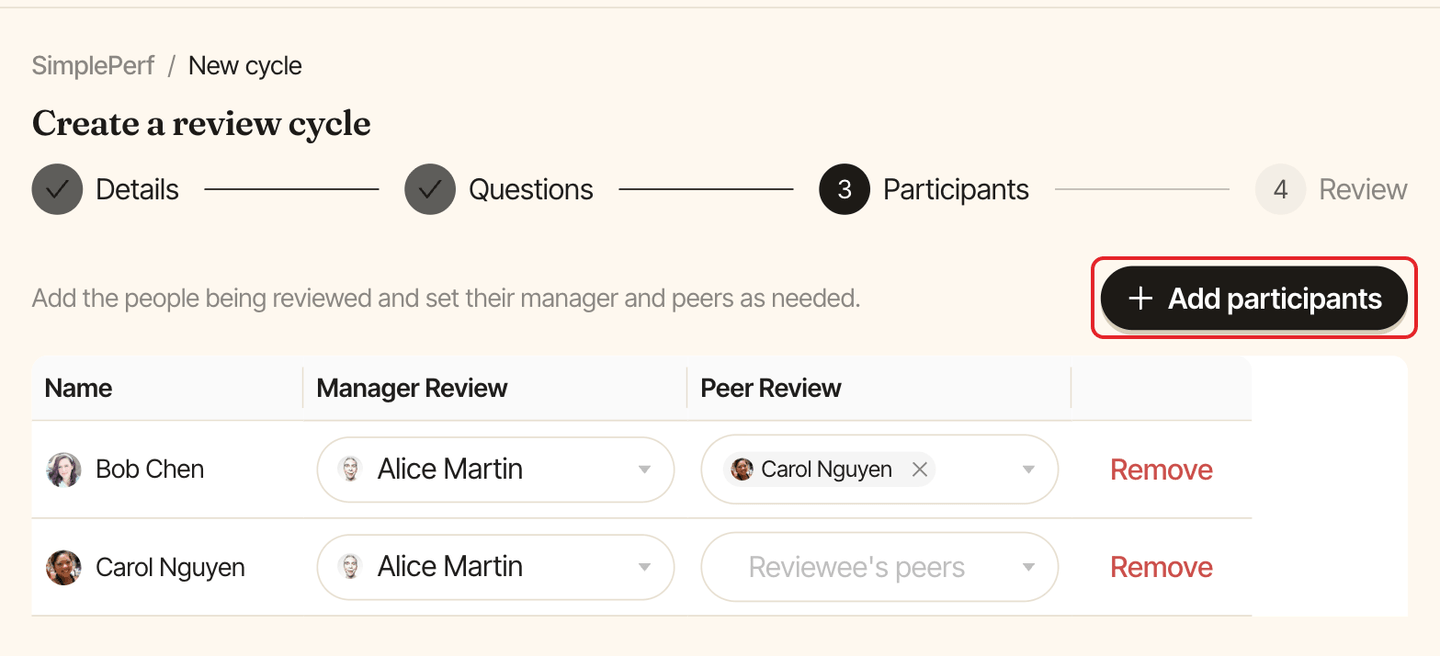
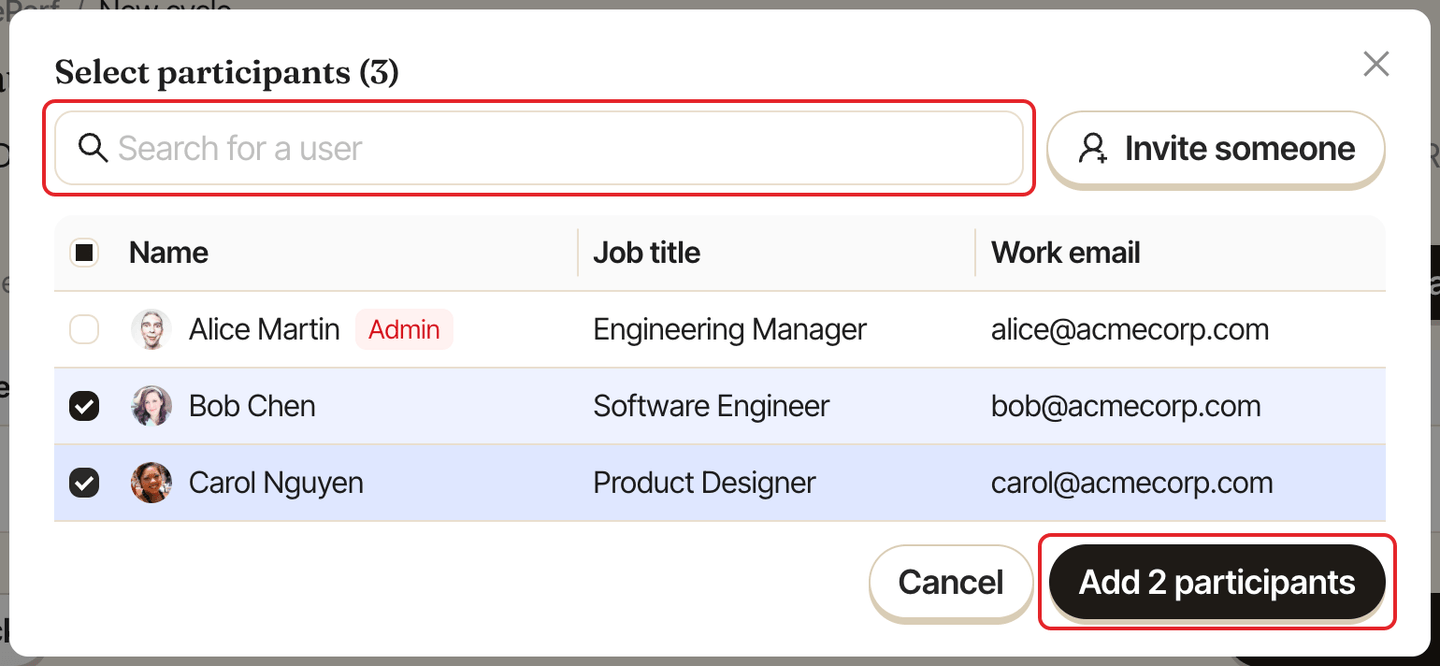
On the Participants step of the cycle builder, click Add participants. Search for people, check them, then click Add 2 participants (the button counts your selection).
Step 2: Add someone who isn't listed#
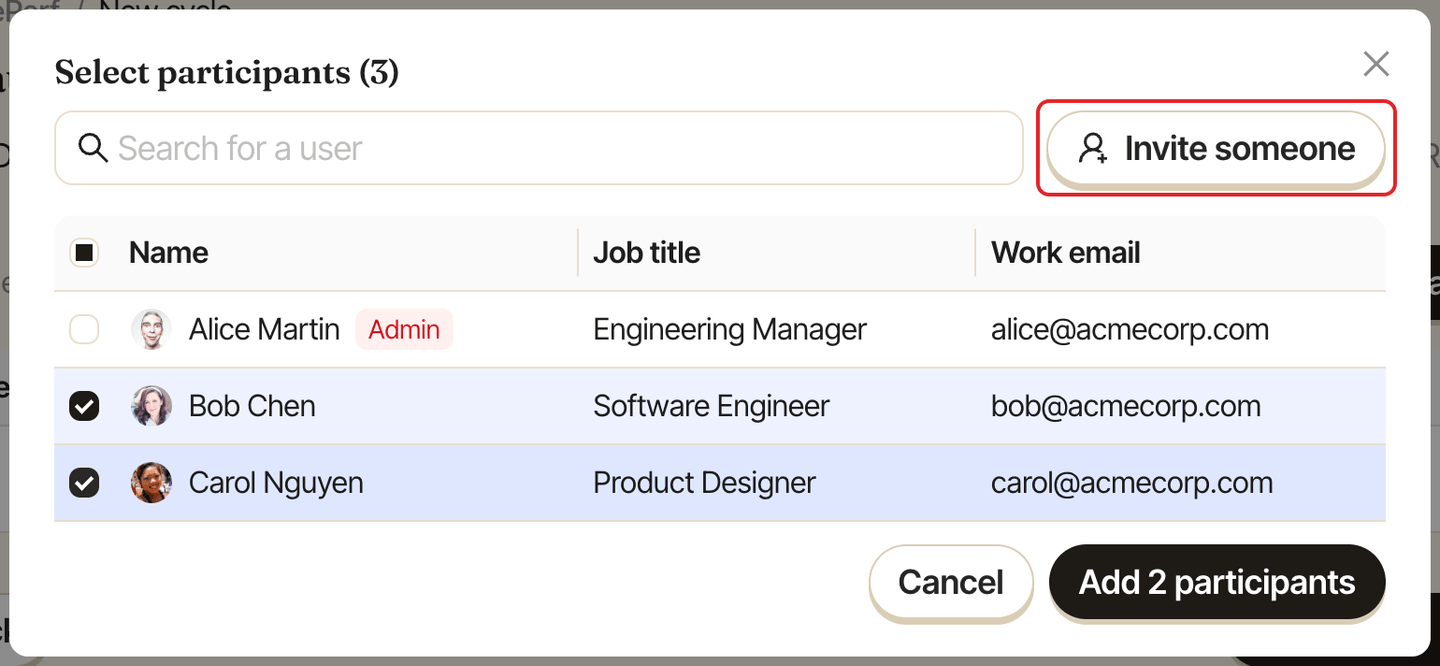
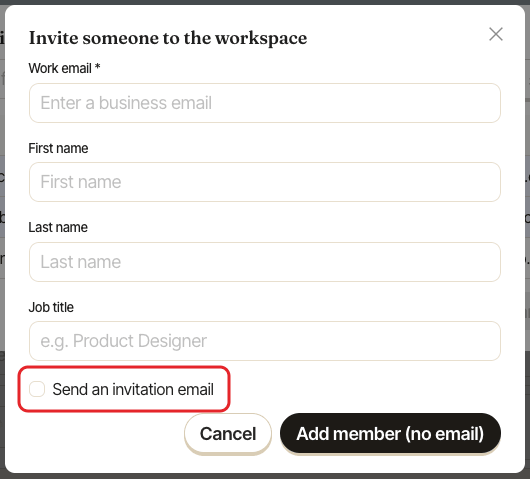
Can't find a person? In the same window, click Invite someone. Enter their Work email, and optionally their first name, last name and job title. Then:
- check
Send an invitation emailand clickSend invitationto email them an invitation, or - leave it unchecked and click
Add member (no email)to add them to the workspace without sending anything.
Step 3: Choose each person's reviewers#
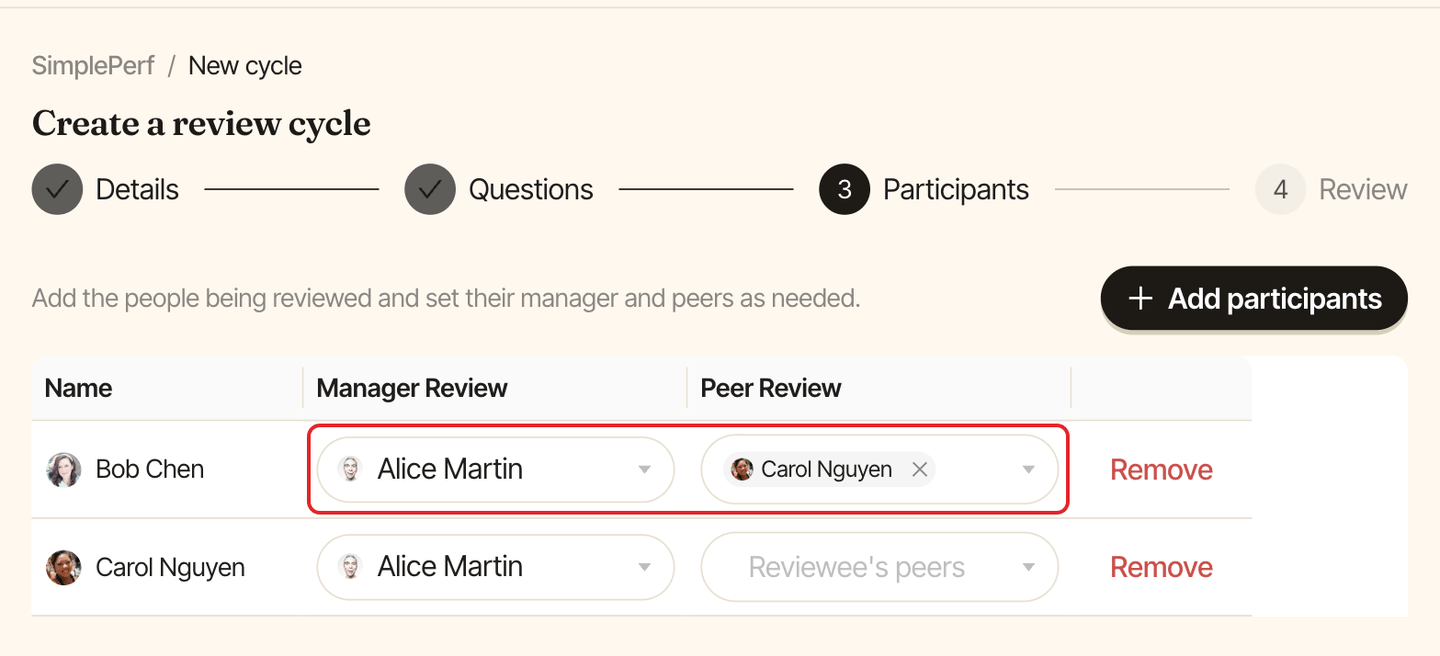
Each participant gets a row with one picker per review type you selected:
Manager Review: the reviewee's manager, who writes their manager review.Peer Review: the reviewee's peers. Pick as many as you like.Upward Review: the reviewee's reports, who review them as their manager.
A self review needs no picker: every participant reviews themselves when Self review is part of the cycle.
Change participants after launch#
Open the cycle and go to the Participants tab: you can add people and change reviewers while the cycle is live. Only people who get new reviews to write are notified.