View and export past Stany standup reports
Browse the history of Stany standup check-ins on the BuddiesHR web dashboard, filter it by date and person, and export it to an Excel file.
 SlackUpdated Oct 5, 20262 min read
The full history of your Stany standups lives on the BuddiesHR web dashboard, in the Check-ins history tab, where Stany admins can filter every check-in by date and person and export it to Excel. Only Stany admins see everyone's check-ins. Everyone else sees their own in My check-ins (see Check in from the web dashboard).
Step 1: Open the check-ins history#
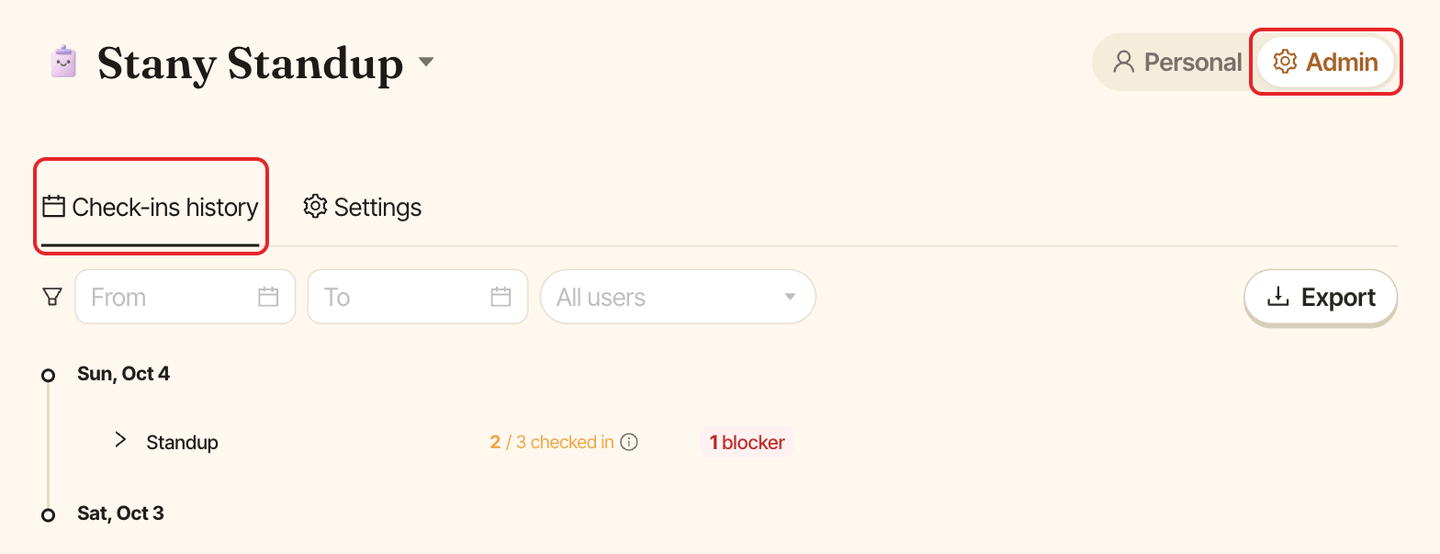
Go to dashboard.buddieshr.com, open Stany, switch to Admin at the top of the page and open the Check-ins history tab.
Step 2: Filter the reports#
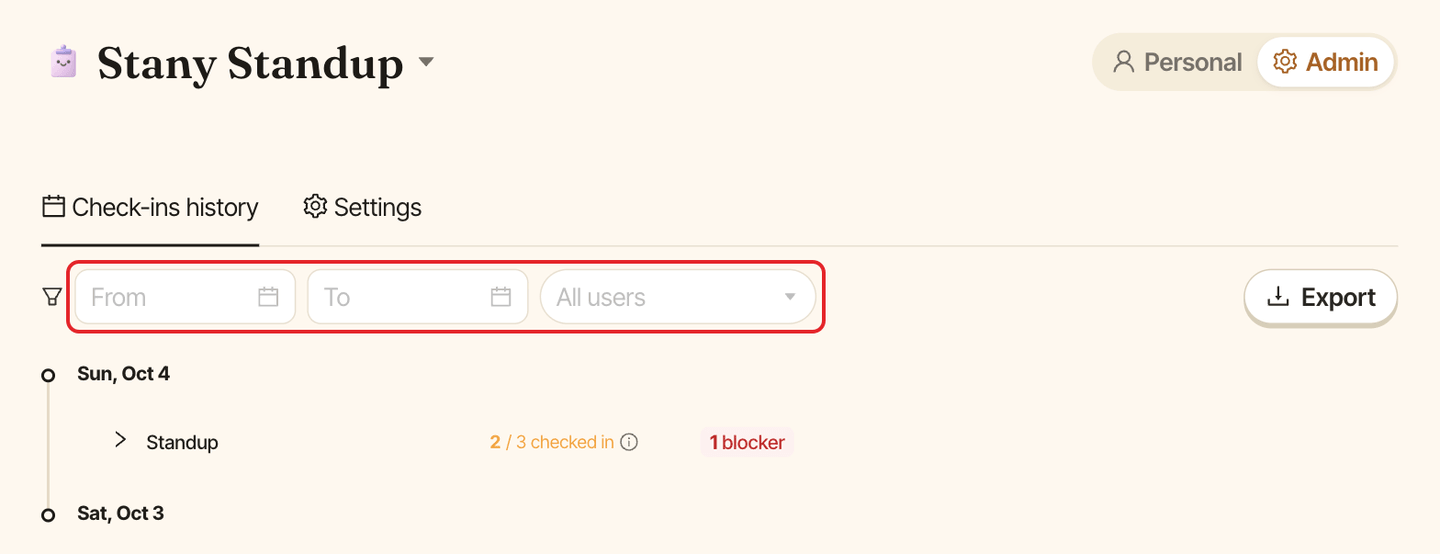
Use the filters above the list:
FromandToto pick a date range,All usersto show a single person.
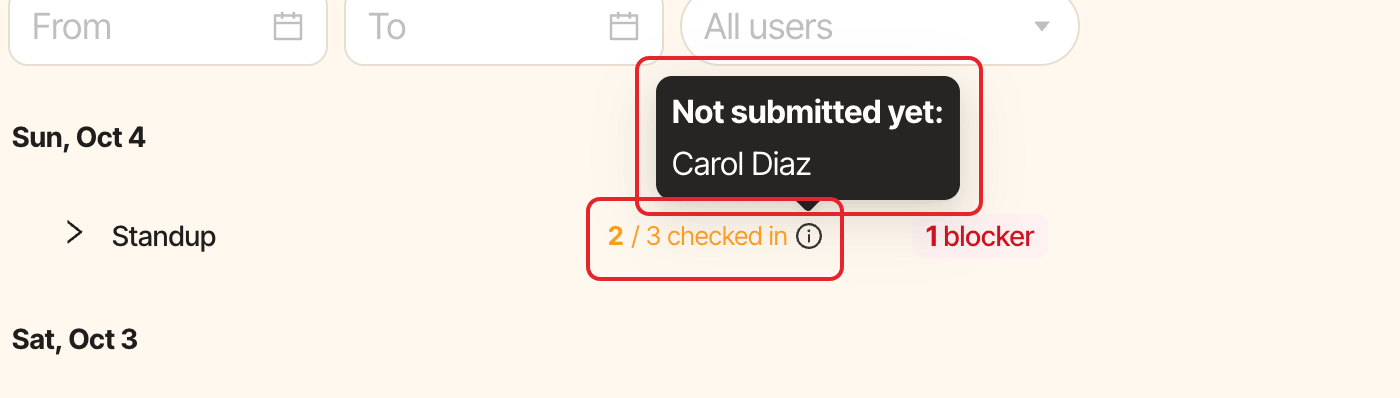
Reports are grouped by day, then by standup, 20 reports per page. For each standup you see:
- how many people answered, for example "3 / 5 checked in". Hover the info icon to see who hasn't submitted yet,
- the number of blockers, in red when someone is blocked,
- the mood summary,
- each person's answers, or their skip reason.
When you filter on one person, each standup shows Responded or Not responded instead.
Step 3: Export to Excel#
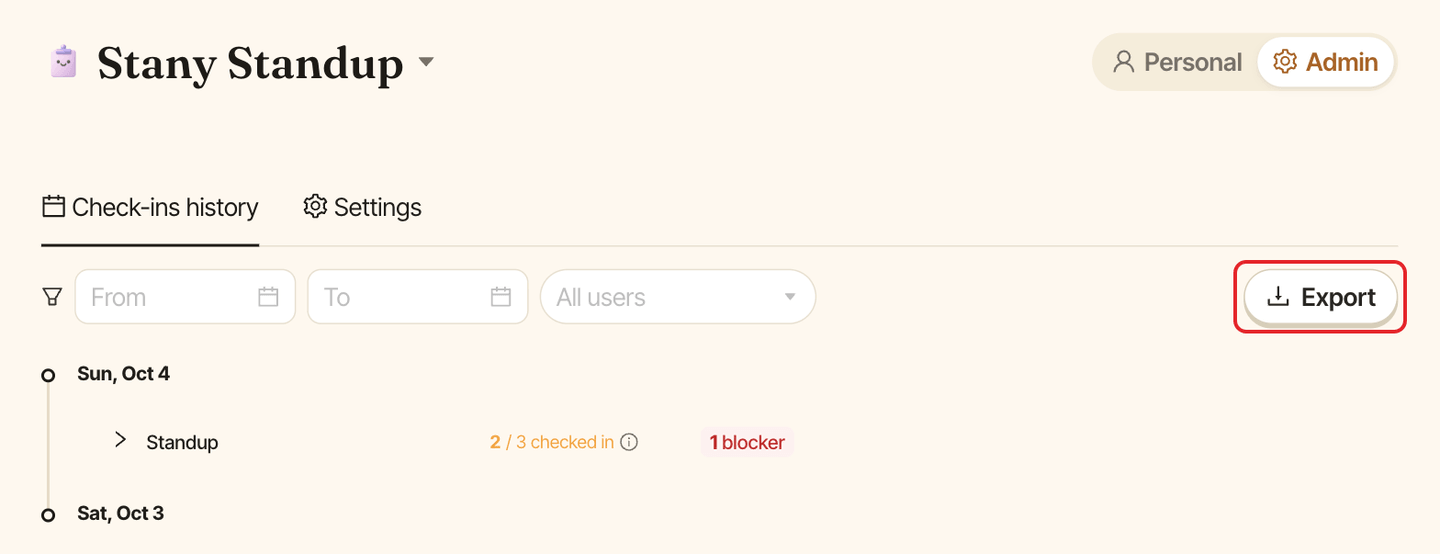
Click Export. Stany downloads a file named stany-reports- followed by today's date (.xlsx), using the filters you set. It has one row per answer or skip, with the columns Date, Standup, User, Email, Status (UPDATE for an answer, SKIP for a skip), one column per question (Q1, Q2...) and Skip reason.