Choose who takes part in a Stany standup
Pick who fills out a Stany standup in Slack, from a whole channel to a channel minus some people or a hand-picked list, and decide whether Slack guests join.
 SlackUpdated Oct 5, 20262 min read
Each Stany standup has its own list of participants, and admins choose it with Who should fill out Standup reports? in the standup's form on the web dashboard: everyone in the standup's Slack channel, everyone except some people, or only the people you pick (see Set up a standup).
Step 1: Choose an option#
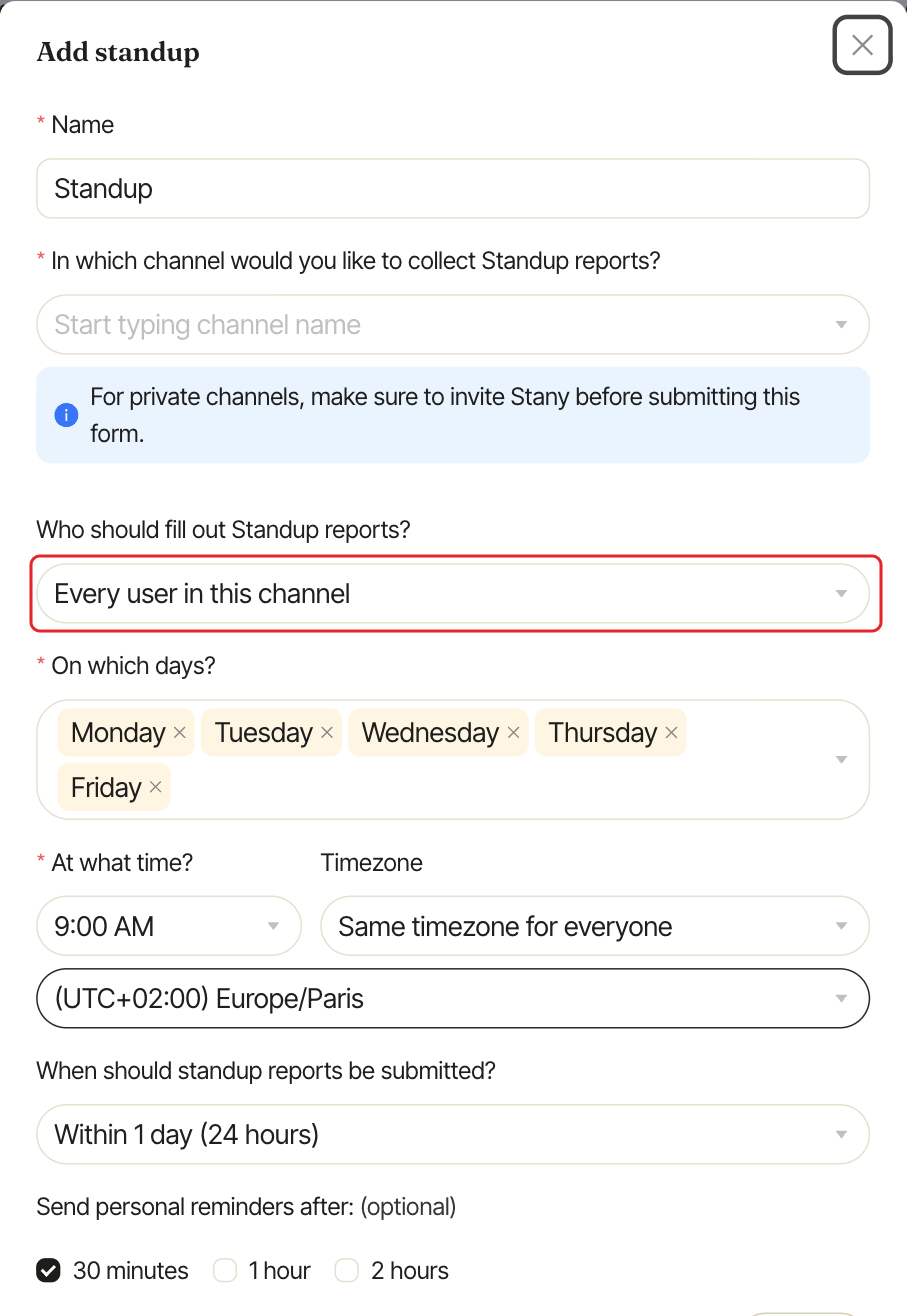
| Option | Who takes part |
|---|---|
Every user in this channel (default) |
Everyone in the standup's channel. |
Every user in this channel except specified ones |
Everyone in the channel, minus the people you select. |
Only the specified users |
Only the people you select. They can be anyone in your workspace, even outside the channel. Stany still posts the daily summary and the answers in the standup's channel. |
Step 2: Select users#
For the last two options, pick people in Select users (at least one for Only the specified users). Then click Save, or Submit for a new standup.
The standup's card in Settings shows up to 5 participants, then "+N more".
Channel changes are picked up automatically#
With the first two options, the list follows the channel. When someone joins the channel, they take part from the next standup. When someone leaves, they stop receiving it.
Include Slack guests#
Slack guests (single-channel and multi-channel) don't take part by default. To include them:
- In the
Settingstab, clickManage guest users. - Turn on the switch next to your Slack workspace. The change is saved right away.
- Click
Done.
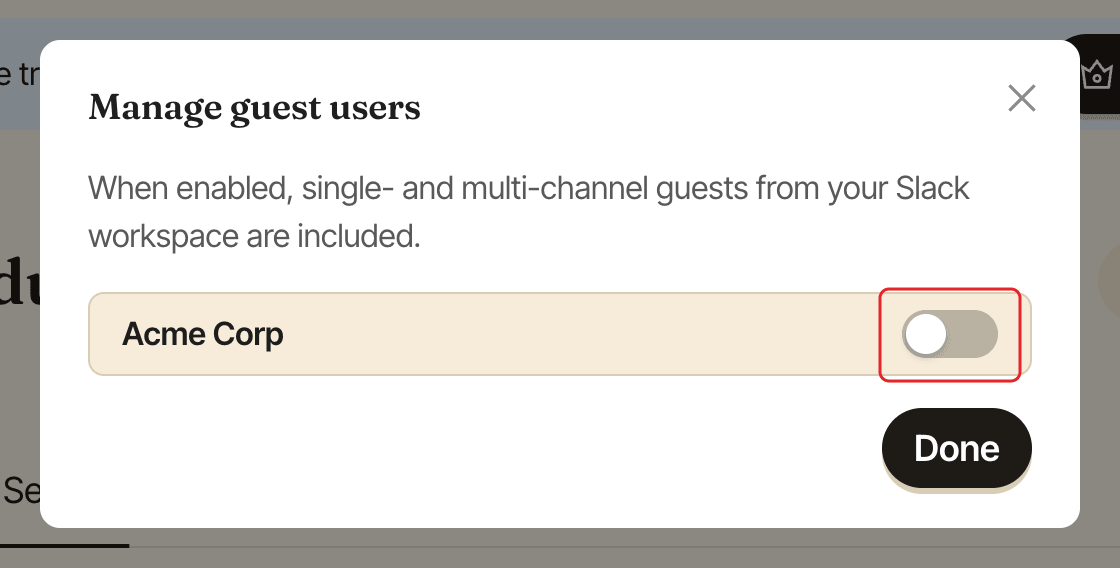
When it's on, guests from your Slack workspace are included in the standups that cover them.