Edit Stany standup questions
Change, add, reorder or delete the questions of a Stany standup for Slack, and choose open-ended, blocker or mood check questions.
 SlackUpdated Oct 5, 20262 min read
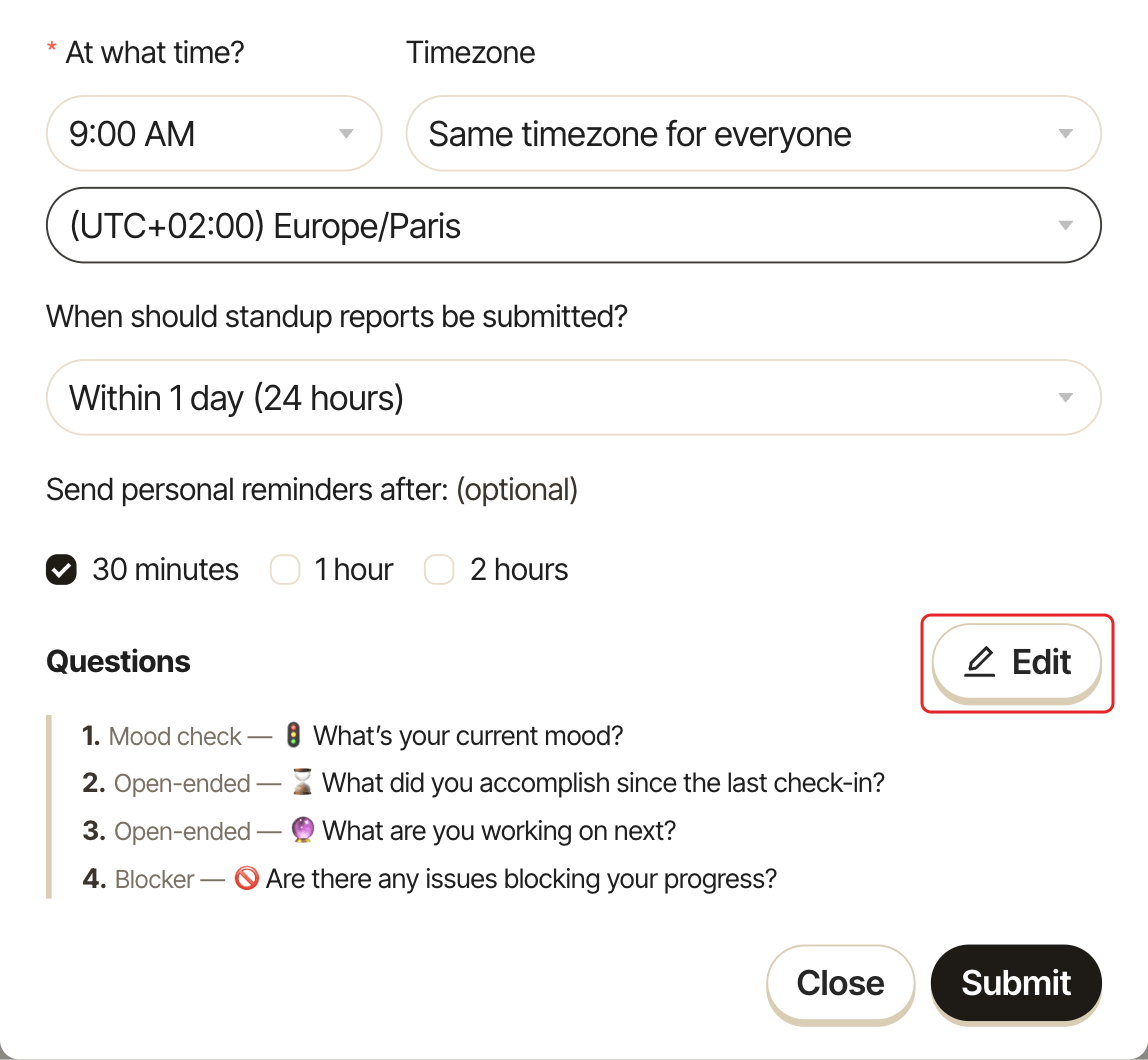
Each Stany standup has its own list of questions, and admins edit them from the standup's form on the web dashboard. A new standup starts with four questions: a mood check, what you accomplished, what you're working on next, and a blocker question.
Default questions#
A new standup starts with four required questions:
| Question | Type |
|---|---|
🚦 What's your current mood? |
Mood check |
⌛️ What did you accomplish since the last check-in? |
Open-ended |
🔮 What are you working on next? |
Open-ended |
🚫 Are there any issues blocking your progress? |
Blocker |
Step 1: Open the questions editor#
Open the standup's form: Add standup, or Edit channel settings on an existing standup (see Set up a standup). Next to Questions, click Edit.
Step 2: Edit the questions#
In the Edit questions window, for each question:
- type the text under
Write your question, - pick a
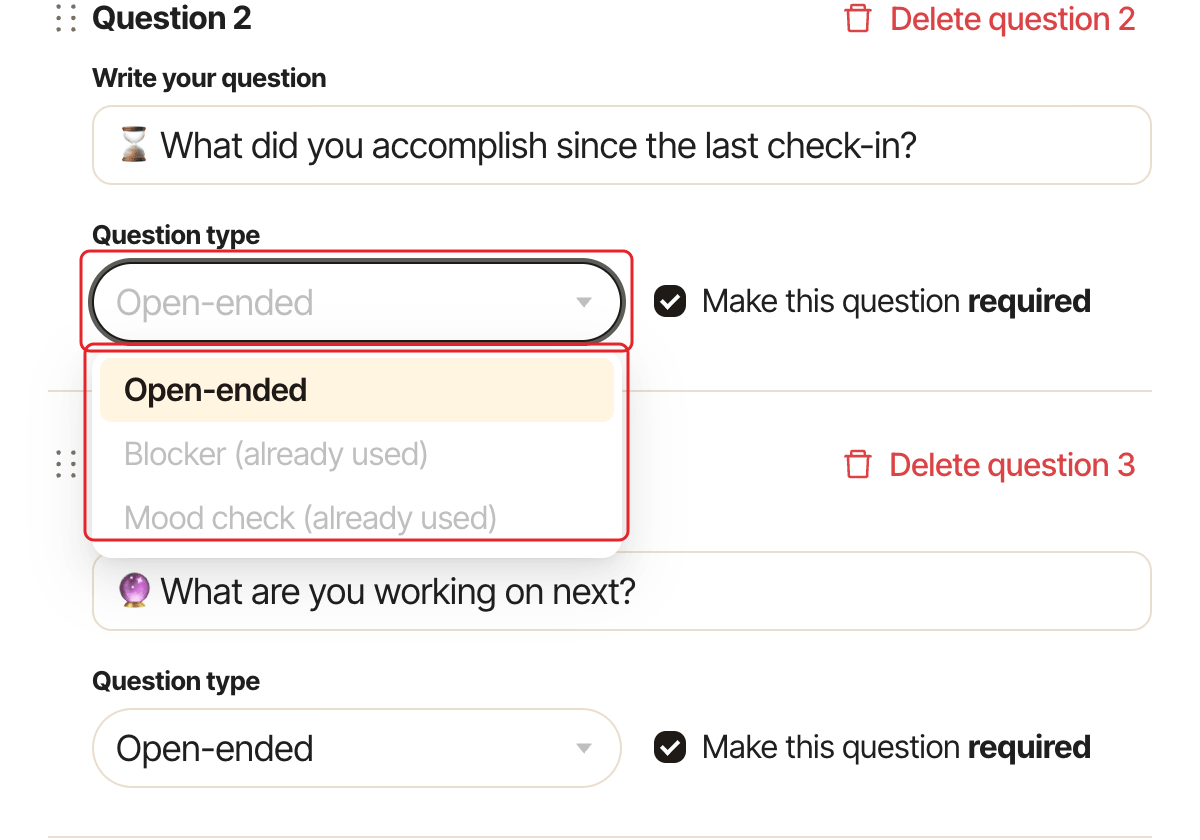
Question type:Open-ended,BlockerorMood check, - tick or untick
Make this question required.
Click Add question to add one. Drag a question by its handle to reorder it. To delete a question, click Delete question N next to it and confirm with Delete.
Limits#
- A standup can have only one
Blockerquestion and oneMood checkquestion. Once used, the type shows "(already used)". - A standup needs at least one question, so you can't delete the last one.
- Empty questions are removed when you save.
- In Slack,
Mood checkandBlockerquestions always need an answer, even ifMake this question requiredis unticked. The setting applies to them only on the web dashboard.
Step 3: Save#
Click Submit in the Edit questions window, then Save (or Submit for a new standup) in the standup's form. The new questions apply from the next standup.
How question types show up#
- Open-ended: a free-text answer.
- Blocker:
Not Blocked ✅orBlocked 🚫, with a required description when blocked. Blockers are counted in the channel summary and tagged in the history. - Mood check: a scale from
😩 Very badto😃 Great. The channel summary shows the team's mood.