Set a Stany standup's schedule, timezone and deadline
Choose the days and time of a Stany standup in Slack, one timezone or each person's own, how long people have to answer, and when reminders go out.
 SlackUpdated Oct 5, 20262 min read
Each Stany standup has its own days, time, timezone, answer deadline and reminders, and admins set them in the standup's form on the web dashboard (see Set up a standup). By default, a standup runs Monday to Friday at 9:00 AM, people have 24 hours to answer, and a reminder goes out after 30 minutes.
Days and time#
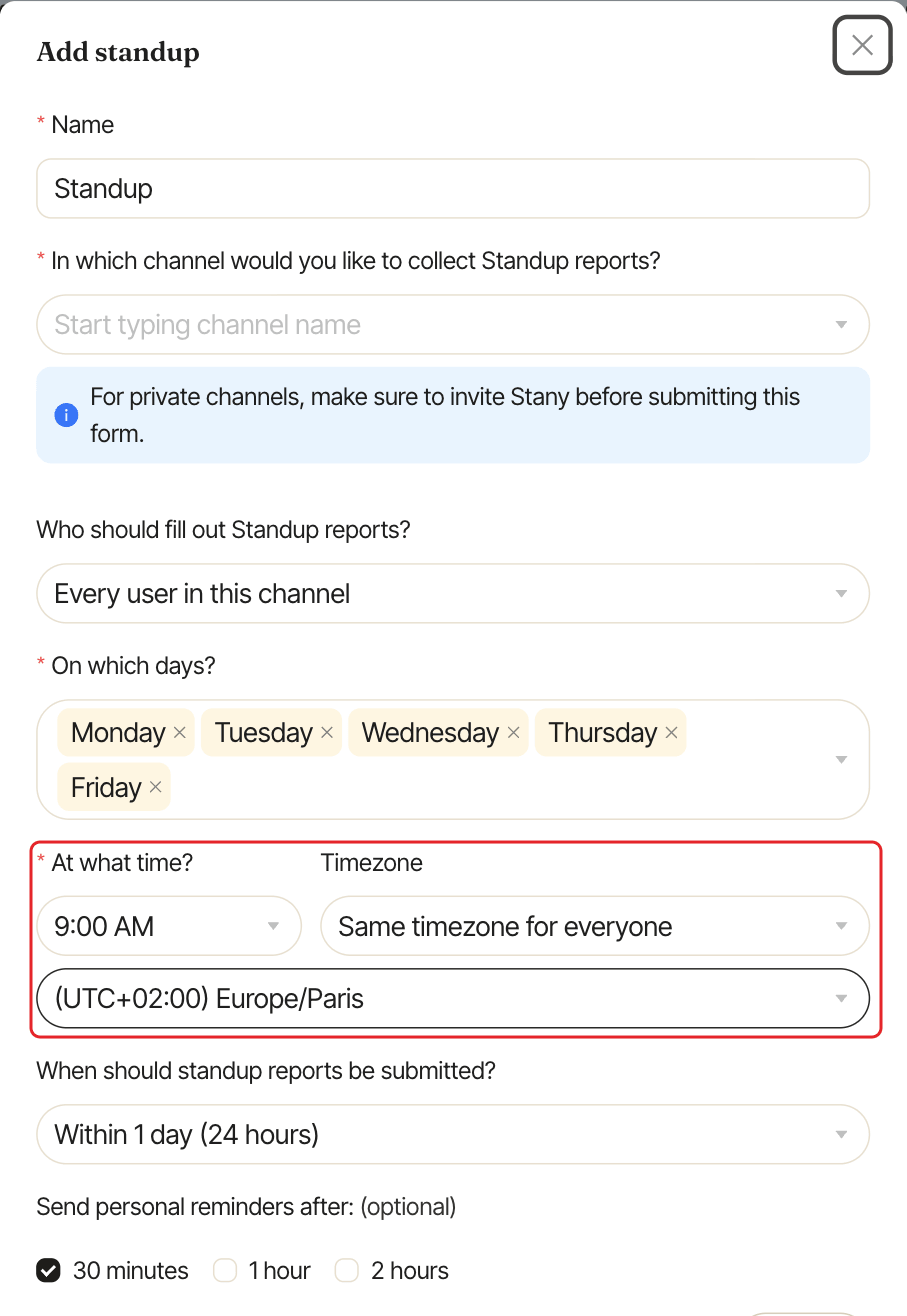
On which days?: any days of the week. Default: Monday to Friday.At what time?: any time in 15-minute steps (9:00 AM, 9:15 AM...). Default: 9:00 AM.
Timezone#
Under Timezone, choose one of two options. Say you pick 9:00 AM:
Same timezone for everyone: then pick the timezone. The standup starts at the same moment for everyone, wherever they are.Each user's timezone: each person gets their direct message at 9:00 AM in their own Slack timezone. If your team is spread over several timezones, people get it at different moments. If Stany can't read someone's Slack timezone, it uses New York time for them.
With Each user's timezone, a "When should Stany post in the channel?" block appears. Set the Time and Timezone of the channel post, since there is only one post per day.
Answer deadline#
When should standup reports be submitted? sets how long people can answer and edit their answers:
Within 1 day (24 hours)(default)Within 2 daysWithin 3 daysWithin 7 days
The time counts from when the day's standup starts, not from midnight. After the deadline, the report expires: people can only view the answers they sent, and can no longer answer or skip.
Reminders#
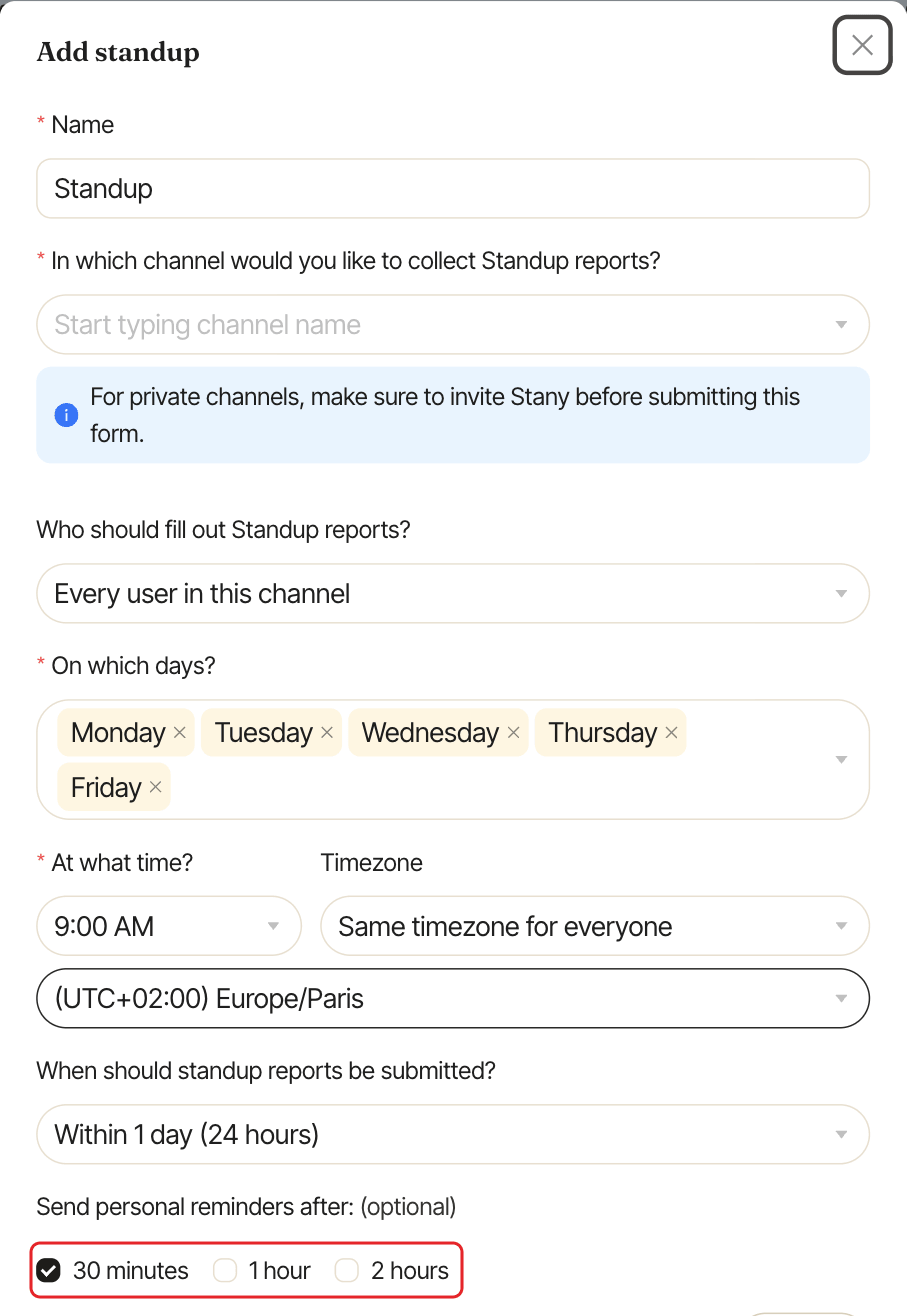
Send personal reminders after: (optional) sends a direct message to people who haven't answered yet: "This is just a friendly reminder to fill out your Standup report". Tick any of 30 minutes, 1 hour and 2 hours after the standup starts. 30 minutes is ticked by default.
People who already answered, skipped the day or snoozed until a date don't get reminders. Participants can't turn reminders off for themselves.