


 13 apps · for Slack
The best Slack apps boost engagement and productivity by streamlining workflows, improving communication and building culture. Our top picks: the BuddiesHR suite for recognition, surveys and coffee chats, plus tools like Google Calendar, Trello and Loom for seamless collaboration.
The best Slack apps for engagement & team building
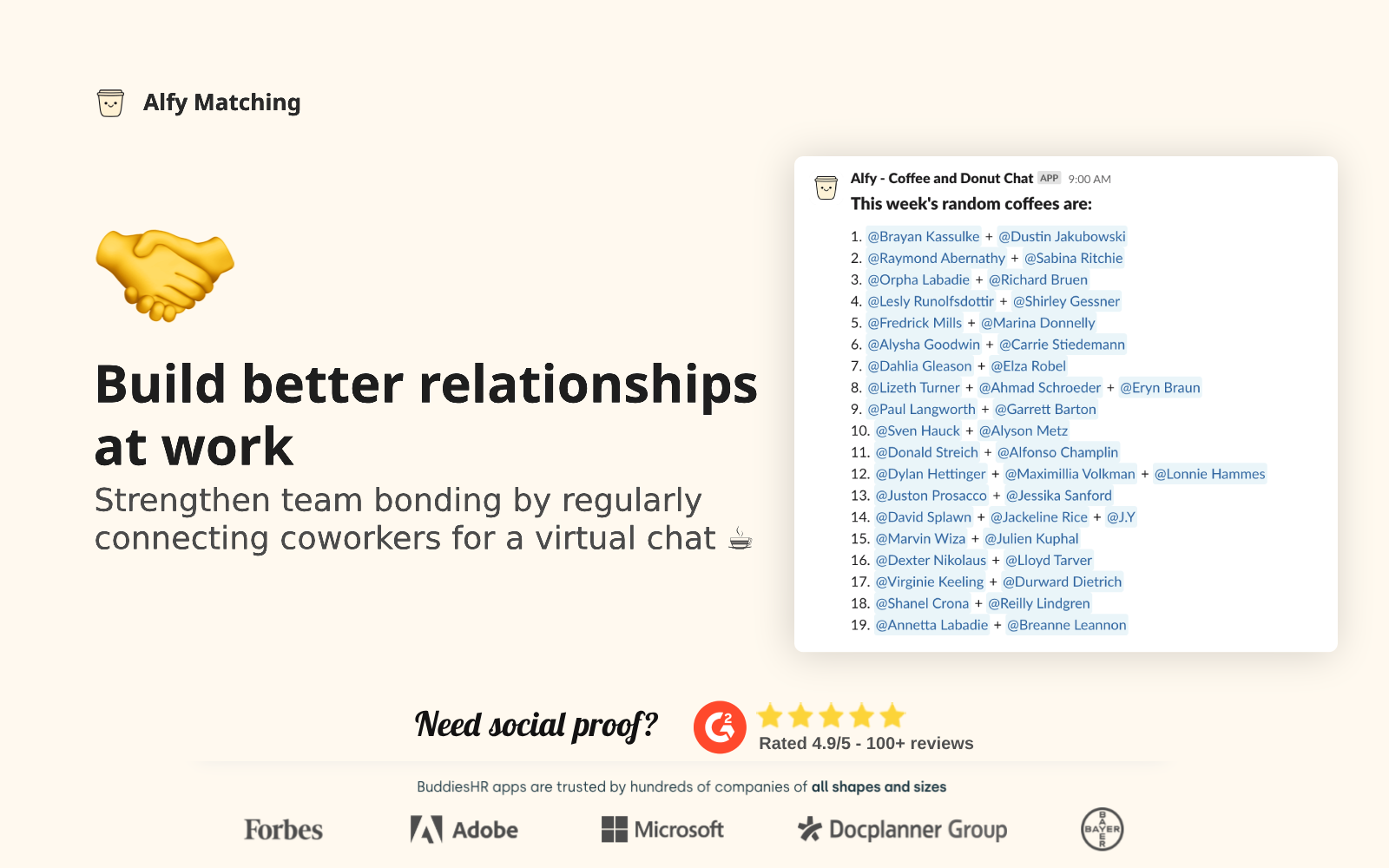
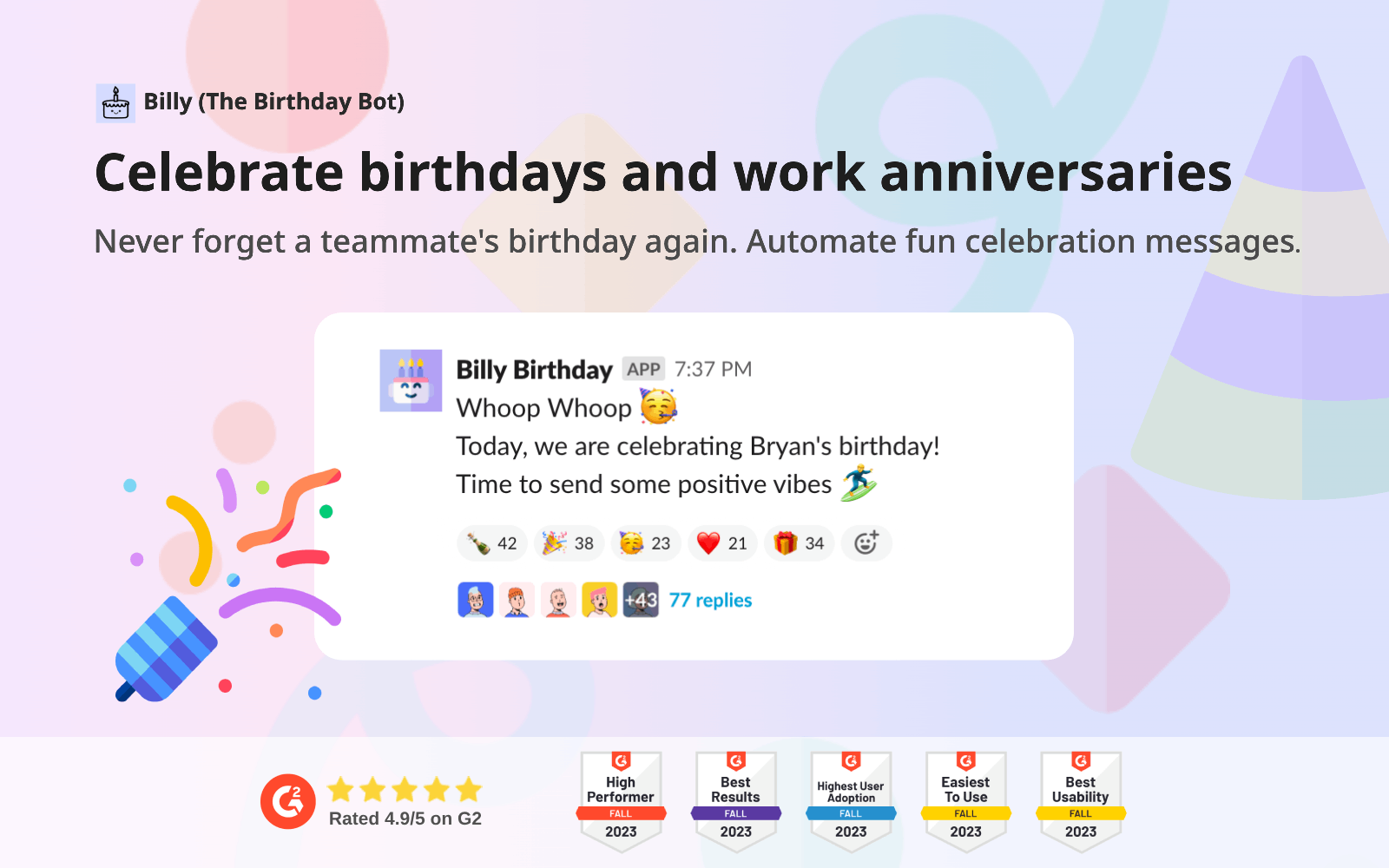
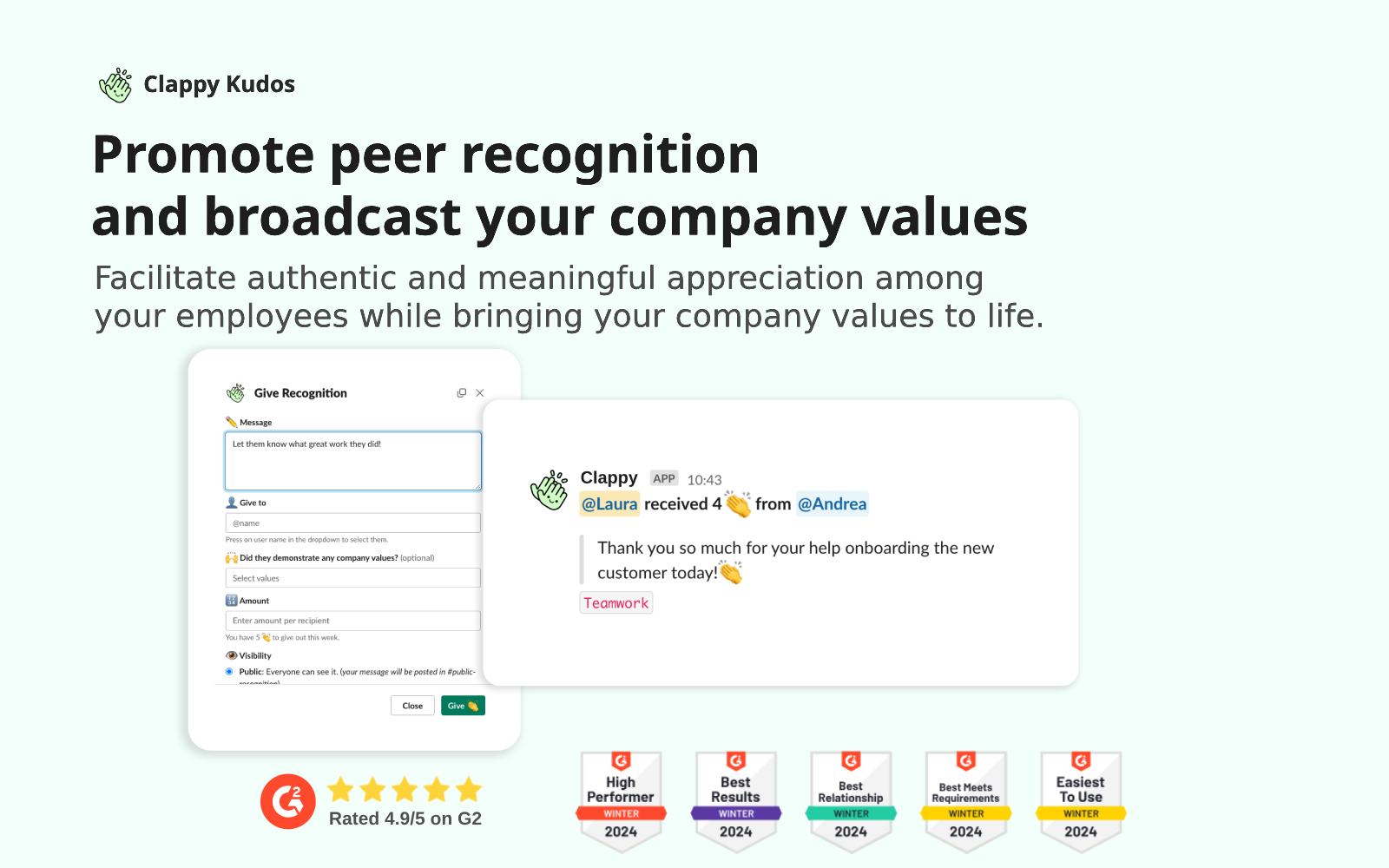
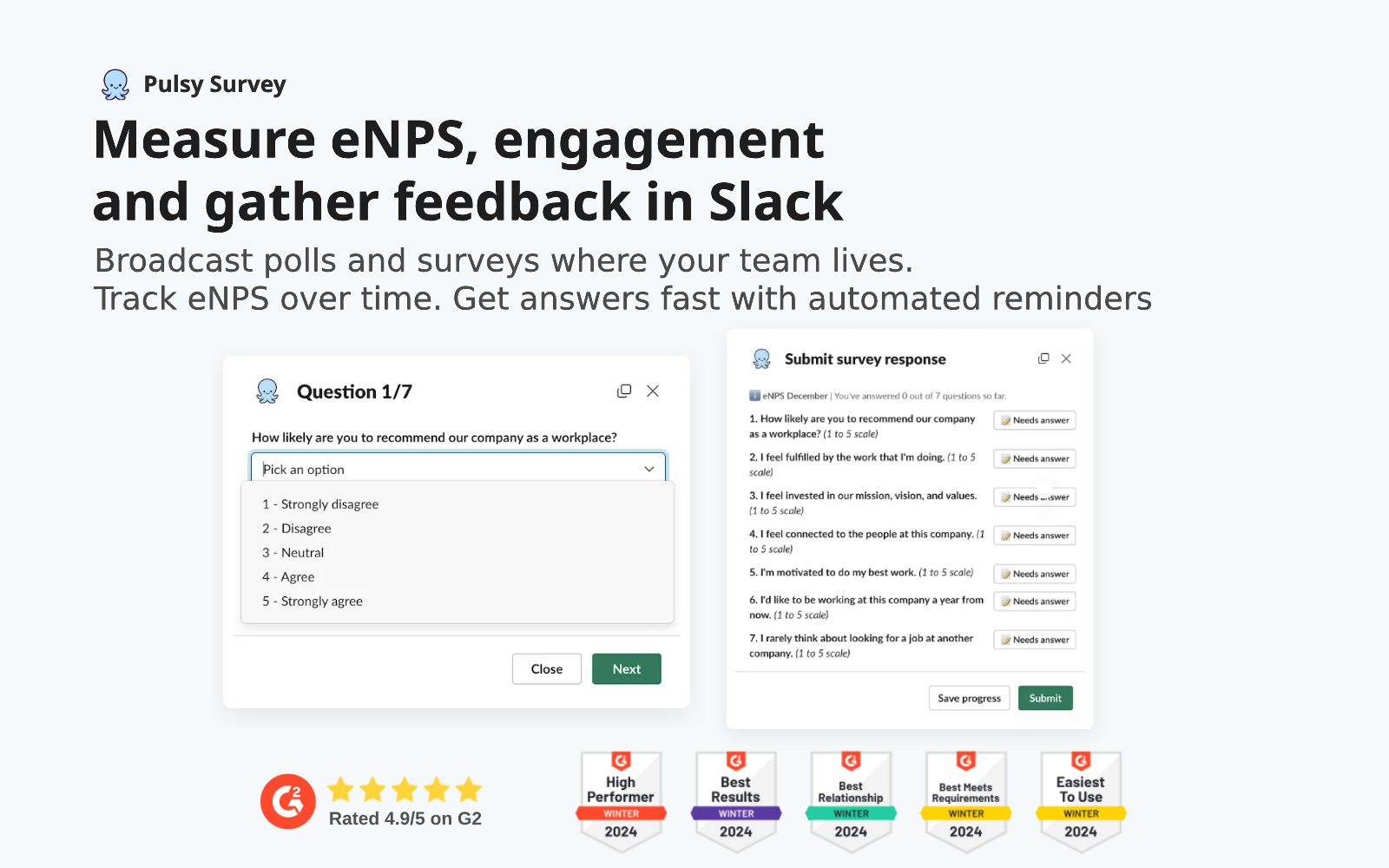
The apps that make work feel human: recognition, celebrations, surveys and connection, delivered where your team already is.



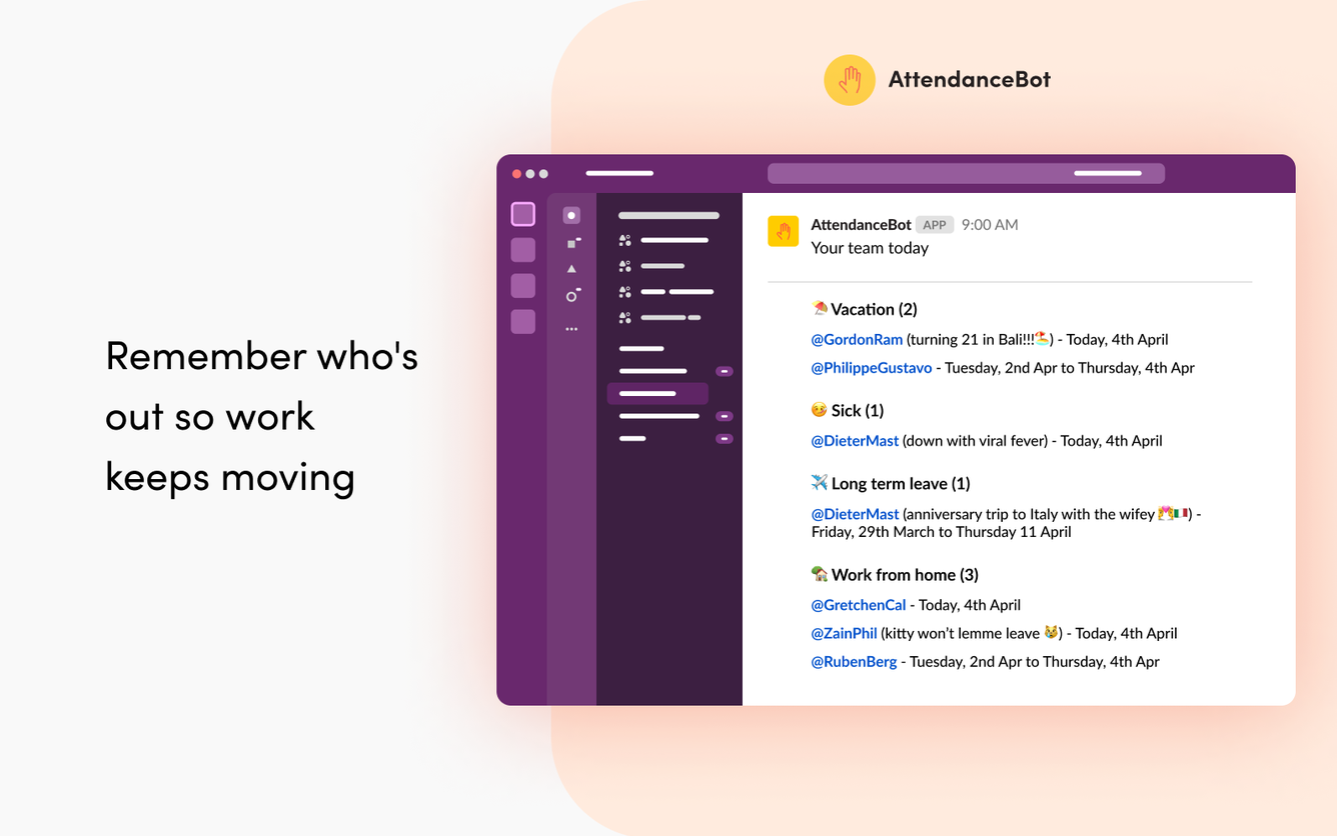
The complete Slack-first solution for time off, hybrid work, time tracking and schedules. From handling leave requests to scheduling meetings and reminders, it cuts manual admin so teams can focus on real work.
The best Slack apps for communication & collaboration
Bring code reviews, video and meetings into the conversation, and out of yet another browser tab.
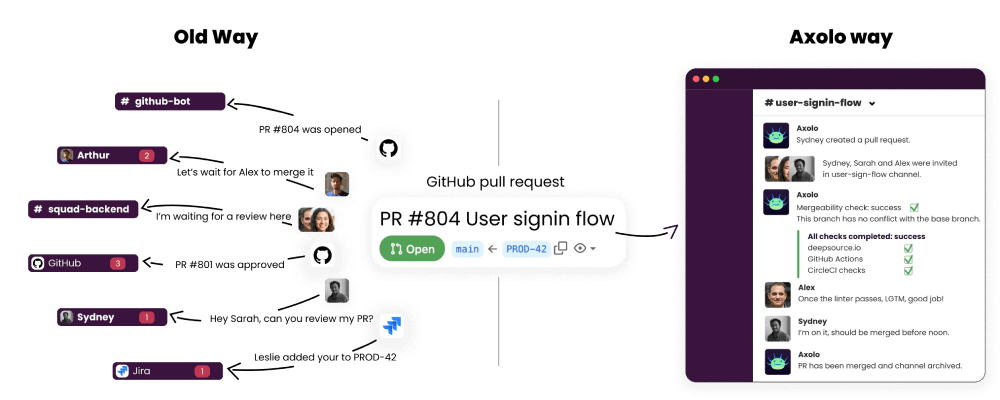
Brings GitHub and GitLab pull requests straight into Slack. It spins up a temporary channel for each PR and invites the author and reviewers to discuss, review and act on the code, killing the constant context switching.
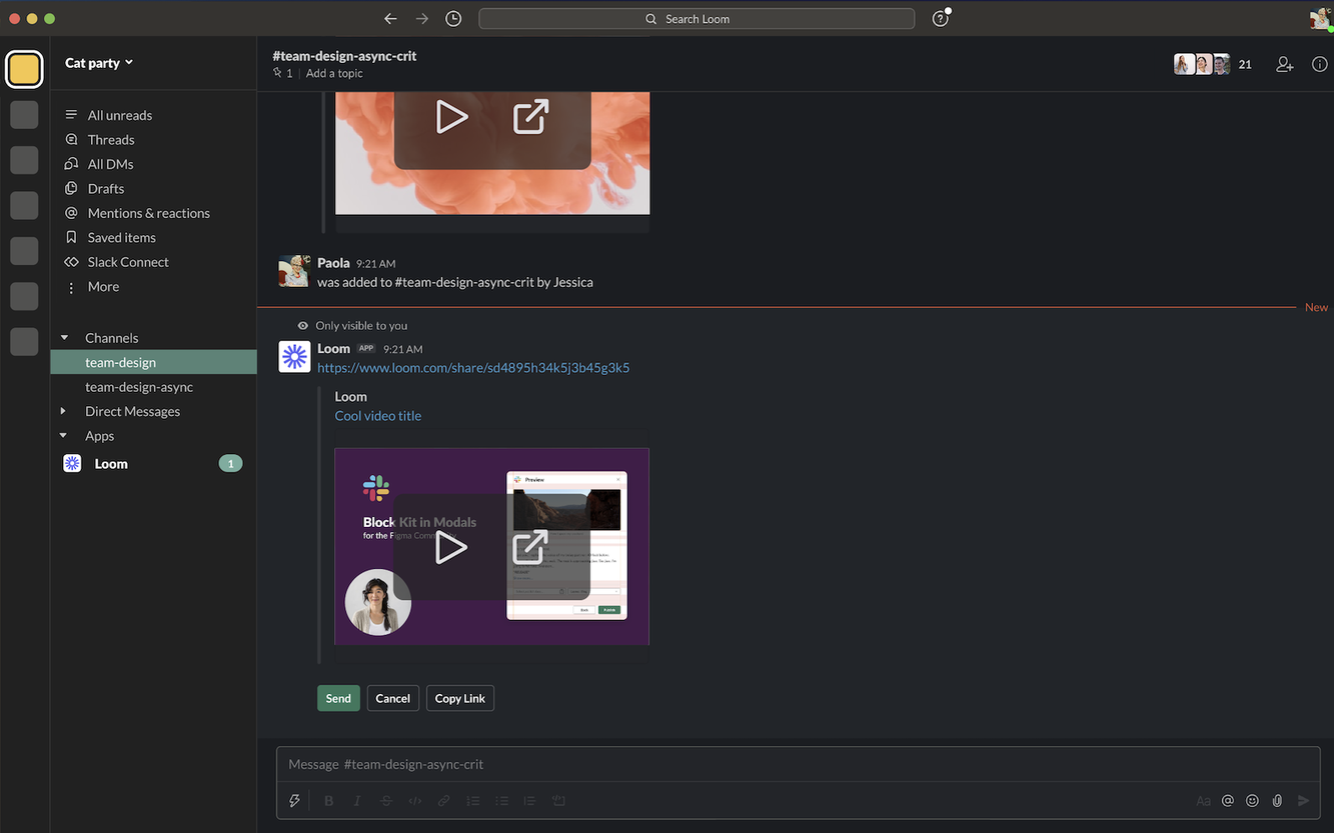
Add clarity to a thread without booking yet another meeting. Record quick async videos directly from Slack and get your message across, context-rich, on your team’s schedule.
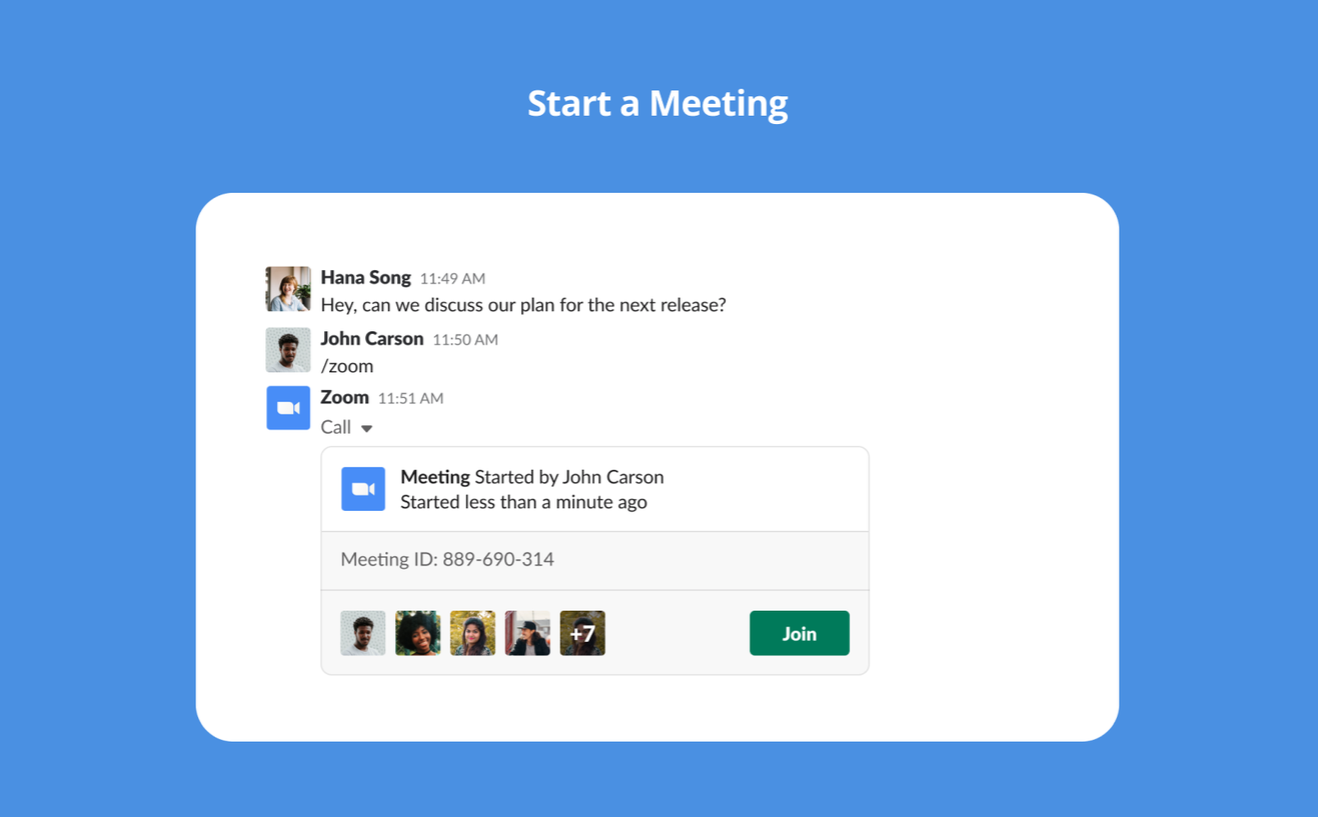
Start Zoom meetings and calls with crystal-clear audio and instant screen sharing from any channel, group or DM with the /zoom command. Share a Zoom Whiteboard inline, and deploy org-wide in a few steps.
The best Slack apps for productivity & project management
Turn messages into tasks, events and updates without ever leaving the workspace.
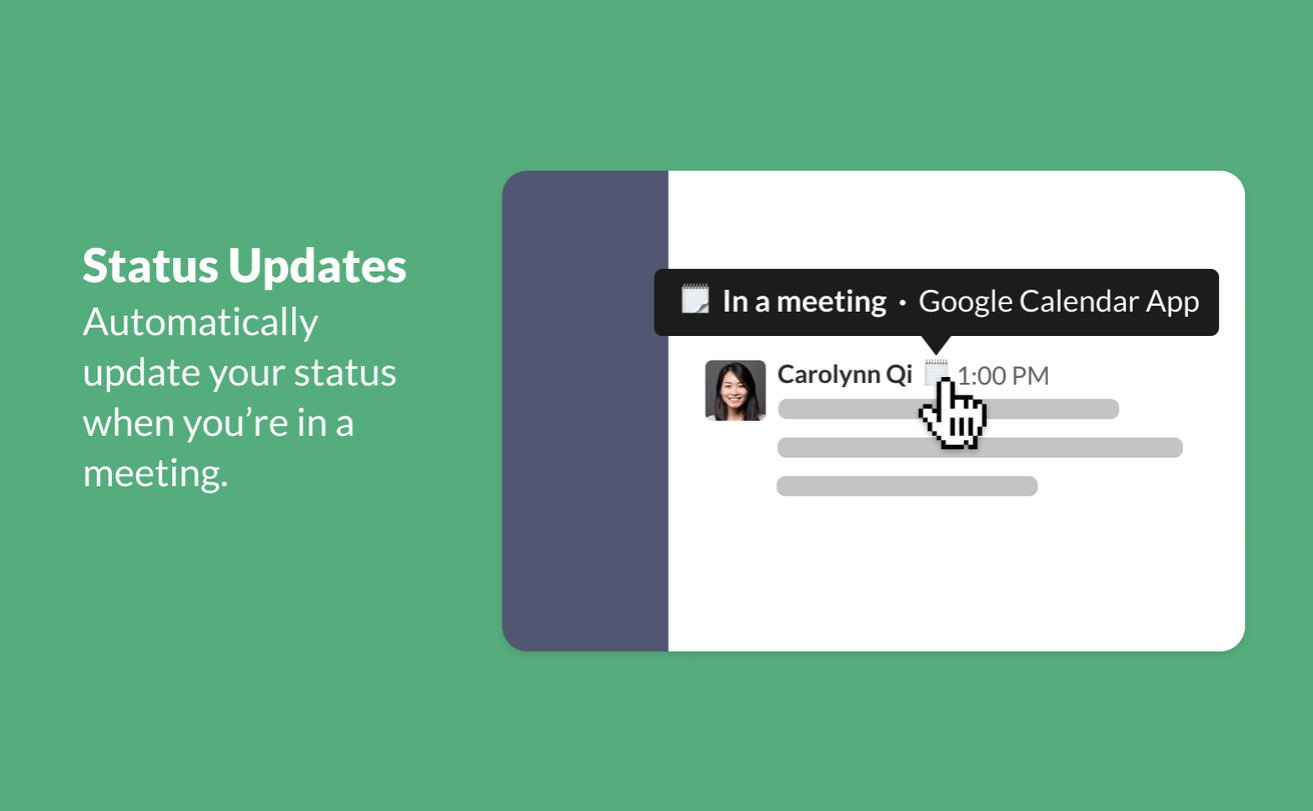
Keep your calendar top of mind without leaving Slack.
- ›Create an event without leaving Slack
- ›Auto-sync your Slack status when you’re in a meeting
- ›View your full daily schedule, respond to invites
- ›Join Meet, Zoom, Webex or Teams calls from reminders
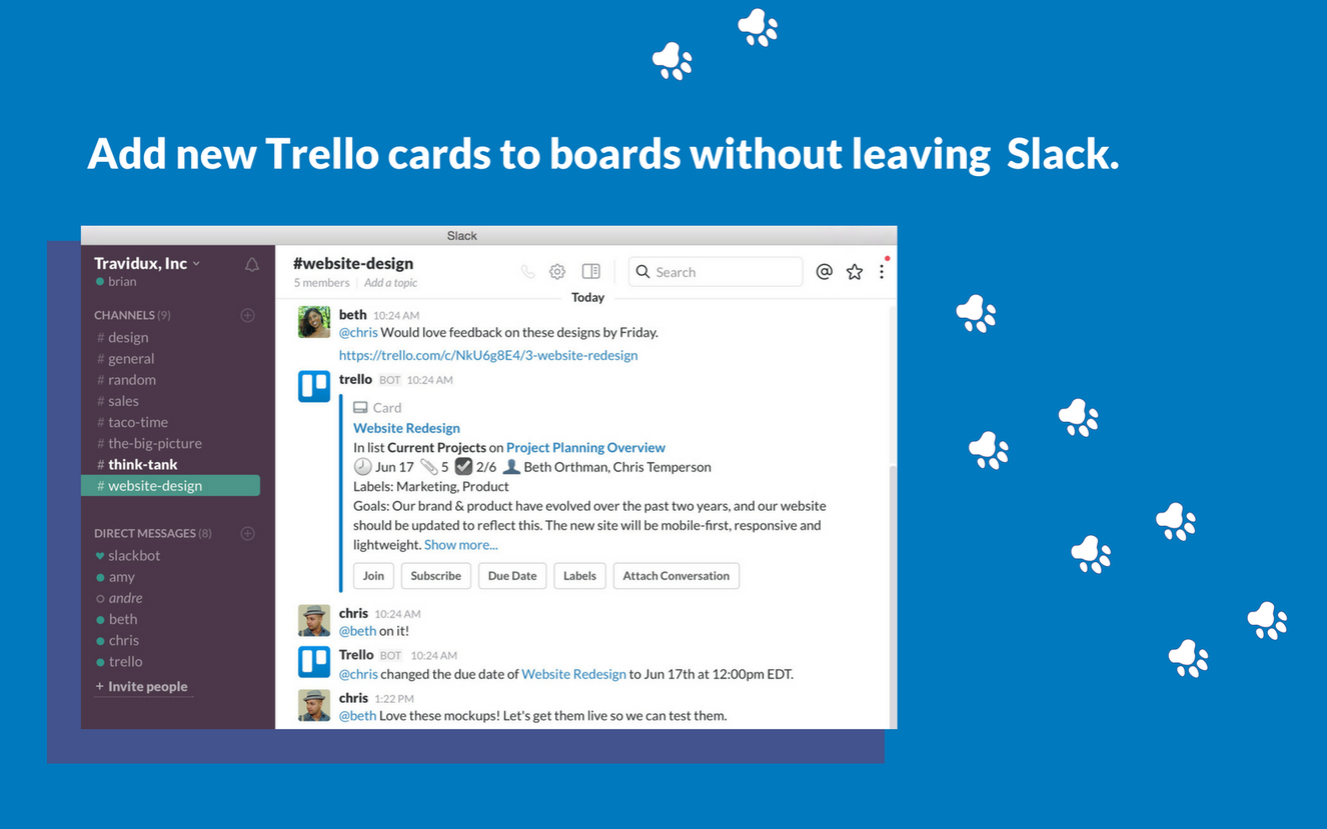
A collaborative board millions trust. Link Trello and Slack to add cards, change due dates and attach conversations from chat, and get rich card previews when you @Trello a channel.
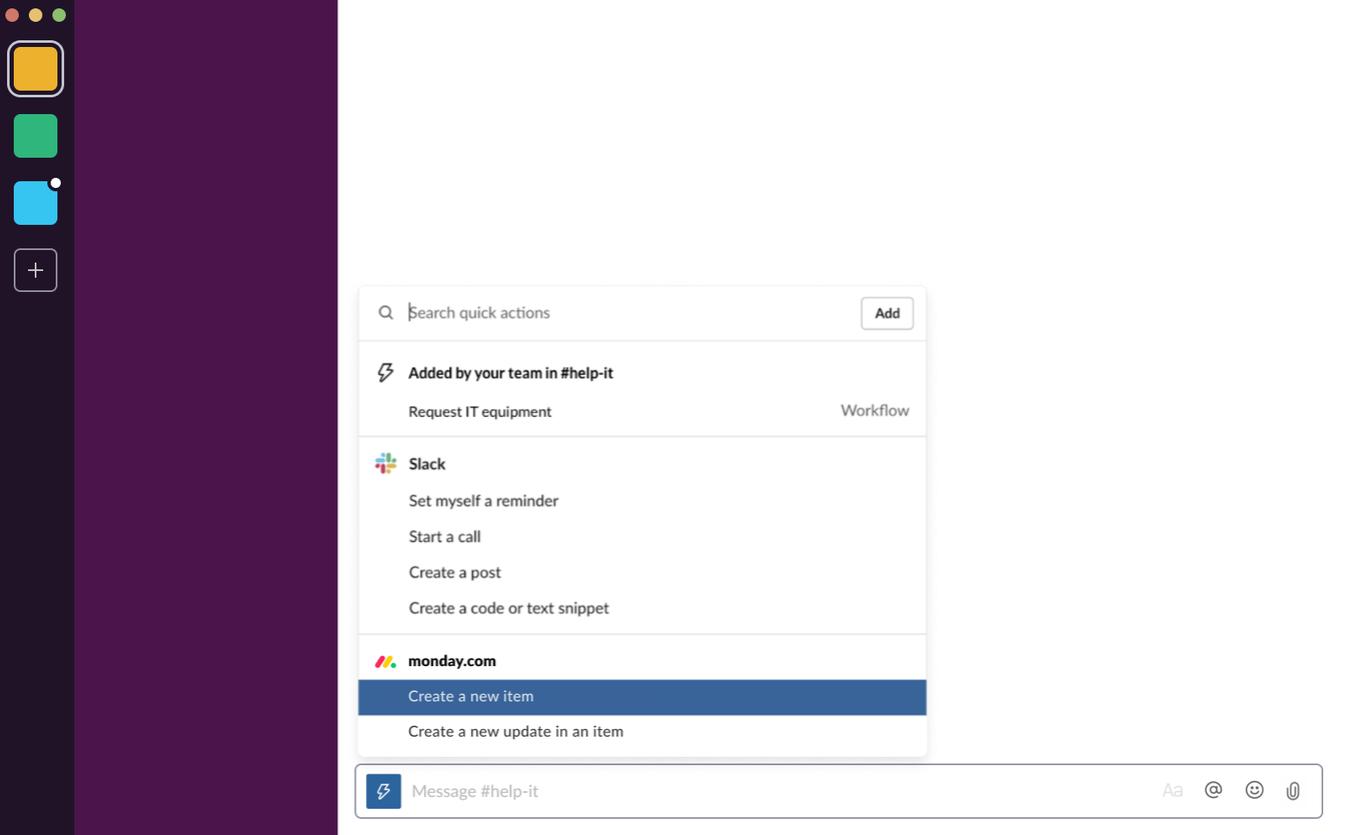
A flexible Work OS for running projects and processes. The Slack integration lets you create new items and post updates on existing ones without leaving Slack, with a clear view of team progress.
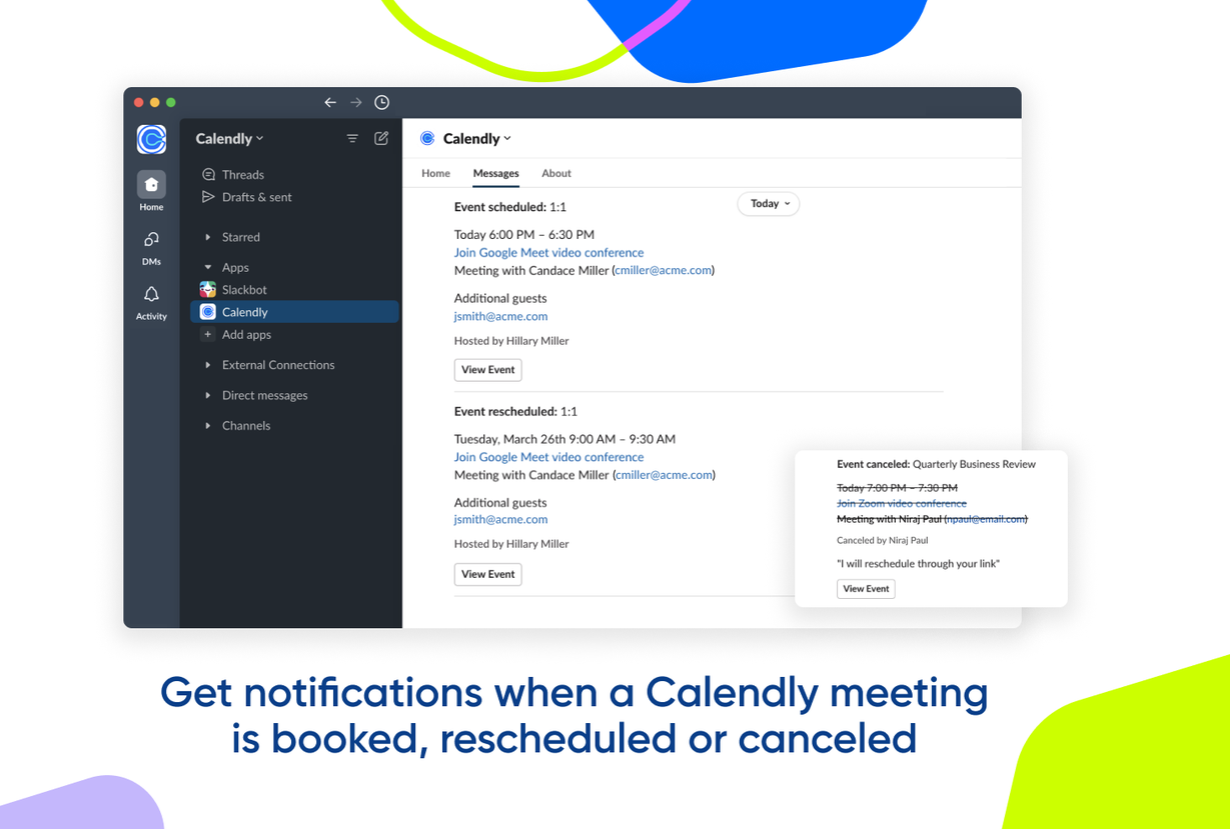
Streamline meeting scheduling and get notified in Slack the moment a Calendly meeting is booked, rescheduled or cancelled, so everyone gets time back in their day.
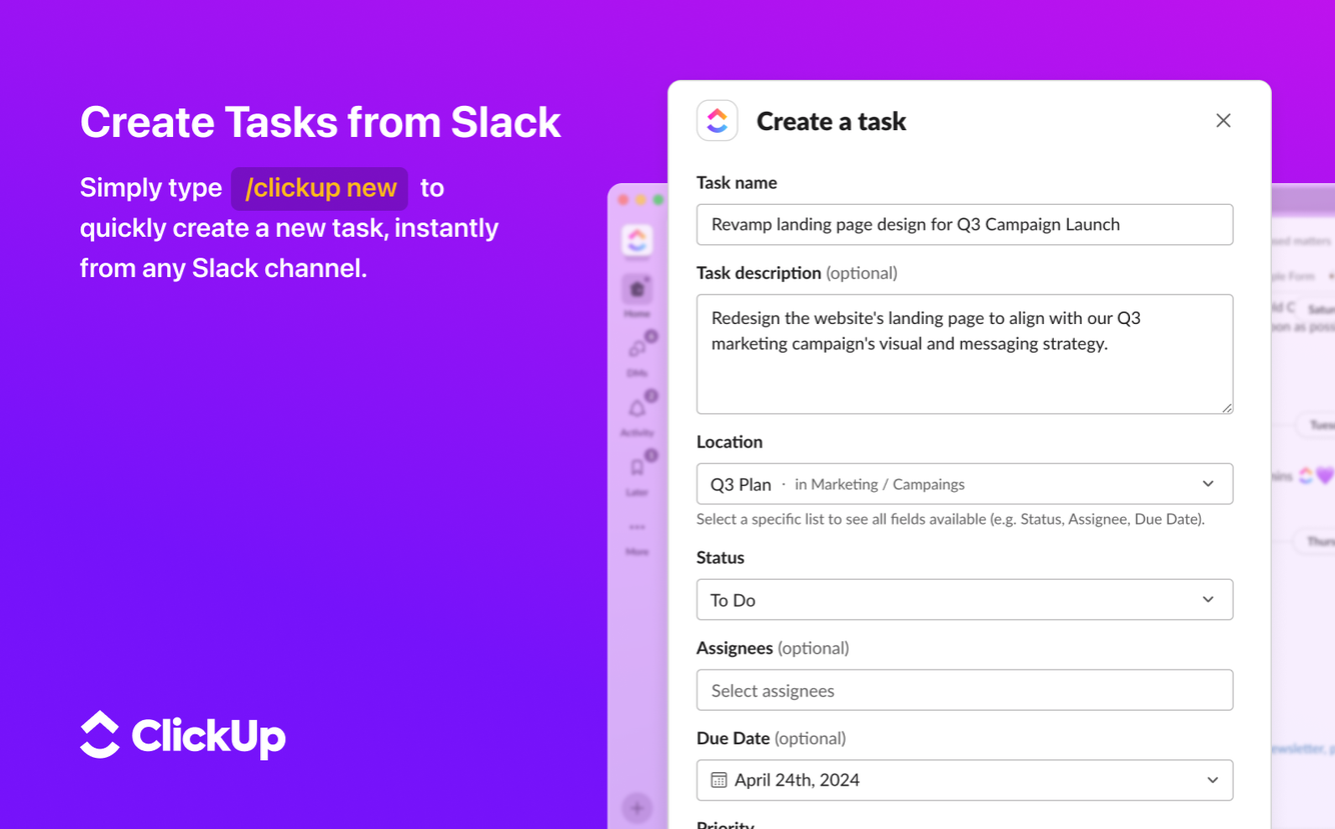
Brings teams, tasks and tools together in one place. Connect ClickUp with Slack to create tasks from any channel and keep everyone up to date on progress.
…and one just for fun
Because culture isn’t all surveys and standups.
A must-have for every workspace. Slack added native GIFs, but Giphy is still the fastest way to drop the perfect reaction. Type /giphy cats and a cat GIF lands in your channel, a little fun that keeps teamwork and culture going hand in hand.

Keep reading
Slack apps, explained
Slack apps are tools you install on your workspace to add functionality, for yourself or the whole team. They streamline your workday and improve your work experience, across categories like team building, communication, productivity, project management and culture.
Slack bots save time by handling repetitive tasks and bringing shortcuts right into Slack, so you act on things in chat instead of opening yet another website.
The full catalog lives in the Slack App Directory. Start with the few that solve a real problem for your team, then add more as you go, every app here installs in a couple of clicks.
 Start free in Teams